15
Meter Display
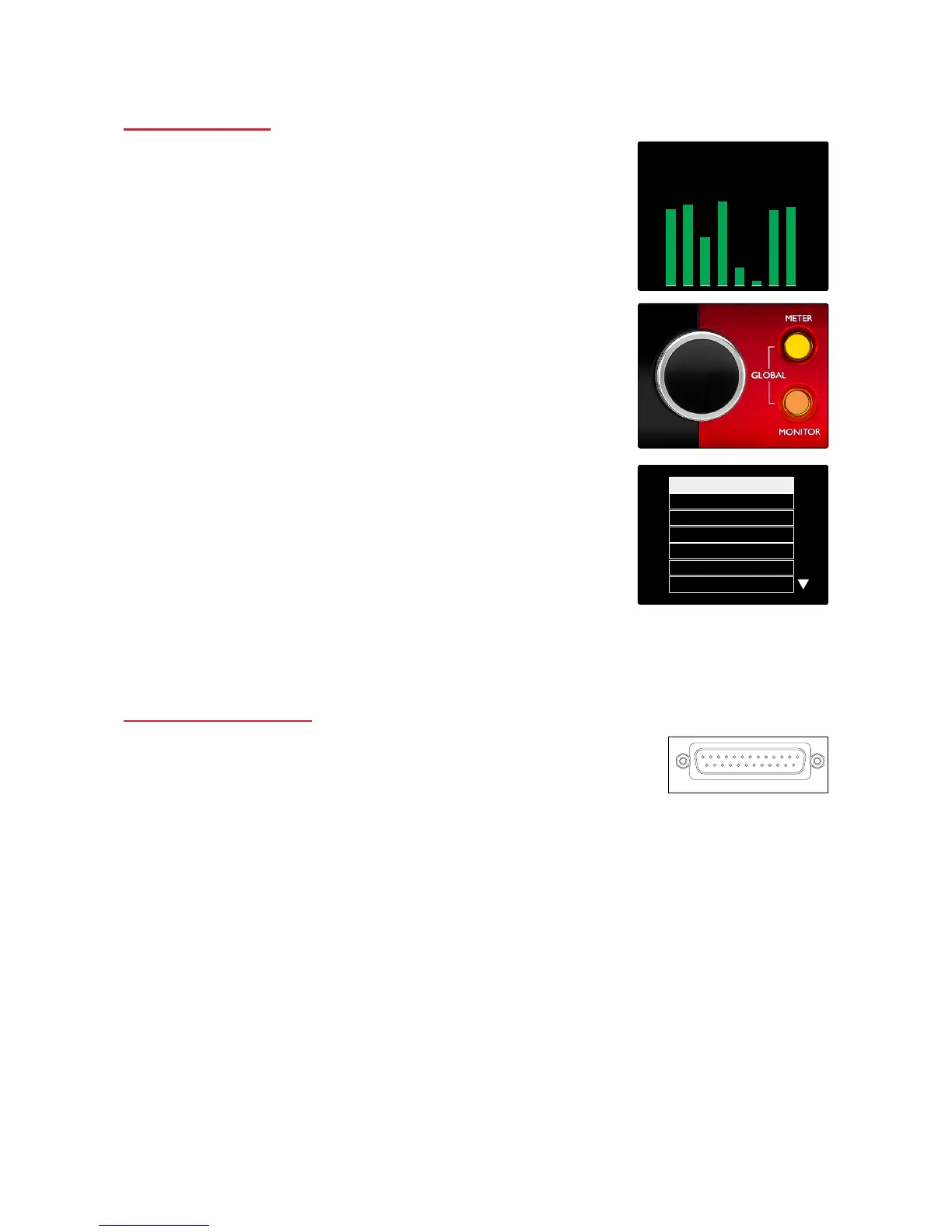
The centre LCD screen displays eight level meters. These indicate
the internal signal level, after A-D conversion, with 0 dBFS being at
full scale.
A red clip indicator is displayed on channels that reach clipping
point.
Meter Source Selection
To select the source for the 8-channel LCD display:
1 Press the Meter button on the front panel to access the Meter
Source-List
2 Use the Output Encoder to scroll to the required input
3 Click the Output Encoder to make the selection
4 Press Monitor or one of the Headphone Select buttons to exit
Analogue Outputs
8 analogue outputs are provided on the 25-way D-type female connector
on the rear panel.
Analogue outputs are at fixed gain. 0 dBFS corresponds to a signal
level of +18 dBu.














 To Next Page