19
GLOBAL SETTINGS
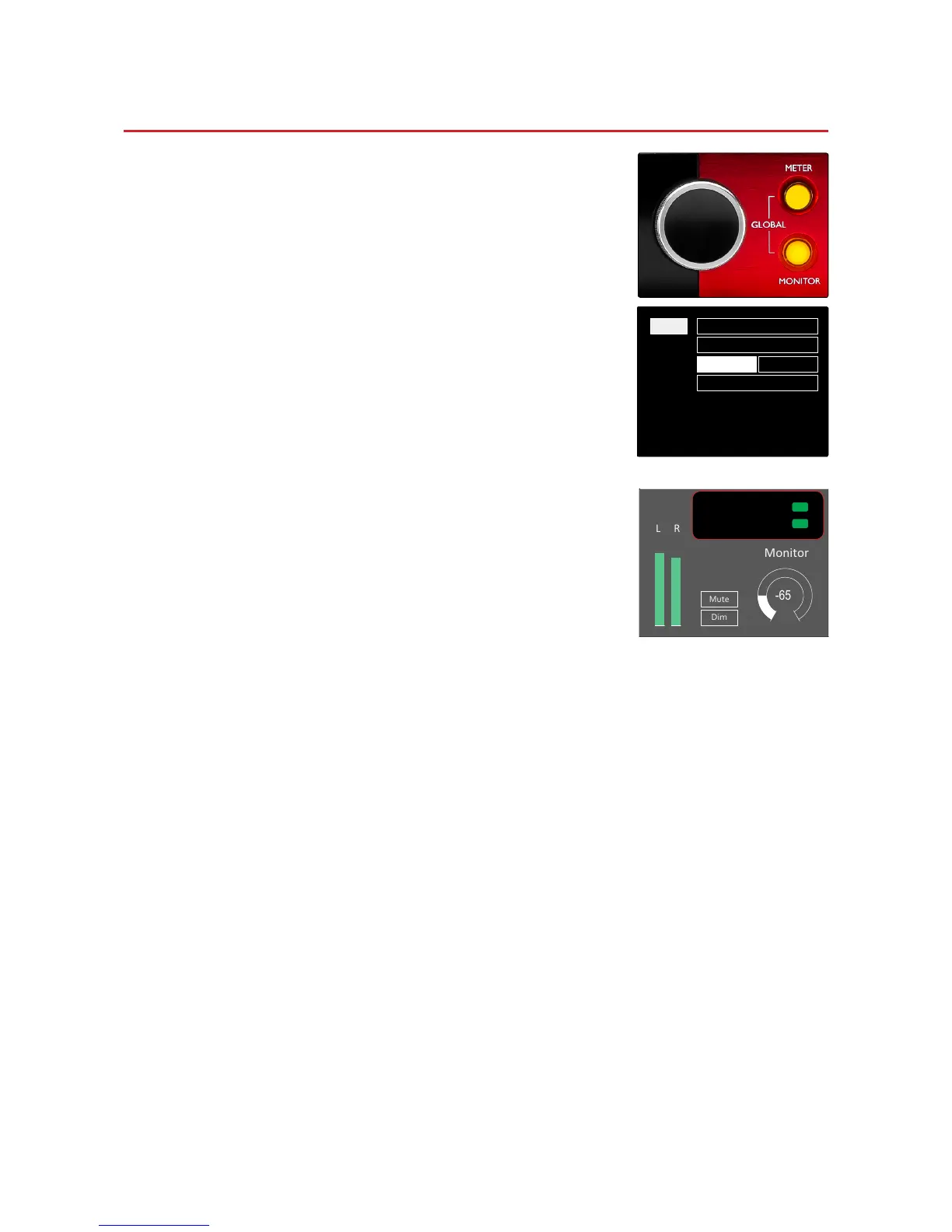
Press the Meter and Monitor buttons simultaneously to enter the
global settings menu.
• Rotate the Output Encoder to select a menu item
• Click the Output Encoder to step through the available options
To exit the Global settings screen press the Monitor button (or select
the ‘Back’ option).
Host
Selects the connection used for the DAW host:
• Thunderbolt
• Pro Tools
The Lock status in the Monitor display will show green when locked
to the DAW host.
Note: changing Host type will cause the device to perform a power reset.
Sync
Selects the Red 4Pre’s sync source:
• Internal – internally generated. This is the default selection
• Word Clock – received via the BNC Word Clock In connector
• ADAT 1 – received via the rear Optical In 1-8 connector
• ADAT 2 – received via the rear Optical In 9-16 connector
• S/PDIF – received via the rear S/PDIF In RCA/Phono connector
• Dante – provided by the Dante network connection
• Loop Sync – only applicable when in Pro Tools host mode
When sync is established, the Lock status will change to green. A red status indicates no sync.
Retain
Choose whether the previous phantom power settings are restored on power-up:
• Preamp – all previous settings are returned except the 48V settings, which will be set to Off
• Preamp +48V – all previous settings are returned
Routing
• Advanced Routing – allows remote routing using the Dante Controller application
• Auto Routing – not currently implemented














 To Next Page