12
Encoder Toggle Function
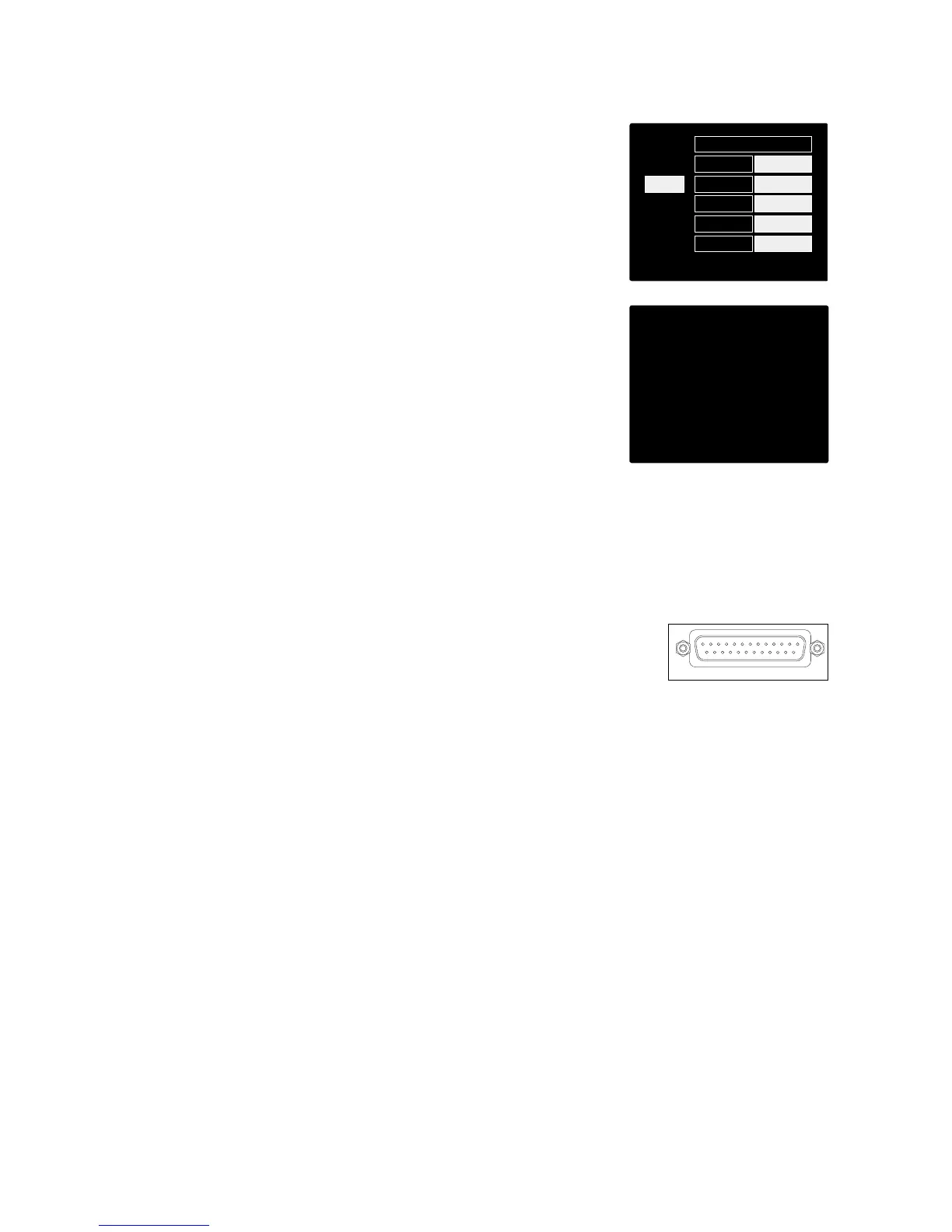
The Input Encoder can be programmed to toggle any one of the input
functions with a single push (ie., without having to enter the Config
Menu screen). This can be very useful when, for example, experimenting with
microphone phasing.
To select a function for the Input Encoder toggle feature:
1 Enter the Config Menu screen
2 Scroll to the function required for the toggle feature
3 Press-and-hold the Input Encoder until the confirmation
message appears in the input display
The selected function will now toggle on/off* each time the Input
Encoder is clicked.
*If ‘Type’ was selected, clicking the Input Encoder will step through the available
inputs.
Line Inputs 5 – 8
Line input channels 5 to 8 are always available on the input DB25 connector.
The gain of these channels is not variable.
An input signal level of +18 dBu corresponds to 0 dBFS.














 To Next Page