EN-9
• You think your blood sugar is low.
• You are not aware of symptoms when you become
hypoglycemic.
• The results do not agree with the way you feel.
• After a meal.
• After exercise.
• During illness.
• During times of stress.
To obtain a blood sample from the alternative sites, please
rub the puncture site for approximately 20 seconds.
1. Replace the lancing device cap with the clear cap.
1
2
2. Pull the cocking control out until the orange bar appears
on the release button window.
Important!
• Do not use results from alternative site samples to calibrate
continuous glucose monitoring systems (CGMS), or for
insulin dose calculations.
• Choose a dierent spot each time you test. Repeated
punctures at the same spot may cause soreness and
calluses.
• Avoid lancing the areas with obvious veins to avoid
excessive bleeding.
• It is recommended to discard the rst drop of blood as it
might contain tissue uid, which may aect the test result.
Performing A Test
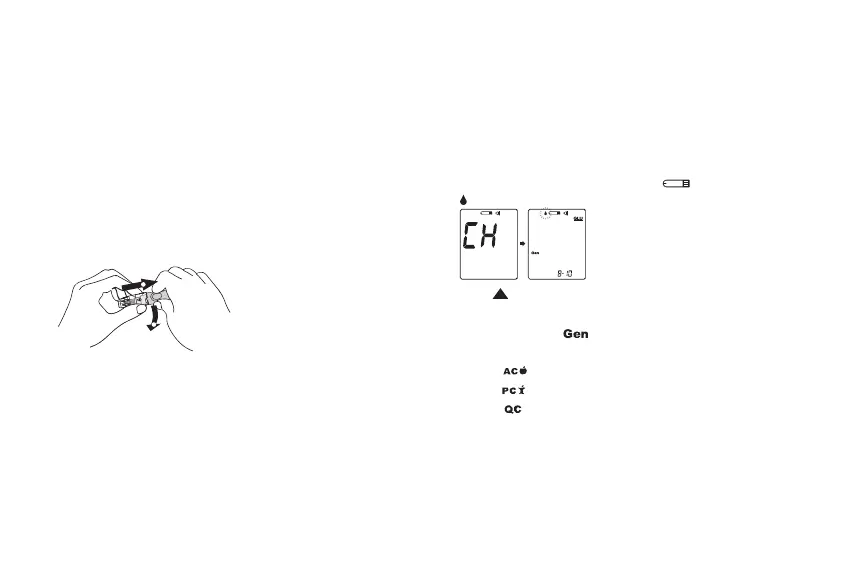
1. Insert the test strip into the test slot of the device. Wait for
the device to display the test strip “ “ and blood drop “
“.
2. Press to adjust the measuring mode, and press MAIN
button to conrm it.
• General Tests ( ) - any time of day without regard to
time since the last meal.
• AC ( ) - no food intake for at least 8 hours.
• PC ( ) - 2 hours after a meal.
• QC ( ) - testing with control solution.
3. Obtain a blood sample.
Use the pre-set lancing device to puncture the desired
site. Wipe o the rst appeared drop of blood with a clean
cotton swab. Gently squeeze the punctured area to obtain
another drop of blood. Be careful NOT to smear the blood
sample.



 To Next Page