46
Step 1
Install Software
Download Health Care System Software and instruction manual
provided on ForaCare Suisse AG website:www.foracare.ch to your com-
puter. Follow the instructions to install the software in your computer.
Step 2
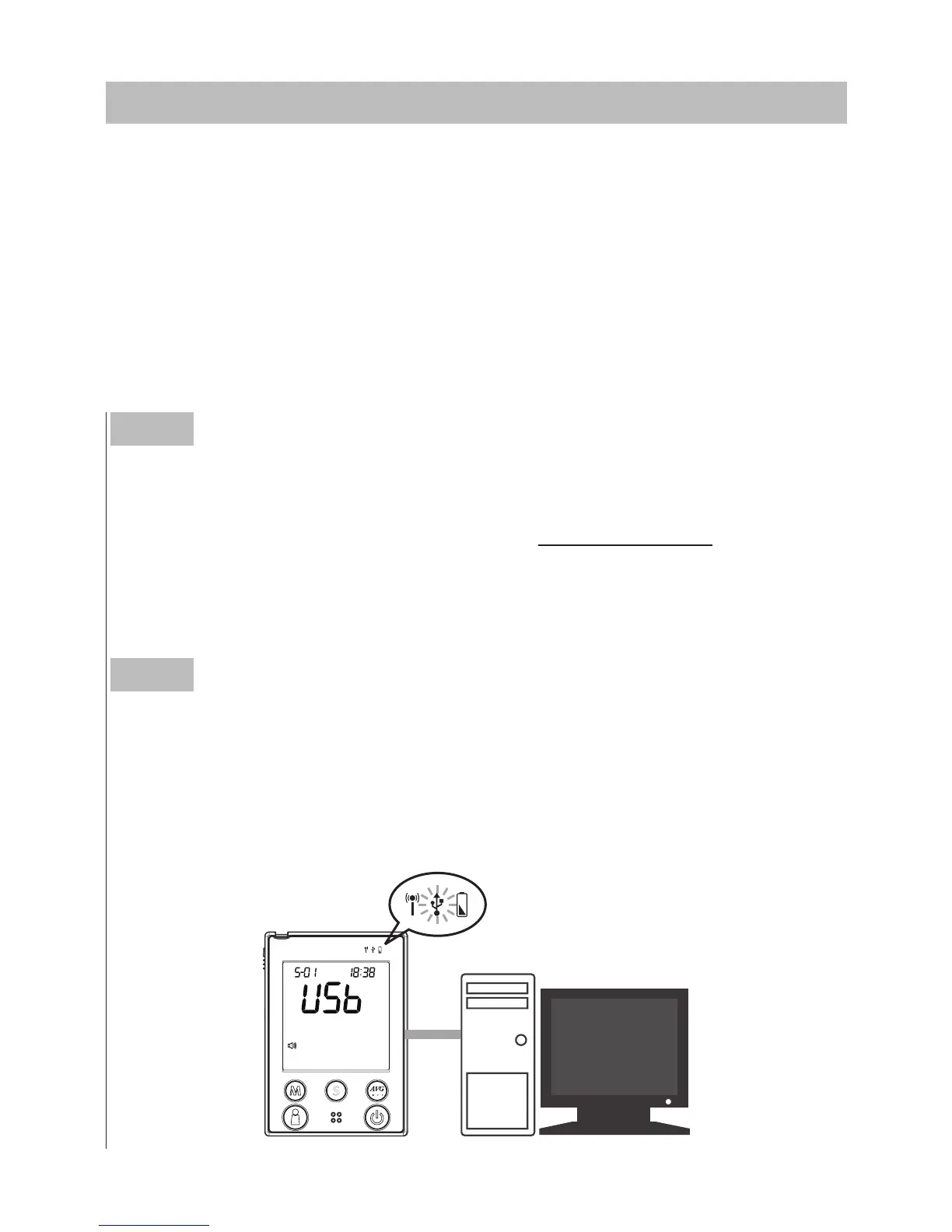
Connect the USB cable to the data port on personal computer
With the monitor turned off, connect the cable to the data port lo-
cated at the side of the monitor.
“
USb
”
will appear on the display and
the USB indicator will light up in green, indicating that t
he monitor is
ready to transmit data.
► Data transmission via cable (For all FORA D40)
Results in memory can be transmitted to the personal computer.
Health Care Software System and a USB cable are required before
installation. To learn more about Health Care Software System or to
obtain a USB cable separately, please contact your place of purchase.
DOWNLOADING RESULTS ONTO A COMPUTER



 To Next Page