26
Step 2
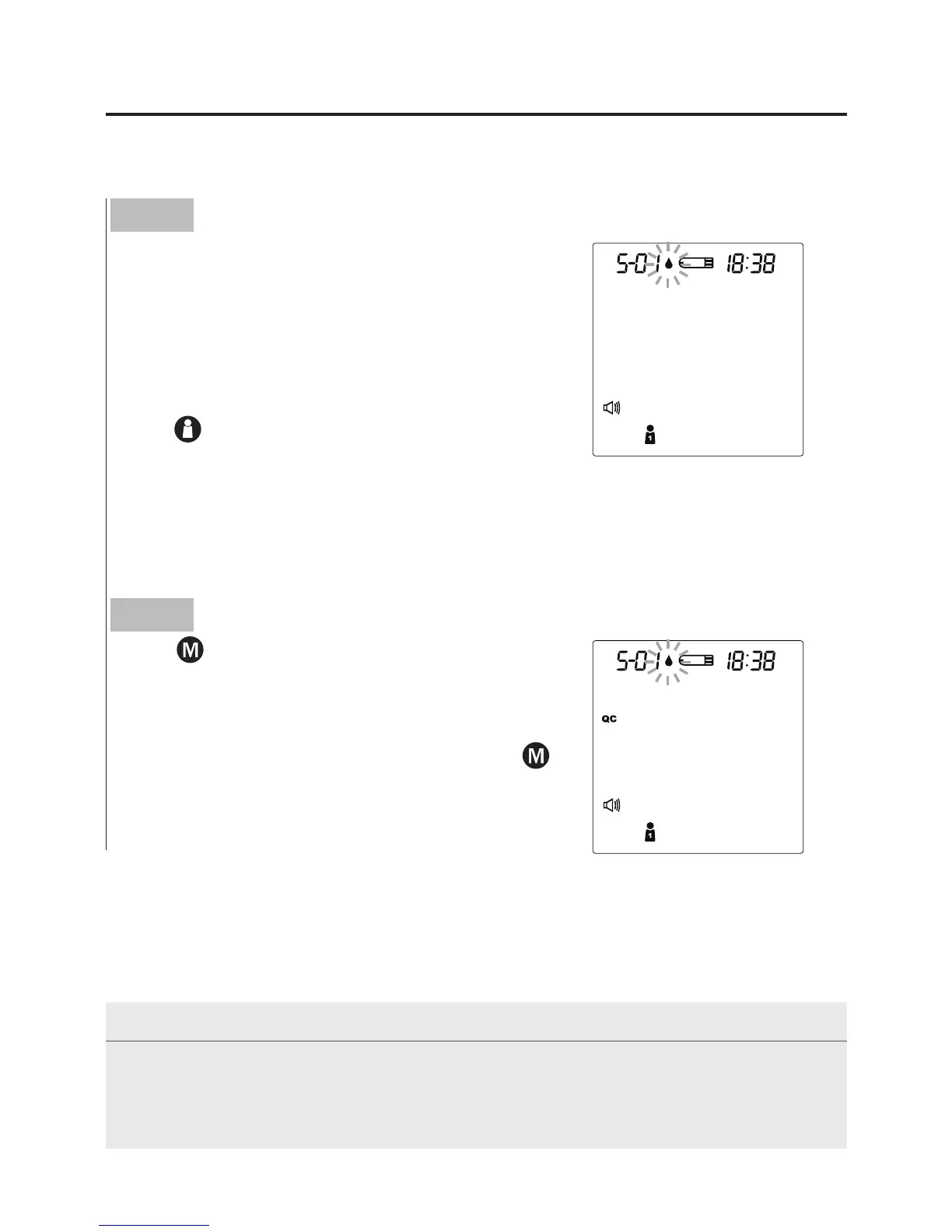
Press
to mark this test as a control
solution test
With
“
QC
”
displayed, the monitor will store
your test result in memory. If you press
again, the
“
QC
”
will disappear and this test
is no longer a control solution test.
WARNING
When doing the control solution test, you have to mark it so that the test
result will not be stored in the memory. Failure to do so will mix up the blood
glucose test results with the control solution test results in memory.
Performing a Control Solution Test
Step 1
Insert the test strip to turn on the monitor
Insert the test strip into the monitor. Wait
for the monitor to display the test strip and
blood drop symbol.
Press
to select the desired user number.



 To Next Page