52
MAINTENANCE
Battery
Your monitor comes with four 1.5V AA size alkaline batteries (for D40a
and D40b) or one 3.7V lithium-ion rechargeable battery (for D40g).
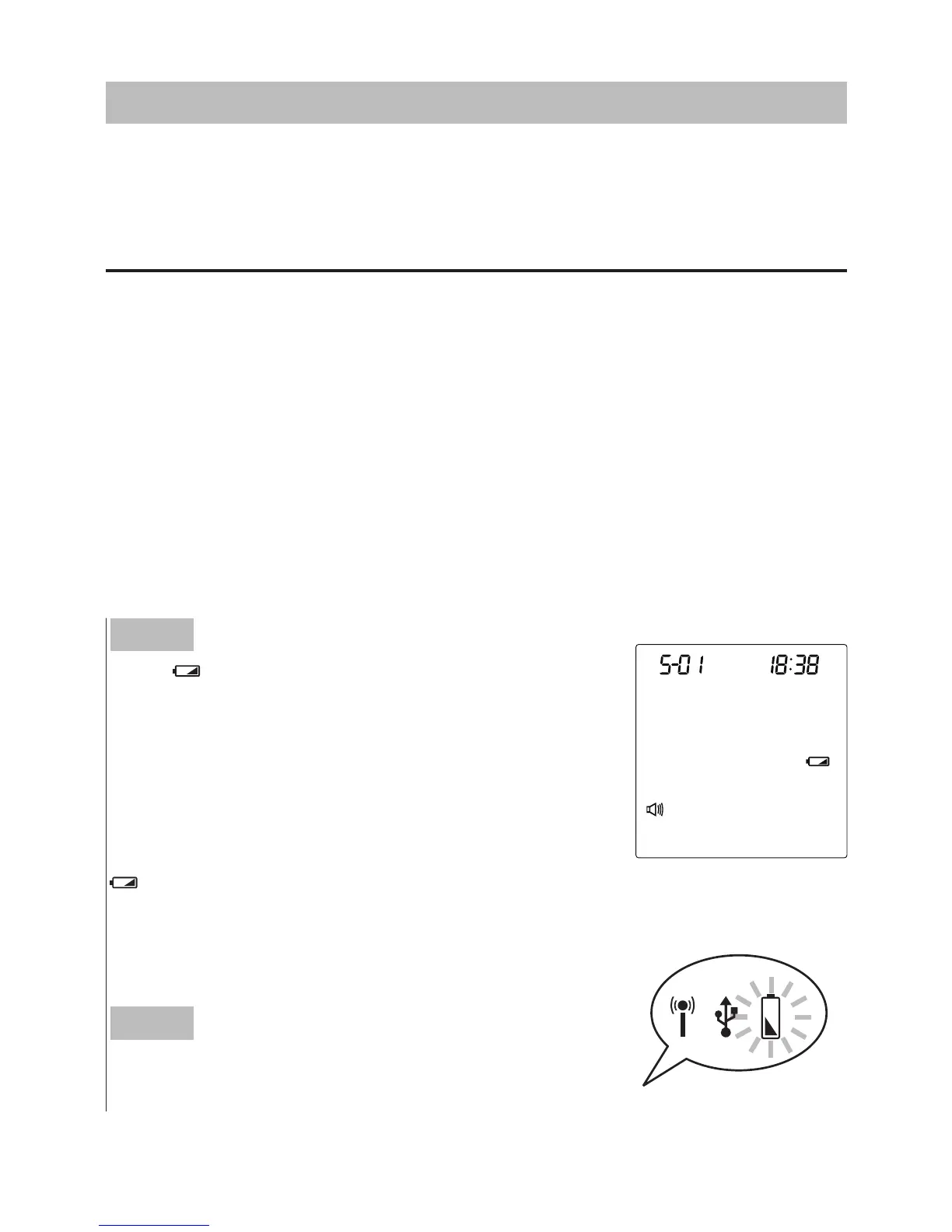
► Low Battery Signal
The monitor will display the two messages below to alert you when the
monitor power is getting low.
Step 1
The “
” symbol appears along with display
messages:
The monitor is functional and the result remains
accurate, but it is time to change the batteries.
If the power is not enough to do a test, the
symbol starts blinking. Please change or
recharge the batteries immediately.
Step 2
The power indicator lights up in red.



 To Next Page