51
• You could check the signal quality on your device if having difficulties con-
necting to the service or before starting data transmission.
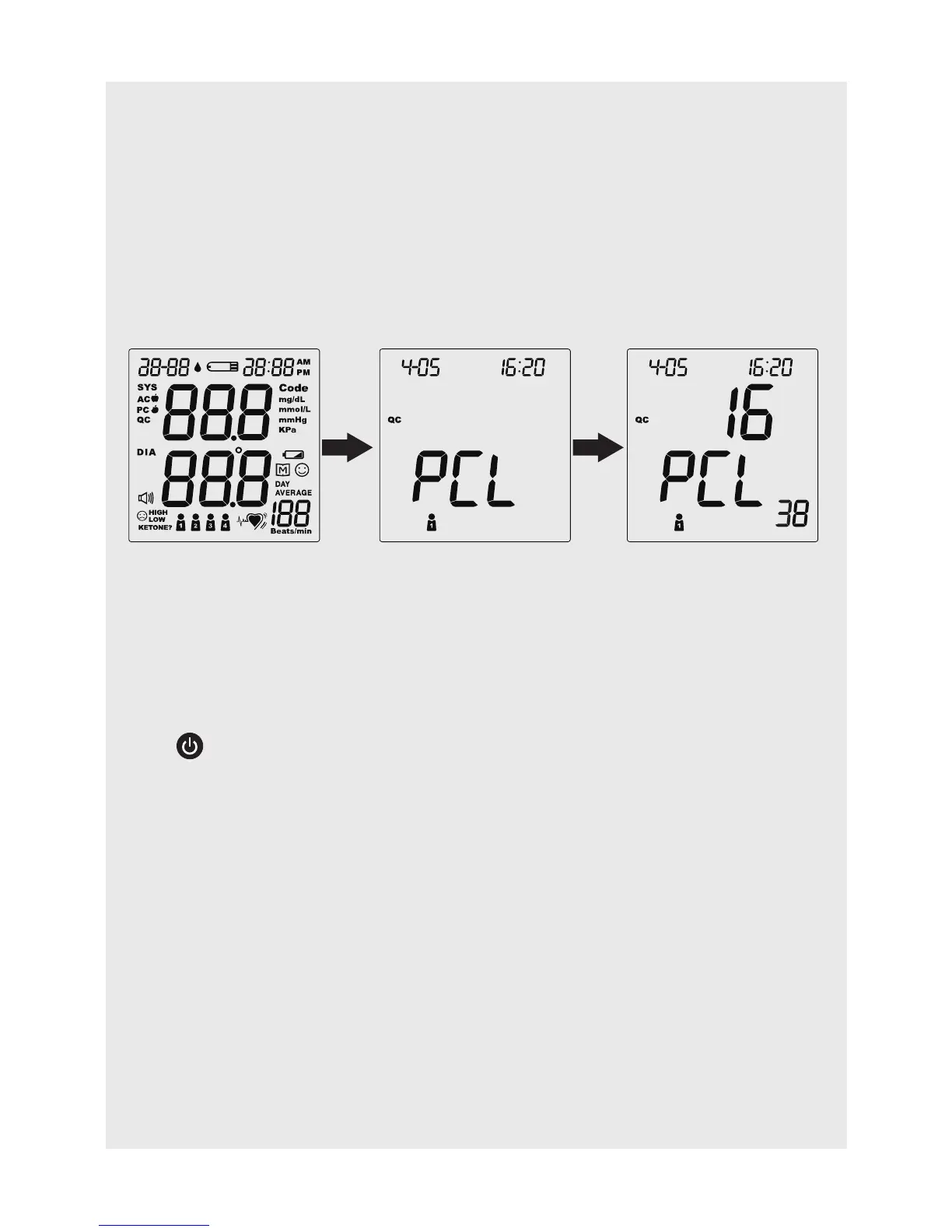
To begin the quality check, press and hold RF button for 10-15 seconds
when the monitor is off. Wait until PCL appears on the screen. The number
displayed in the middle of the screen indicates the signal quality of GPRS at
where you are. For example, the signal
quality in figure below displays 16.
The number displayed in the middle of the screen represents the signal
quality level from 1 to 31. The greater the number, the better signal you have.
We recommend that the signal quality should be above ten (10) when you
perform the transmission.
Press
to turn off the monitor when you finish.
The poor signal quality may be caused by:
- the service is busy, or
- there is no base station nearby.
If you receive poor signal quality, take the device to a spot with a better re-
ception and try again. Keep away from microwave or other devices that may
interrupt the signal.



 To Next Page