50
Step 3
Data transmission
Follow the instructions provided in the software and insert the SIM
card at the bottom of the monitor battery compartment to transmit
data (results that have not been uploaded and their corresponding
dates and times).
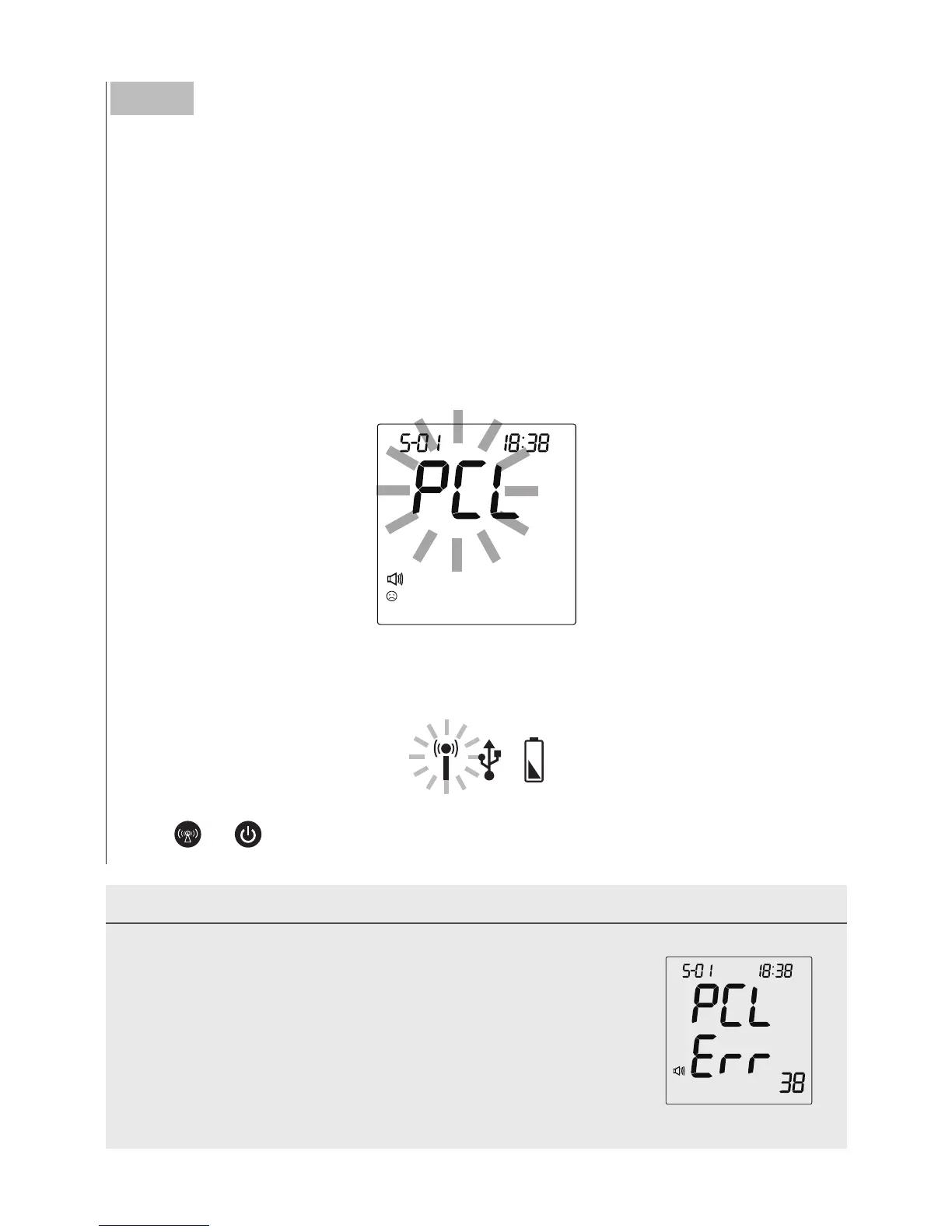
If the SIM card is not inserted, the
“
PCL
”
will start blinking, as in the
figure below, and the monitor will turn off automatically after blinking
for 30 seconds.
When the RF indicato
r is blinking in blue, the data transmission has
started. When the RF indicator shows a yellow light, the GPRS service
is online.
Press
or
and the monitor will turn off.
NOTE
• If the monitor displays a message like the one on the
right while connecting to the server, please try
again. If the problem still persists, contact the place
of purchase for help.
• While the monitor is during data transmission, it is
unable to perform tests.



 To Next Page