49
Step 2
Connecting to a personal computer
With the monitor turned off, press
to initiate the data transmis-
sion from the monitor.
“
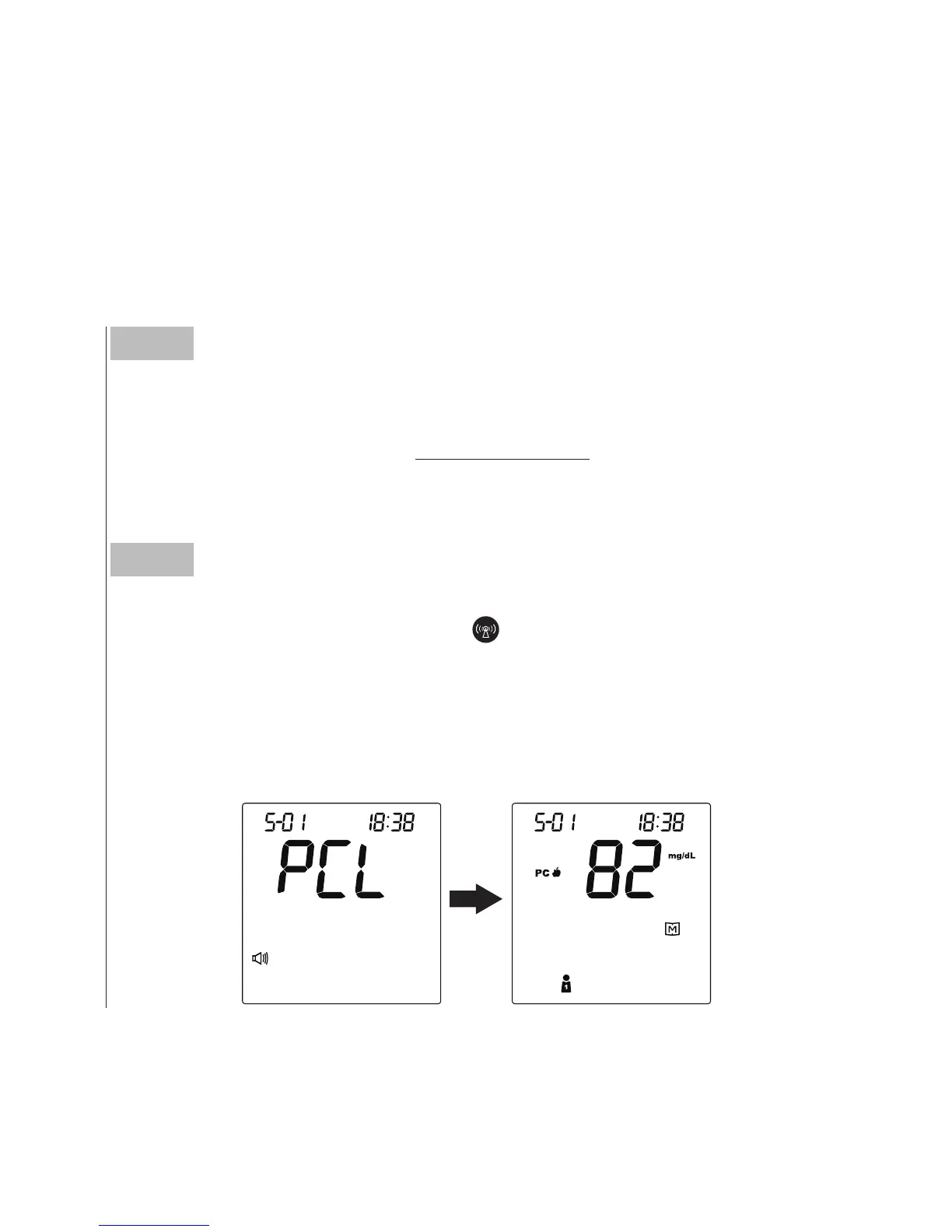
PCL
”
will appear on the display and the RF
indicator will light up in blue. Then test results which have not been
uploaded will display on the screen and the transmission will initiate
in sequence of the user
’
s number by GPRS service.
Step 1
Installing the software
To download the Health Care Software System, please visit the
ForaCare Suisse AG website: www.foracare.ch.
► Data transmission via GPRS (For FORA D40g only)
You can use your monitor and Health Care Software System to view
your test results on your personal computer. To learn more about the
Health Care Software System, please contact local customer services
or the place of purchase for assistance.



 To Next Page