48
Step 2
Connecting to a personal computer
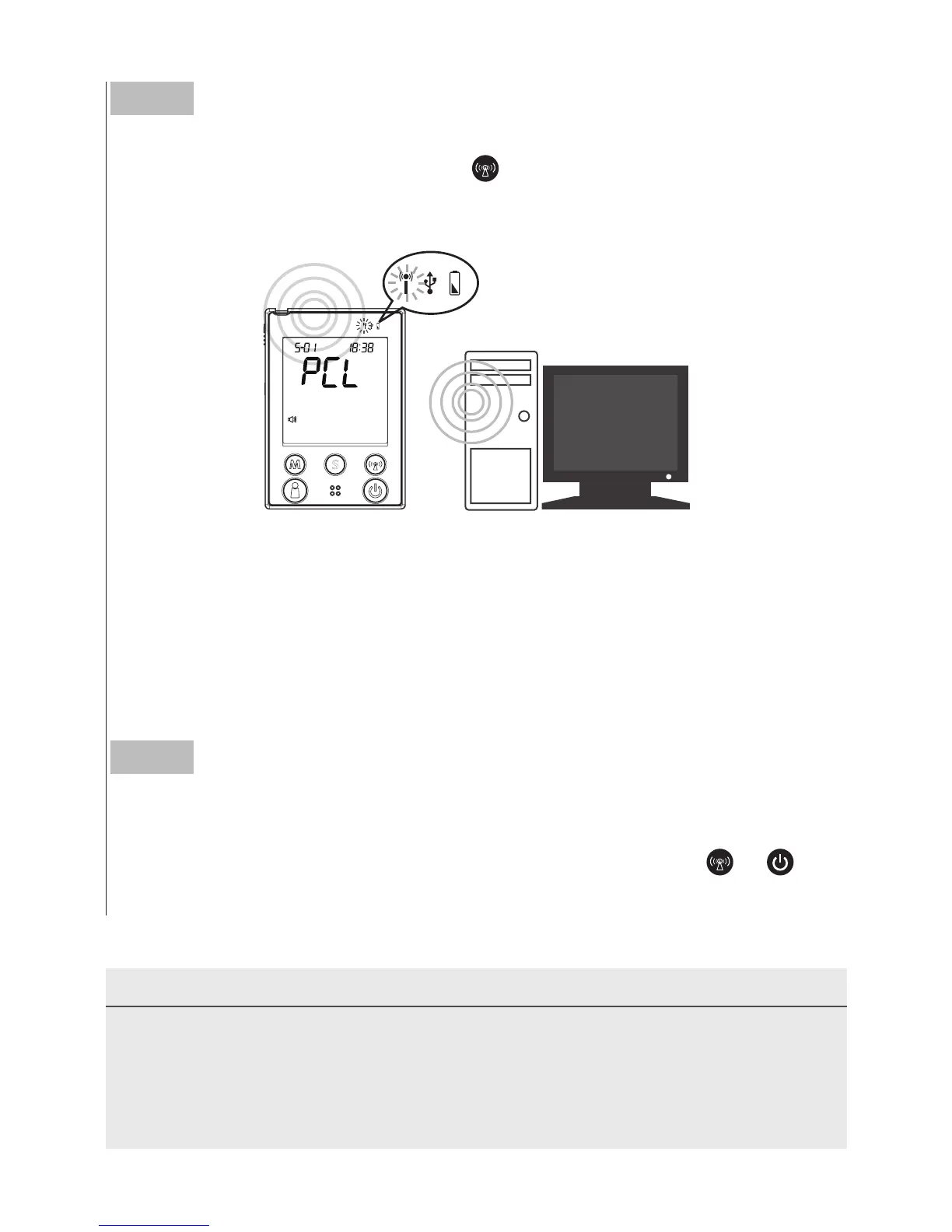
With the monitor turned off, press
to initiate the data transmission
of the monitor.
“
PCL
”
will appear on the display and the RF indicator
will light up in blue.
Step 3
Data transmission
Follow the instructions provided in the software to transmit data
(results and their corresponding dates and times). Press
or
and
the monitor will turn off.
When the RF indicator is blinking fast, this indicates that the monitor
is still searching for pairing. When the RF indicator blinks slowly, the
monitor has found the pairing computer. When the RF indicator shows
a steady blue light, the monitor is online and ready for data transmis-
sion.
NOTE
• Make sure your PC has Bluetooth before transmitting the data and the
monitor is within the receiving range.
• While the monitor is connected to the PC, it is unable to test for blood
glucose.



 To Next Page