55
Using AC Adapter
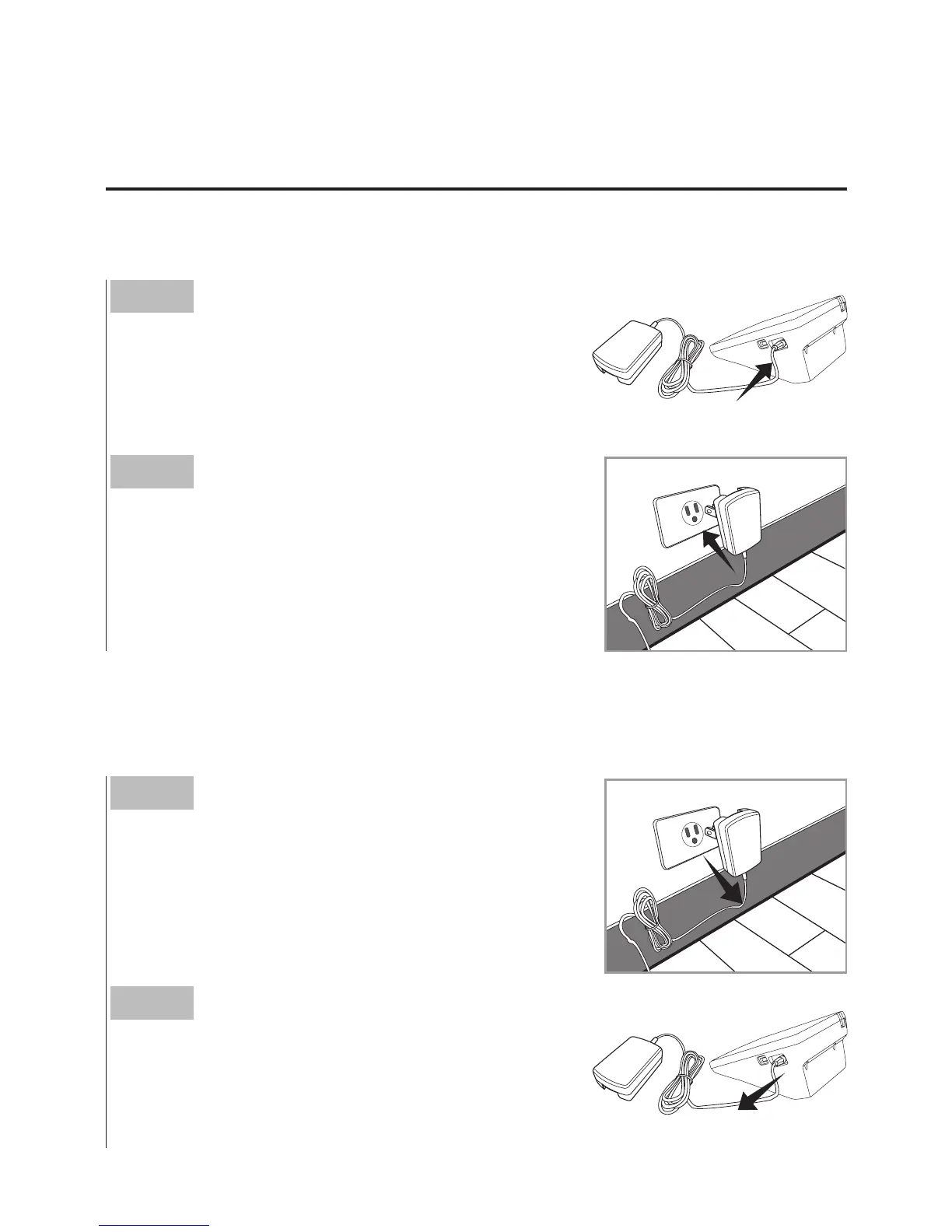
► Connect AC adapter to the monitor.
► Remove AC adapter from the monitor.
Step 1
Connect AC adapter plug to AC adapter
jack of the monitor.
Step 2
Plug AC adapter power plug into an electri-
cal outlet. The monitor is ready for use.
Step 1
When the monitor is off, remove AC
adapter power plug from the electrical
outlet.
Step 2
Disconnect AC adapter plug from AC
adapter jack of the monitor.



 To Next Page