20
STEP 8. Select and Set Alarm Function
The meter provides four alarms. You are able to set four different alarming times
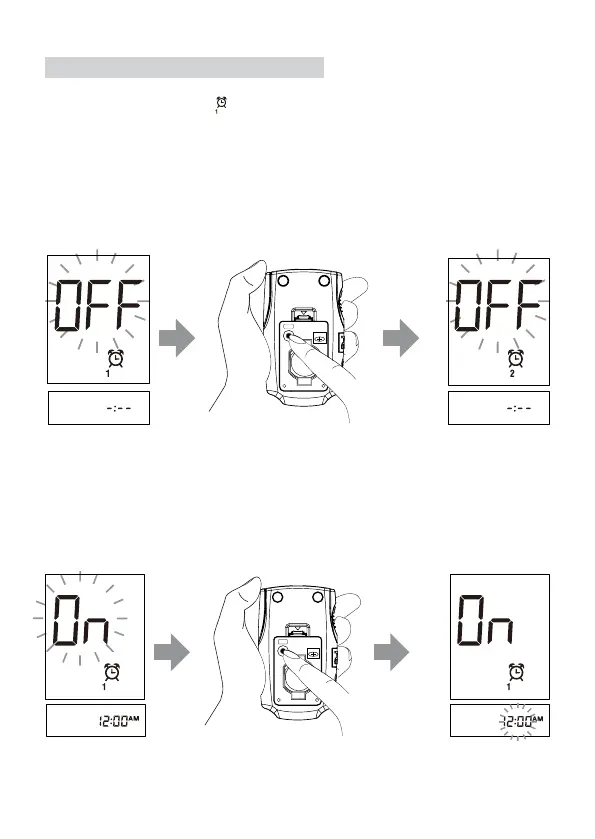
a day. “On” or “OFF” and “
” are displayed on the screen rstly. Press the M
button to turn on or turn off Alarm 1.
►Alarm 1 setting
● If you press the M button to select “OFF”, then press the set button to
go to set Alarm 2.
● If you press the M button to select “On”, then press set button to set hour.
While the hour is flashing, press the M button to plus an hour, and then press
the set button. Blinking minute is displayed on the screen. Press the M button
to advance one minute. To move faster, keep pushing the M button down.
When the desired minute is displayed, press the set button to proceed to the
next alarm setting.
BATTERY
SET
CR2032
BATTERY
SET
CR2032



 To Next Page