A1-25
User Number Selection
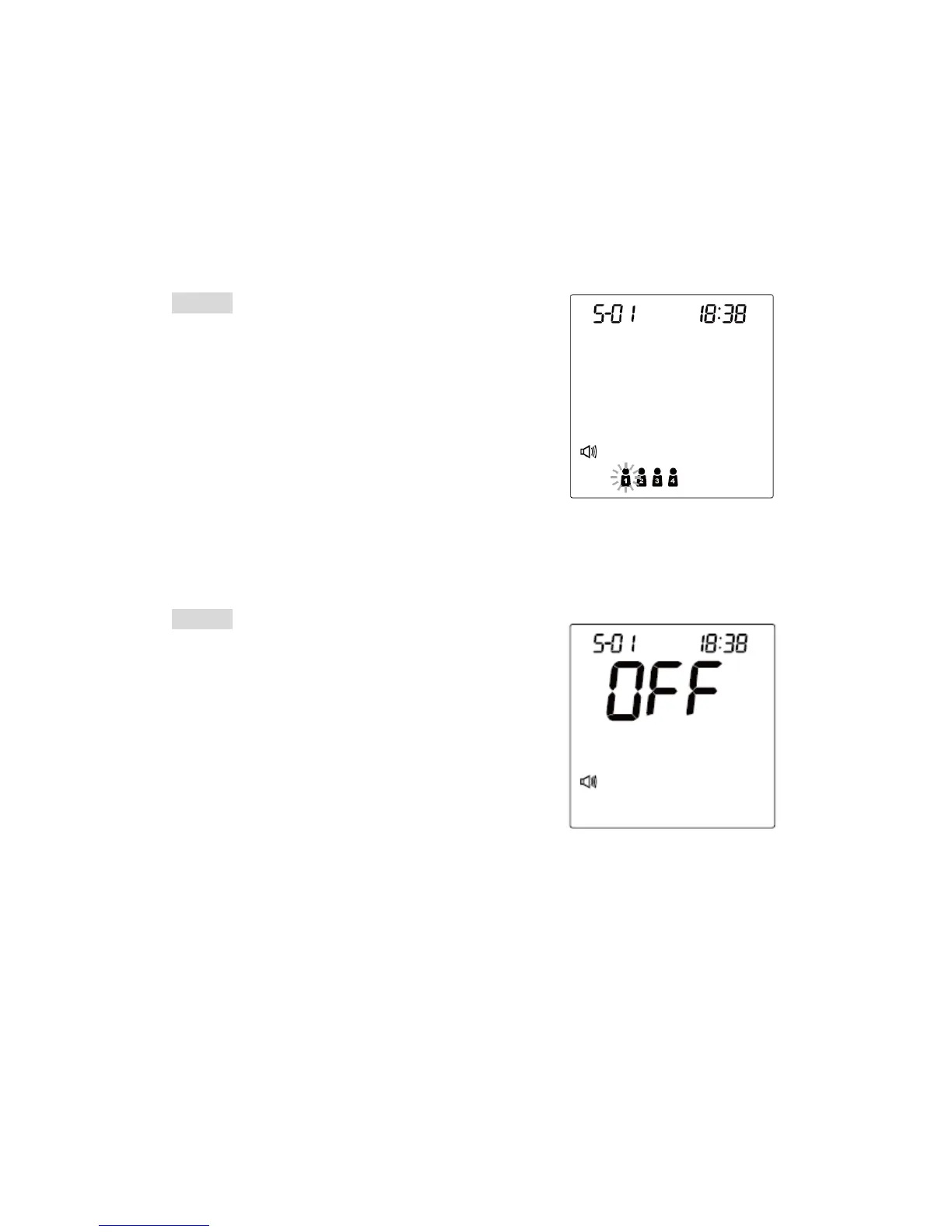
This FORA D40 system provides up to four users for both measuring functions,
and each user has his/her own individual memory storage.
STEP 1
Press the user selection button to select the
desired user number. You can change the user
number by pressing the user selection button.
STEP 2
When you have finished the user selection, press
S button to confirm the setting. The monitor will
repeat the user number you just selected and
then turn off automatically.
25



 To Next Page