A1-31
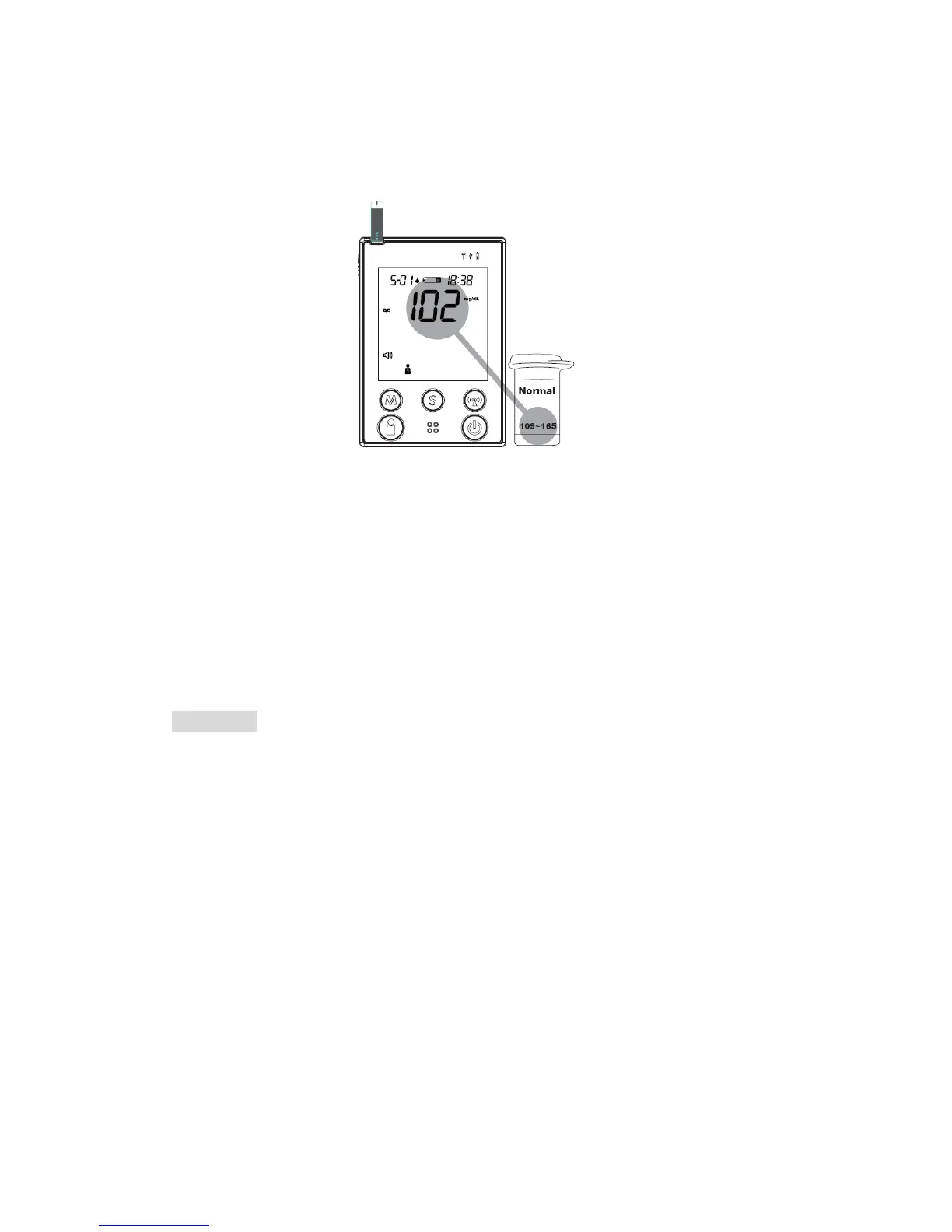
STEP 6. The monitor will begin countdown. After 5 seconds, the control
solution test result will appear. The result should fall within the range
printed on the test strip vial.
Out-of-range results
If test results fall outside the printed range, check the “Operating Problem”
section in the troubleshooting guide and repeat the test. If your results
continue to be out-of-range, the system may not be working properly. Do NOT
test your blood. Please contact your local customer service for help.
WARNING
Contact bars must be inserted all the way into the monitor or your test results
may be inaccurate.
Every time you perform a control solution test, you must enter into the “QC”
test mode so that the test result with QC symbol will be stored in the monitor
memory. Failure to do so will confuse the blood glucose test result with the
control solution test result in memory.
31



 To Next Page