A1-30
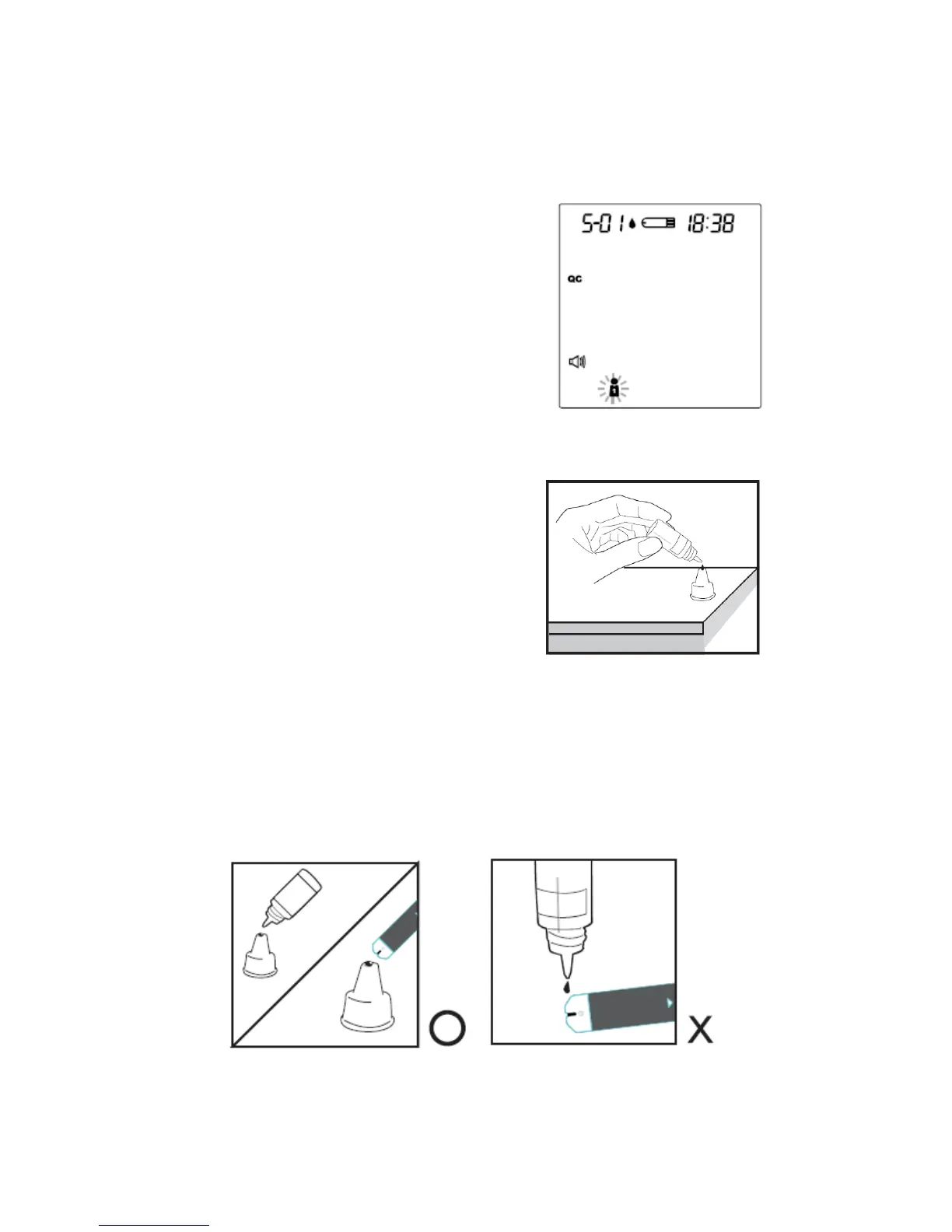
STEP 3. Press M button and select the symbol "QC." When you do this, this
reading will be stored as a control solution data.
STEP 4. Obtain Control Solution
Shake the control solution vial well.
Remove the cap from the control
solution bottle. Place cap on flat
surface. Squeeze the vial, discard the
first drop, and wipe off the dispenser tip
to prevent contamination. Squeeze the
vial again to produce another drop and
place this drop on the top of cap.
STEP 5. Apply Control Solution.
While holding the monitor, move the absorbent hole of the test strip to touch
the drop of control solution. Then the drop will be automatically drawn into the
test strip. Make sure the confirmation window fills completely. The meter
begins counting down.
30



 To Next Page