A1-45
MONITOR MEMORY
Your monitor stores 864 the most recent results, and also provides the average
of blood glucose test results. Please follow the steps below to review those
results.
Viewing Results on the Monitor:
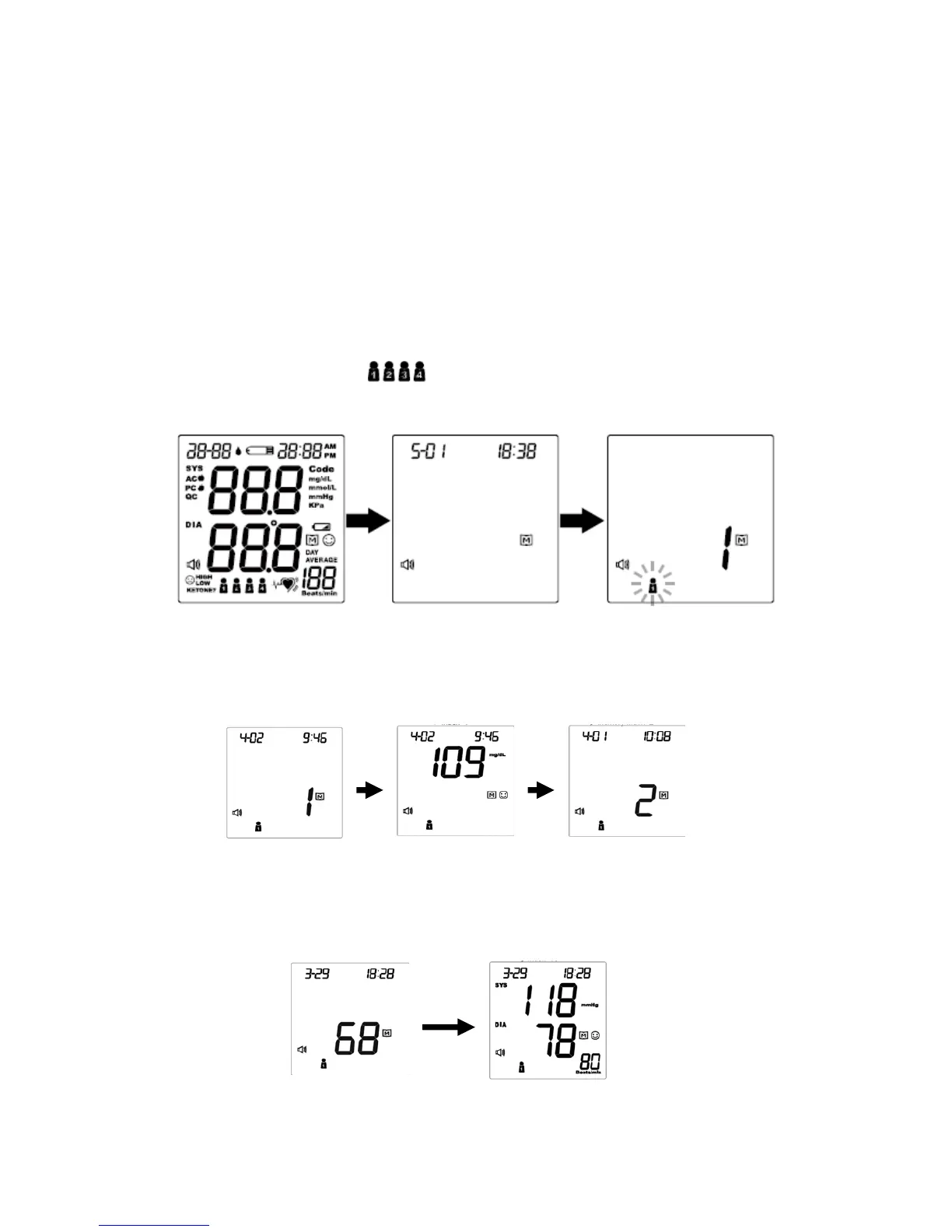
STEP 1. When the monitor is off, press and release the M button. The
monitor will enter the memory mode. Press the user selection button to select
the desired user symbol (numbers from1 to 4) which you used to store
in the memory.
STEP 2. “1” appears first and then the latest blood glucose result or blood
pressure result along with date/time showed on the screen. Press the M button
to review the next result.
STEP 3. Press the M button or the S button to recall the remaining test
results stored in the monitor consecutively. For example, the test result
showed below is the sixty-eighth memory record of user number 1.
45



 To Next Page