A1-46
STEP 4. Press the user selection button to select another user’s number and
to view the test results stored in the monitor memory (i.e. user number 2).
NOTE
If you’d like to exit from the memory, press the On/Off button to turn off the
monitor or leave it idle for 3 minutes for auto-shut down.
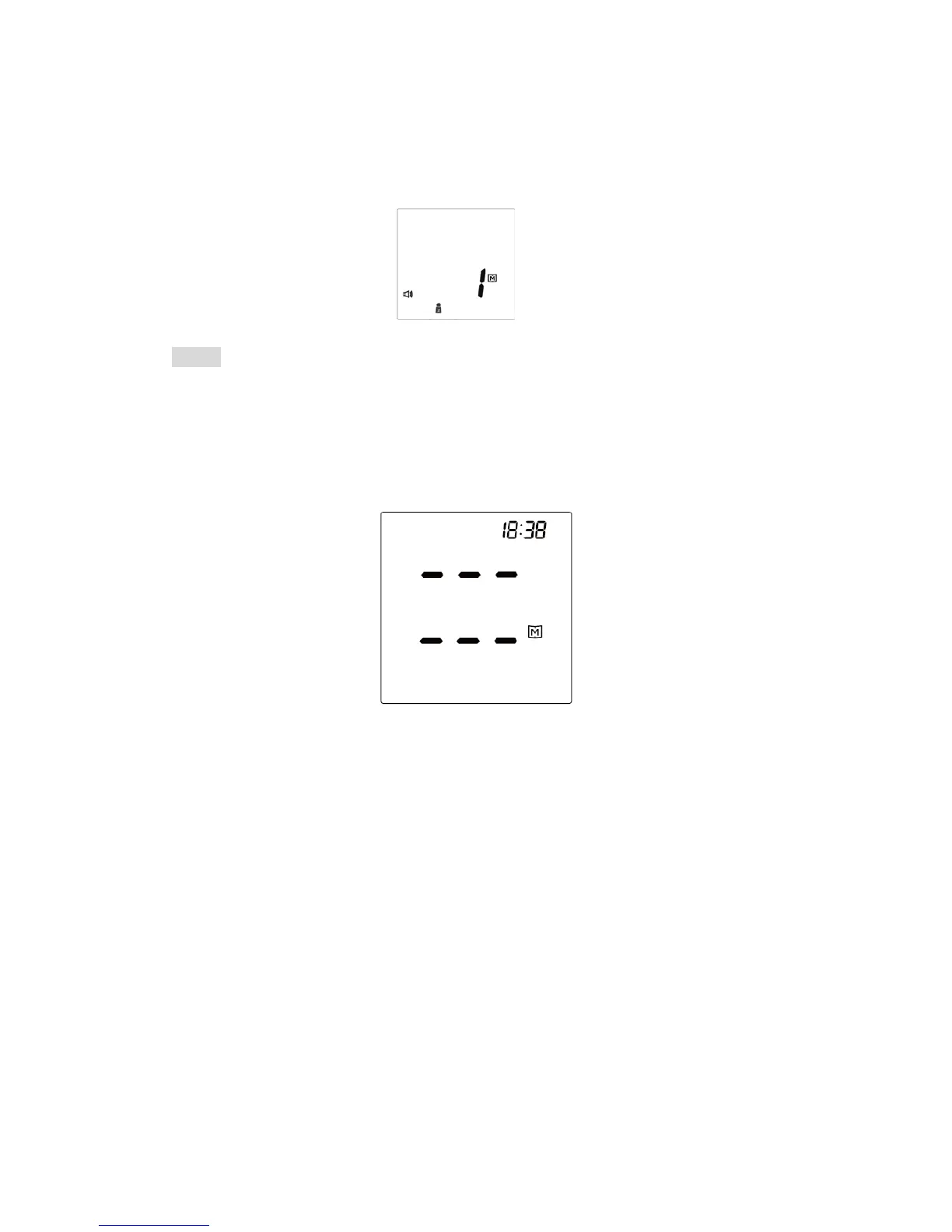
When using the monitor for the first time, “---” appears, showing that there is
no test result stored in memory.
46



 To Next Page