A1-44
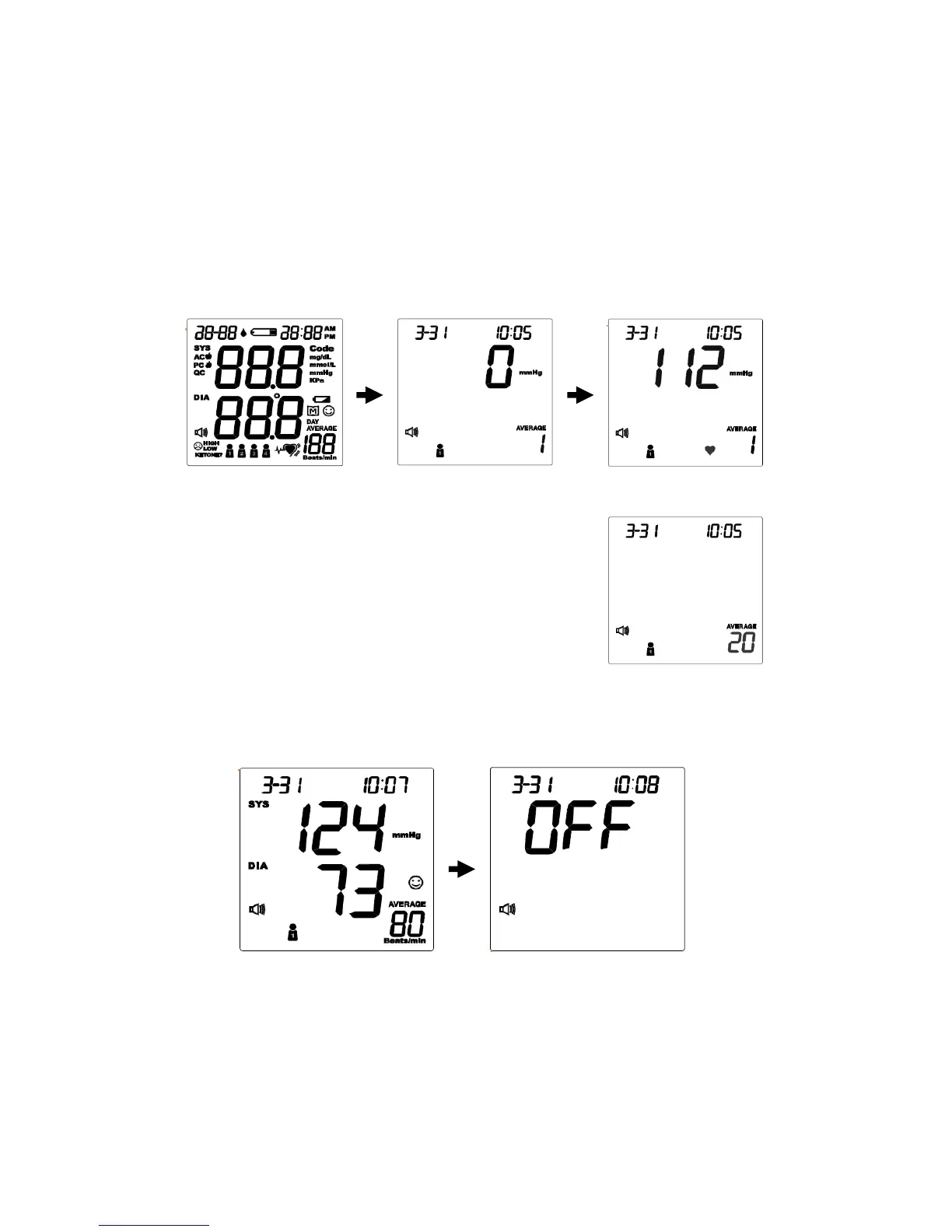
Measurement Average Mode
Always apply the pressure cuff before turning on the monitor.
STEP 1. Press and hold the On/Off button for three (3) seconds. The monitor
will turn on and enter the average mode. Then the cuff will begin to inflate
automatically.
STEP 2. The monitor will take three (3) measurements
consecutively with an interval of 20 seconds. The
number on the right represents the remaining
countdown between each measurement.
STEP 3. The monitor will calculate the average of all three measurements and
display the average value. Press the On/Off button to turn off the monitor.
44



 To Next Page