3
Setting Up Your Foscam Security Camera
1. Getting Started
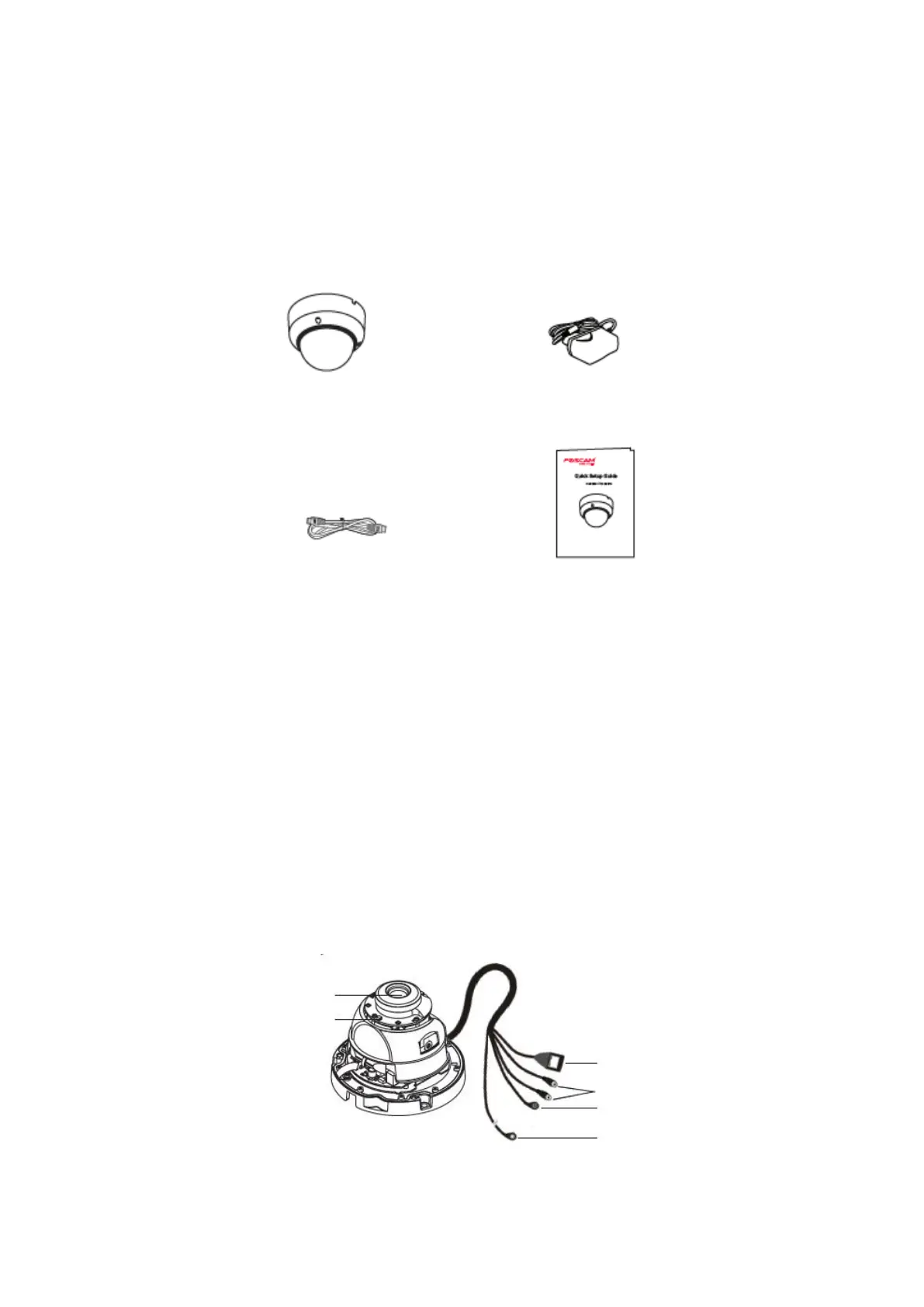
Package Contents
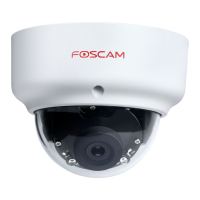
IP Camera Power Adapter
Ethernet Cable Quick Setup Guide
Security tips
• Please change the camera’s password regularly, using a combination of numbers,
letters and special characters.
• We recommended that you regularly update your camera with latest available
software and firmware to ensure the best experience with your camera.
2. Physical Description


 To Next Page