7
• Foscam Cloud Service
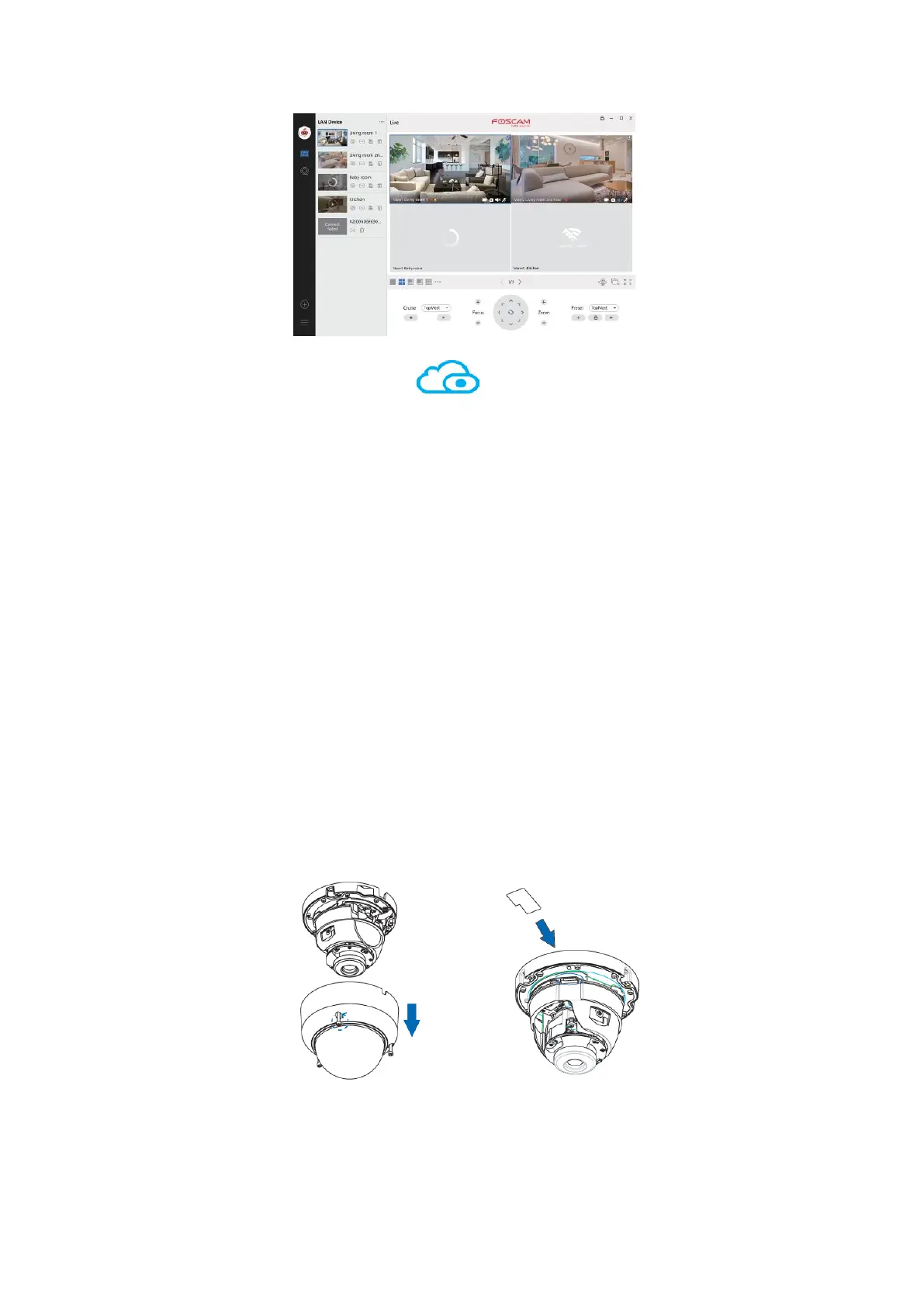
You can access the camera via the Foscam Cloud website:
https://www.myfoscam.com
Some benefits of viewing your camera in the cloud:
• It is simple and convenient to remotely access and manage all your Wi-Fi security
cameras.
• Enjoy the latest features first through Foscam Cloud including cloud storage and
more.
• Getting started is fast – if you have already registered an account in the Foscam
App, you can directly use the same login credentials for Foscam Cloud.
5. Hardware Installation
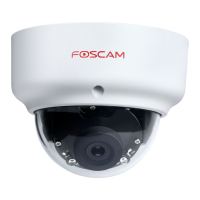
1. Loosen the three screws on the cover of the device, and remove the cover.
2. Insert a micro SD into the SD card slot (optional; for local storage).
3. Install the mounting plate in the area to be monitored.


 To Next Page