WWW.FOSCAM.COM FI8608W User Manual
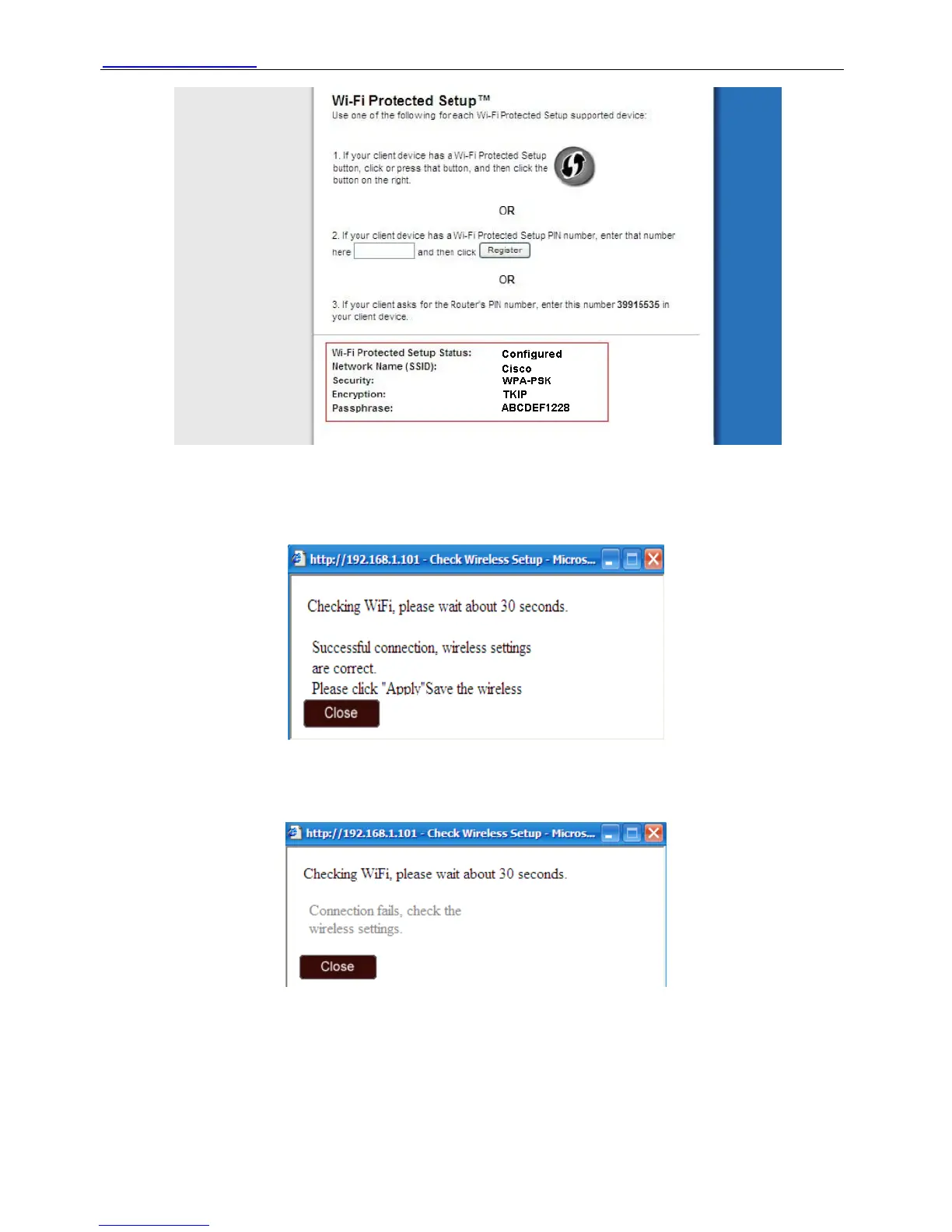
Figure 3.18
Fill in key and click check. You can see whether WIFI settings are correct. If correct, you will see
the following picture.
Figure 3.19
If wrong, you will see a dialog box as below. Close the dialog box and reset wireless again.
Figure 3.20
When settings are correct, click apply. Plug out the network cable and replug the power the
camera will work on WIFI.
Shenzhen Foscam Intelligent Technology Co., Limited
Tel: 86 755 2674 5668 Fax: 86 755 2674 5168
31



 To Next Page