WWW.FOSCAM.COM FI8918/FI8918W User Manual
3.17 Reboot Device
Here click reboot device is the same as plug the power and re-plug it.
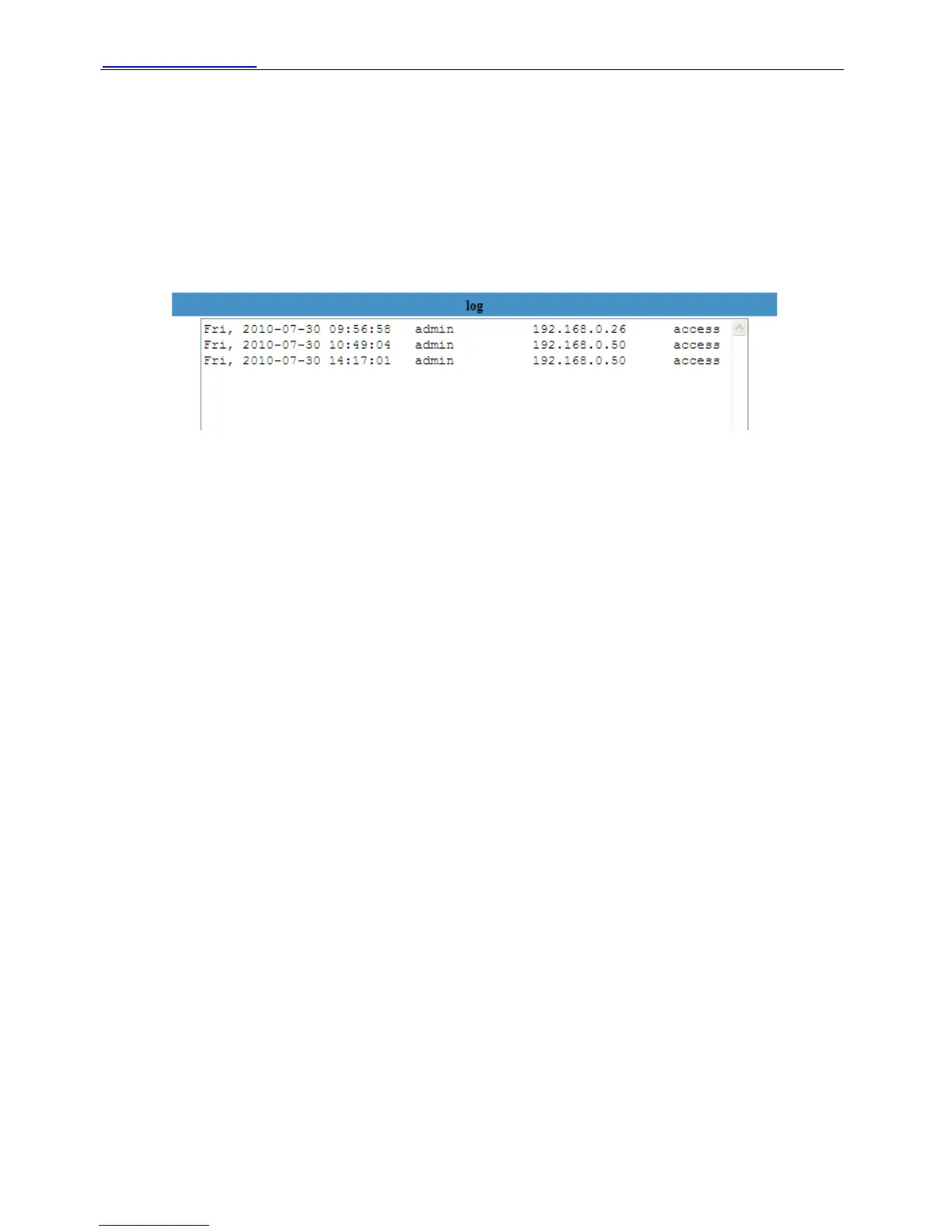
3.18 Log
Here log record that who access the camera.
Figure 3.33
3.19 Back
Here if you choose back, you will go back to video window.
4 APPENDIX
4.1 Frequently Asked Questions
NOTE: Any questions you would meet, please check Network connections firstly. Check the
working status revealed by the indicators on the network server, hub, exchange and network
card. If abnormal, check the network connections.
4.1.1 I have forgotten the administrator username and/or password
To reset the administrator username and password, Press and hold down the RESET BUTTON
for 30 seconds. Release the power button and the username and password will be reset back to
the factory default administrator username and password. Plug the power when doing reset.
Default administrator username: admin
Default administrator password: No password
4.1.2 Subnet doesn’t match, dbclick to change
Shenzhen Foscam Intelligent Technology Co., Limited
Tel: 86 755 2674 5668 Fax: 86 755 2674 5168
34
If IP Camera Tool shows error information “Subnet doesn’t match, dbclick to change!” Please
choose Obtain IP from DHCP server. (Figure 2.4)



 To Next Page