www
www
.foscam.co
.foscam.co
m
m
Shenzhen
Shenzhen
Foscam
Foscam
Intelligent
Intelligent
Technology
Technology
Co.,
Co.,
Limited
Limited
Tel:
Tel:
86
86
755
755
2674
2674
5668
5668
Fax:
Fax:
86
86
755
755
2674
2674
5168
5168
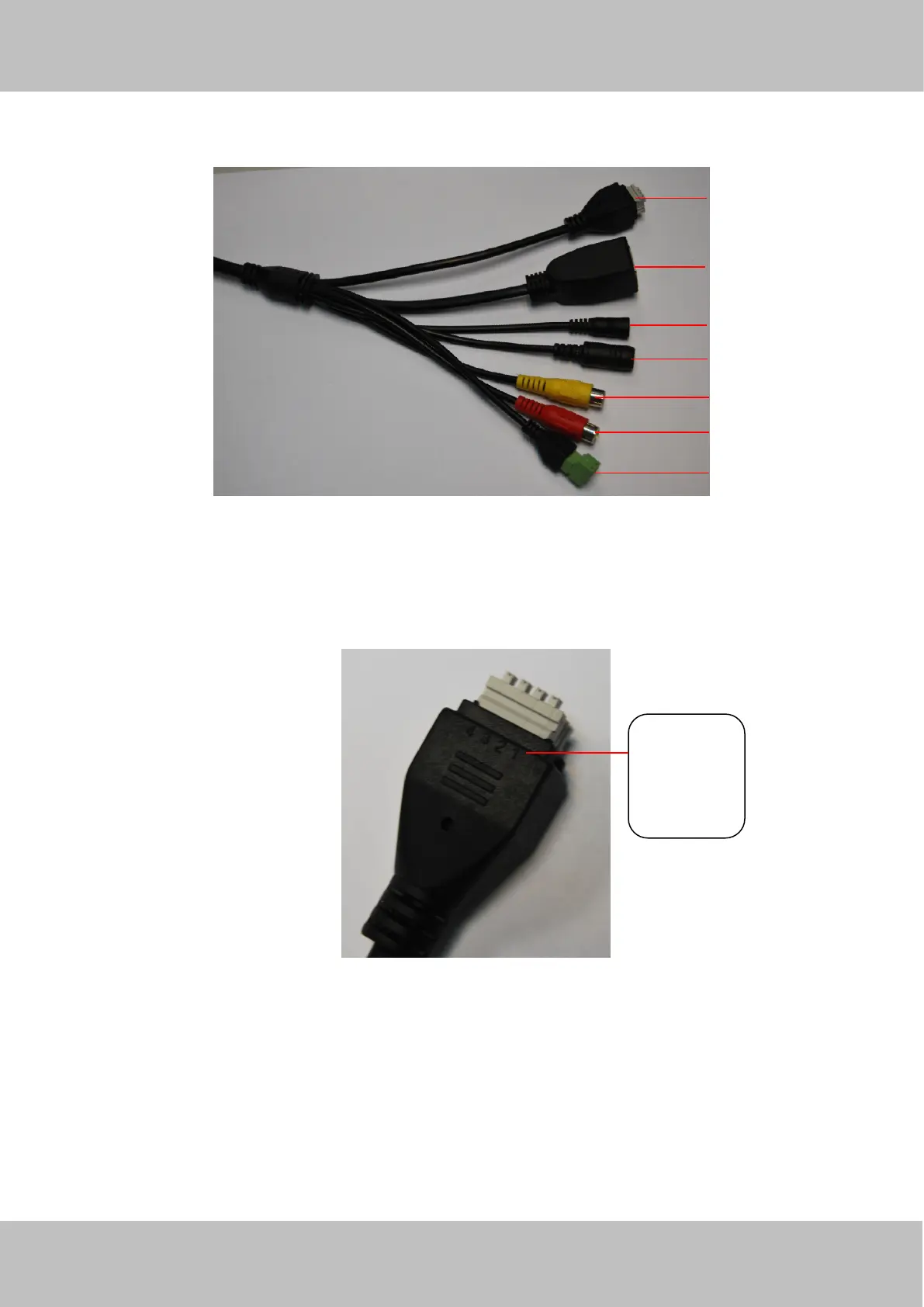
1.5.2 Interface
Figure 1.3
1 I/O alarm terminal block
This network camera provides a I/O alarm terminal block which is used to connect to external input / output device.
The pin(there are four number in the terminal block from no. 1 to no. 4) definitions are as follows:
This camera supports I/O alarm, you can go to Settings-Alarm - I/O page to configure it.
NOTE: FI9803, FI9804W and FI9805W haven't this section .
2 LAN
10/100M adaptive Ethernet interface. Through this interface, IPCAM can be connected with various network devices,
such as hub, router, etc.
3 Reset button
Press and hold on the reset button for 5 seconds. Releasing the reset button, the password will back to the factory default
1– input
2- input
3- output
4- output



 To Next Page