www
www
.foscam.co
.foscam.co
m
m
Shenzhen
Shenzhen
Foscam
Foscam
Intelligent
Intelligent
Technology
Technology
Co.,
Co.,
Limited
Limited
Tel:
Tel:
86
86
755
755
2674
2674
5668
5668
Fax:
Fax:
86
86
755
755
2674
2674
5168
5168
4.9.3 Factory Reset
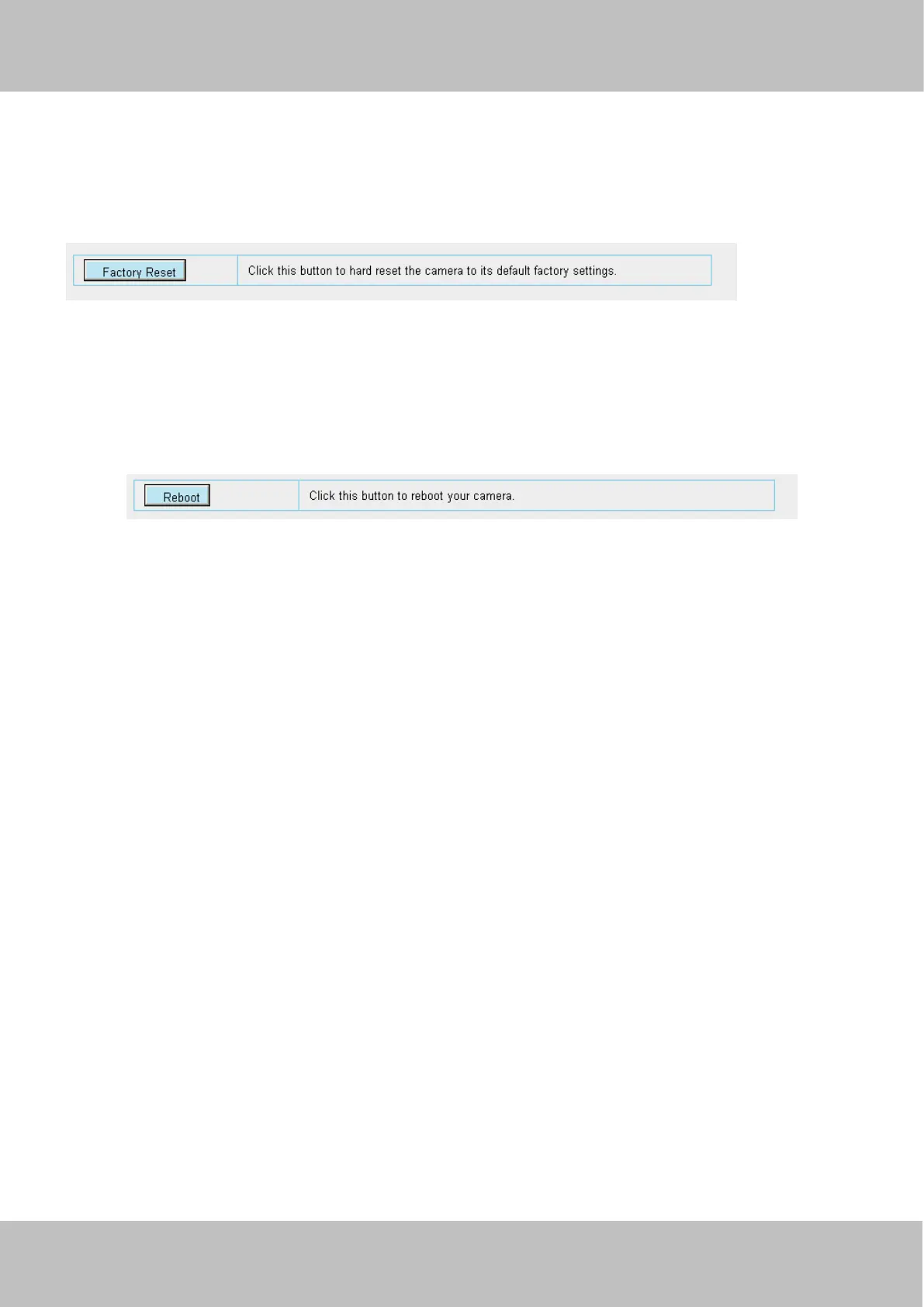
Click Factory Reset button and all parameters will return to factory settings if selected.
The default administrator username is admin with a blank password.
4.9.4 Reboot
Click Reboot to reboot the camera. This is similar to unplugging the power to the camera.
6 Operation Example
6.1 Motion Detection
Scene
Assume that user A use Foscam IP camera FI9804W. He wants to configure the motion detection alarm. when the motion
has been detected, it will send emails or upload images to FTP.
Procedure
1. Choose Alarm > Motion Detection. The Motion Detection page appears. Configure the motion detection alarm
parameters, as shown in figure 5.1.



 To Next Page