25
w
w
w
w
w
w
w
w
www
www
www
www
www
www
www
www
.foscam.co
.foscam.co
.foscam.co
.foscam.co
.foscam.co
.foscam.co
.foscam.co
.foscam.co
m
m
m
m
m
m
m
m
Shenzhen
Shenzhen
Shenzhen
Shenzhen
Shenzhen
Shenzhen
Shenzhen
Shenzhen
Foscam
Foscam
Foscam
Foscam
Foscam
Foscam
Foscam
Foscam
Intelligent
Intelligent
Intelligent
Intelligent
Intelligent
Intelligent
Intelligent
Intelligent
Technology
Technology
Technology
Technology
Technology
Technology
Technology
Technology
Co.,
Co.,
Co.,
Co.,
Co.,
Co.,
Co.,
Co.,
Limited
Limited
Limited
Limited
Limited
Limited
Limited
Limited
Tel:
Tel:
Tel:
Tel:
Tel:
Tel:
Tel:
Tel:
86
86
86
86
86
86
86
86
755
755
755
755
755
755
755
755
2674
2674
2674
2674
2674
2674
2674
2674
5668
5668
5668
5668
5668
5668
5668
5668
Fax:
Fax:
Fax:
Fax:
Fax:
Fax:
Fax:
Fax:
86
86
86
86
86
86
86
86
755
755
755
755
755
755
755
755
2674
2674
2674
2674
2674
2674
2674
2674
5168
5168
5168
5168
5168
5168
5168
5168
25
25
25
25
Section7
Section7
Section7
Section7 Play/Stop/
Play/Stop/
Play/Stop/
Play/Stop/ Talk/Audio/
Talk/Audio/
Talk/Audio/
Talk/Audio/ Snap/
Snap/
Snap/
Snap/ Record/
Record/
Record/
Record/ Full
Full
Full
Full screen
screen
screen
screen button
button
button
button
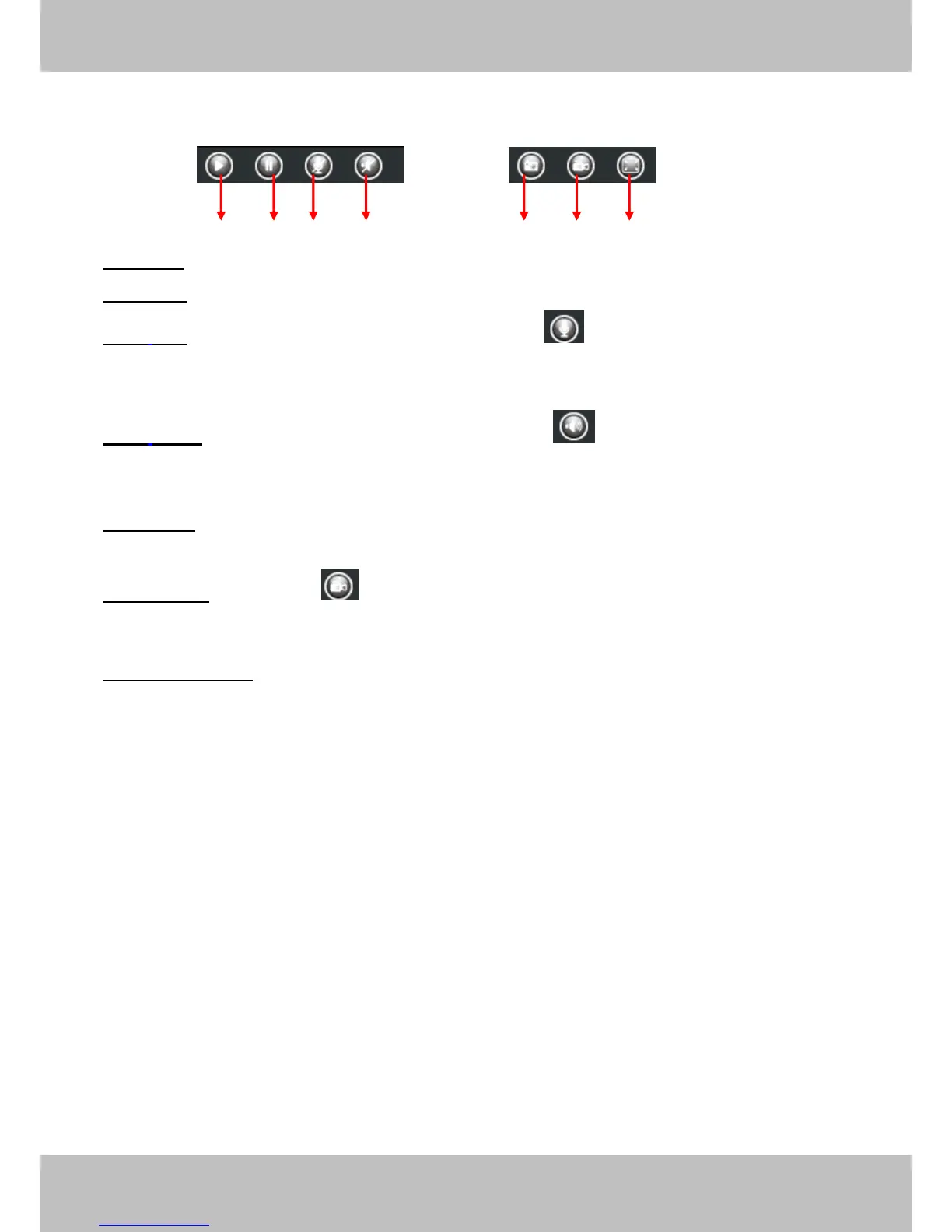
1------Play
1------Play
1------Play
1------Play Click it to play the video of the camera
2------Stop
2------Stop
2------Stop
2------Stop Click it to stop the video of the camera
3
3
3
3 ------
------
------
------ Talk
Talk
Talk
Talk : Click the button and the icon will become to , then talk to the microphone that
connected with PC, people around the camera can hear your voice if the camera has connected
with audio output device. Click the icon again and stop talking .
4
4
4
4 ------
------
------
------ Audio
Audio
Audio
Audio Click the button and the icon will become to , you can hear the sound around
the camera if the camera has connected with other audio input device through the Audio Input
port of the camera, Click the icon again and stop audio.
5
5
5
5 -----
-----
-----
----- Snap:
Snap:
Snap:
Snap: Click it to make snapshot and it pop up a window which picture you snapshot, right
click in the window and save the picture to anywhere you want.
6
6
6
6 -----
-----
-----
----- Record
Record
Record
Record :
:
:
: Click the icon and the camera start recording, you can see a green dot in the
live window. Click again and stop recording. The default storage path is C :\ IPCam Record .
You
can change the storage path : Go to Settings-
Settings-
Settings-
Settings- >Record->
>Record->
>Record->
>Record-> Storage
Storage
Storage
Storage Location
Location
Location
Location panel.
7
7
7
7 ------Full
------Full
------Full
------Full Screen
Screen
Screen
Screen Click it to make full-screen, or you can double click the surveillance screen
to make full-screen . Double click again and exit full-screen.
1
1
1
1 2
2
2
2 3
3
3
3
5
5
5
5 6
6
6
6 7
7
7
7
4
4
4
4


 To Next Page