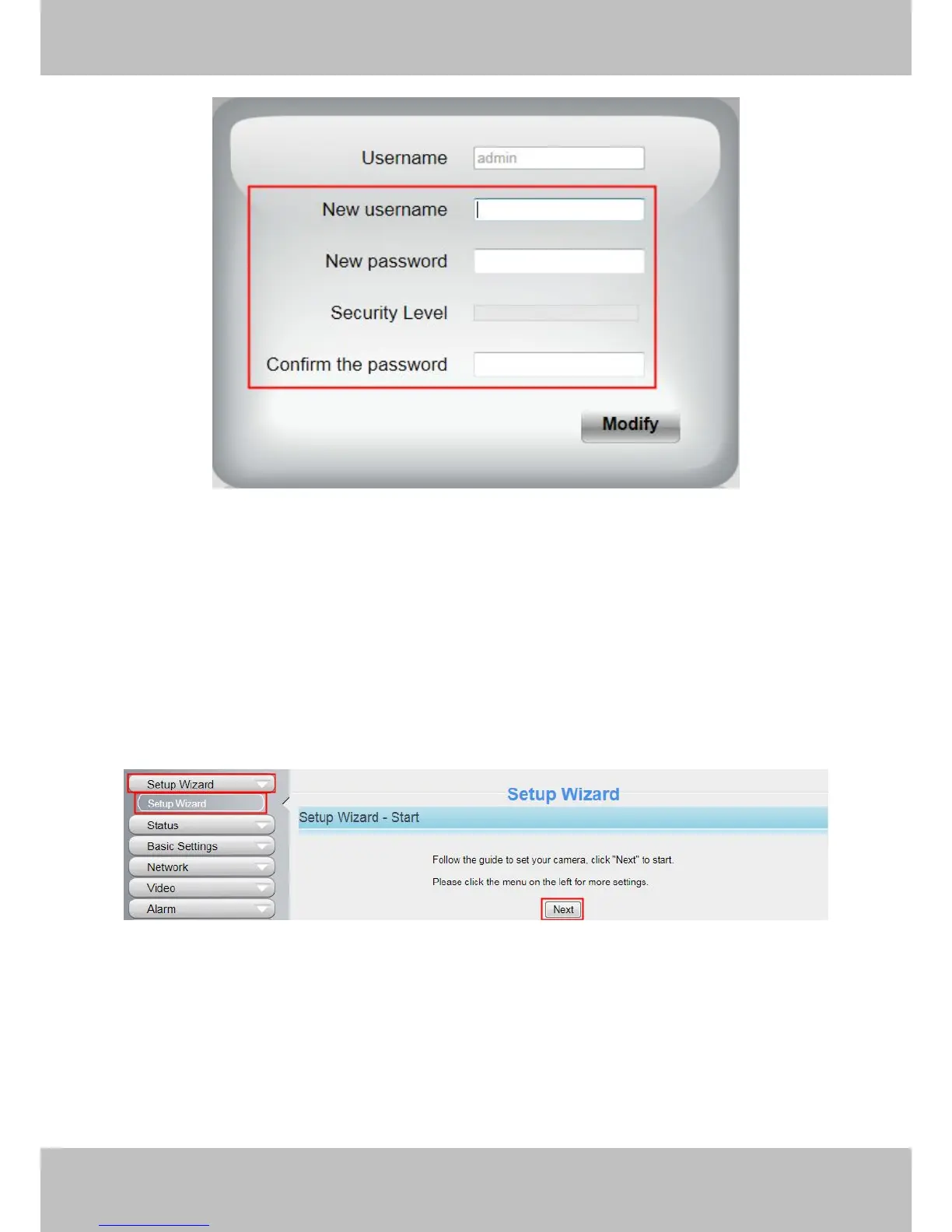
Figure 3.2
Enter the New Username, New password and Confirm the password.
Click Modify button, you will see the login page again.
3.2 Setup Wizard
After logging in for the first time, you will go to “Setup Wizard”automatically. Here you can set the basic
parameters of camera, such as camera name, camera time, wireless settings, IP configuration.
Figure 3.3
Device Name: You could give name for your camera.



 To Next Page