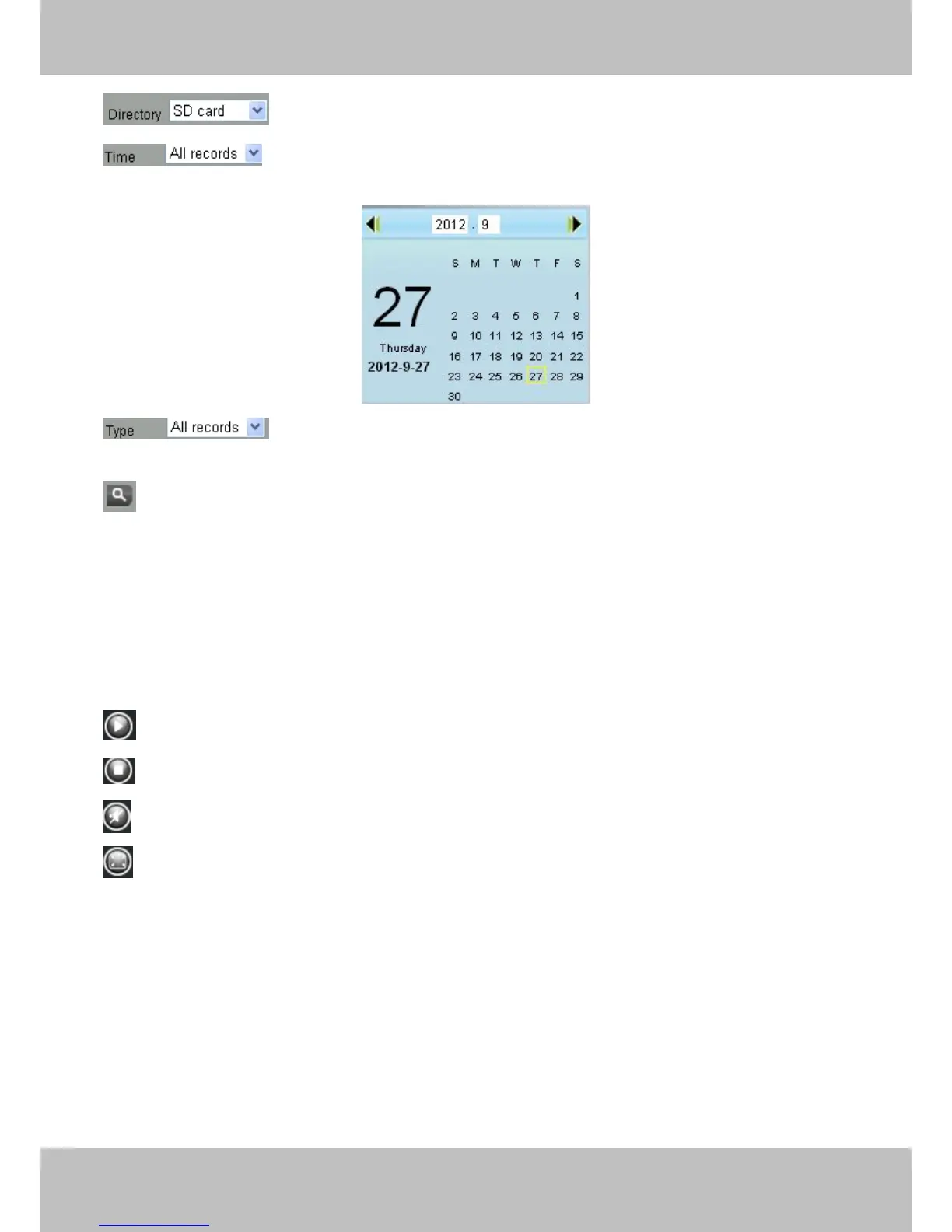
: The storage path of record files
: Here supports three types: current day, current month and All records. Another way,
select the time on the time&date manually.
: The type of records files, Here supports two typs: Normal record, Alarm record and
All records.
: Click this button to search all record files satisfy the conditions you selected.
Continuous Play: Select the checkbox to play continuously all the record files.
Section 2 Search record files
On this panel you can see all record files satisfy the conditions you set.
Section 3 Play/Stop/Audio/Full screen buttons
Please select one record file before use these buttons.
Click this button to play the record files
Click this button to stop the record files
Open or stop audio
Click this button to make full screen, and double click left mouse to exit full screen.
6 Appendix
6.1 Frequently Asked Questions
NOTE:



 To Next Page