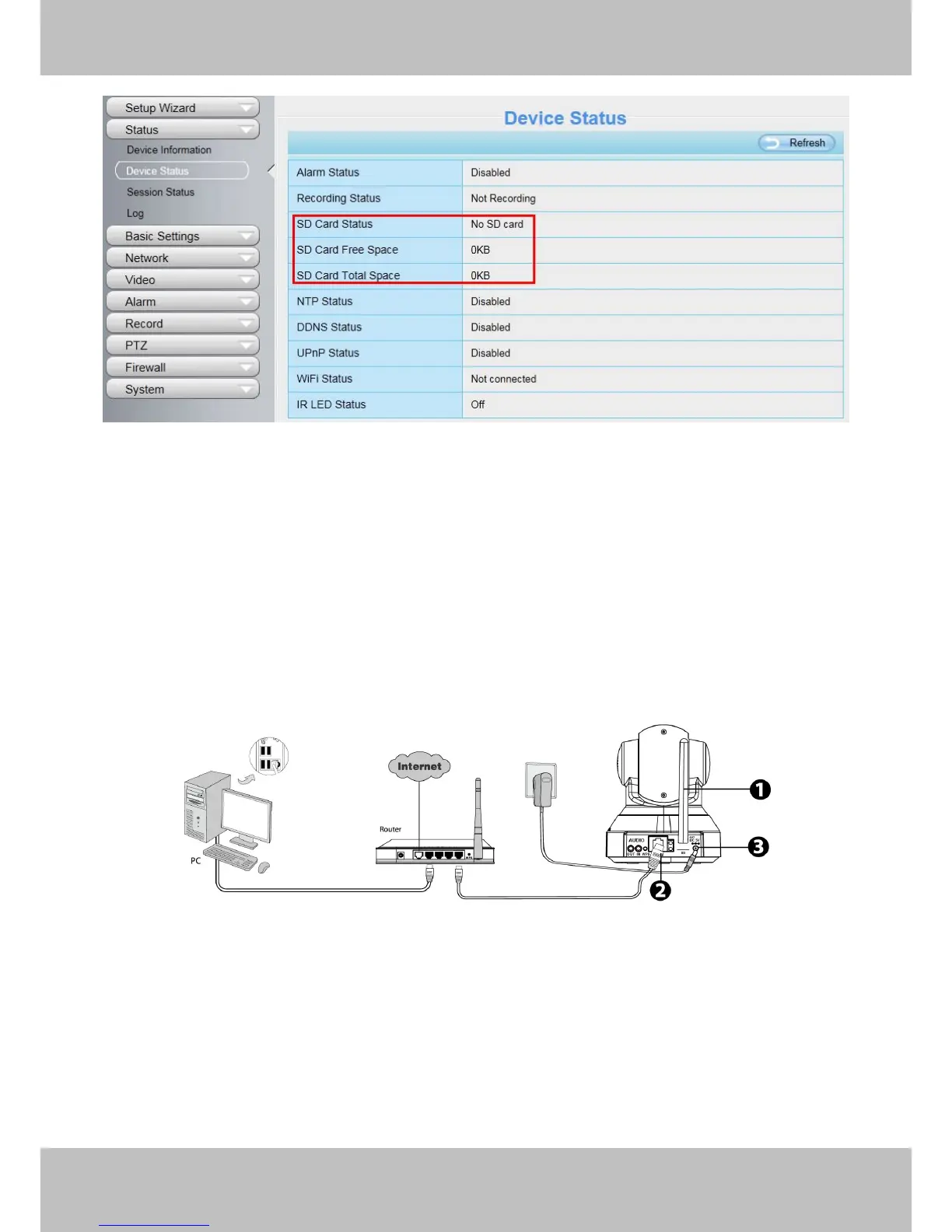
Figure 1.4
The default storage path of alarm record files is SD card, when the available size of SD card is less than 256M,
the old record files will be deleted automatically.
2 Access the IP Camera
2.1 Hardware Connection & Software Installation
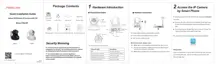
Figure 2.1
1. Mount the antenna and make it stand vertically.
2. Connect the camera to the LAN network (Router or Switch) via network cable.
3. Connect the power adapter to the camera.
4. Insert the CD into the CD drive of your computer.
5. Go to the folder “IP Camera Search Tool” and find the folder “For Windows OS”or “For Mac OS”. Copy
and paste the IP camera tool file to your computer, or drag it onto your Desktop.



 To Next Page