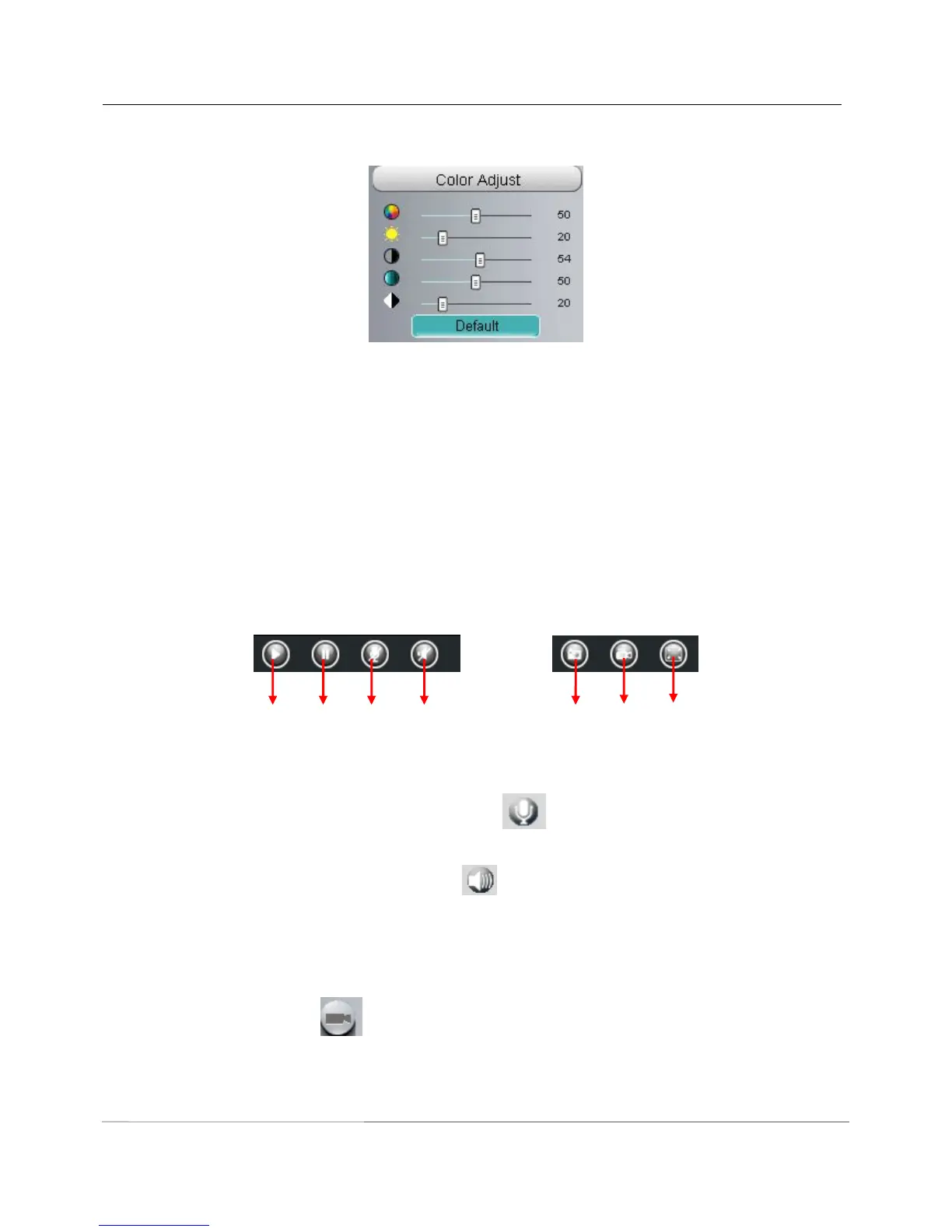
Section7 Image quality settings
In this page, you can tune Hue, Brightness, Contrast, Saturation, and Sharpness to get higher quality.
Section8 OSD
If you have added time and camera name in the video, you can see it in the live window.
Go to Settings ---Basic settings---Camera name panel, and you can change another device name. The
default device name is anonymous.
Go to Settings ---Basic settings---Camera time panel and adjust the device time.
Go to Settings ---Video---On Screen Display panel, you can add or no add OSD.
Section9 Play/Stop/ Talk/Audio/ Snap/ Record/ Full screen button
1----- Play Click it to play the video of the camera
2----- Stop Click it to stop the video of the camera
3----- Talk Click the button and the icon will become to , then talk to the microphone that connected
with PC, people around the camera can here your voice. Click the icon again and stop talking.
4----- Audio Click this icon, the icon will become to you can hear the sound around the camera by the
earphone or speakers that connected with PC.
5----- Snapshot Click it to make snapshot and it pop-up a window which picture you snapshot, right click in
the window and save the picture to anywhere you want.
6----- Record Click the icon and the camera start recording, you can see a green dot in the live
window. Click again and stop recording. The default storage path is C:\IPCamRecord. You can change the
storage path: Go to Settings- >Record->Storage Location panel.



 To Next Page