www.foscam.com
Shenzhen Foscam Intelligent Technology Co., Limited
Tel: 86 755 2674 5668 Fax: 86 755 2674 5168
7----- Full Screen Click it to make full-screen, or you can double click the surveillance screen to make
full-screen. Double click again and exit full-screen.
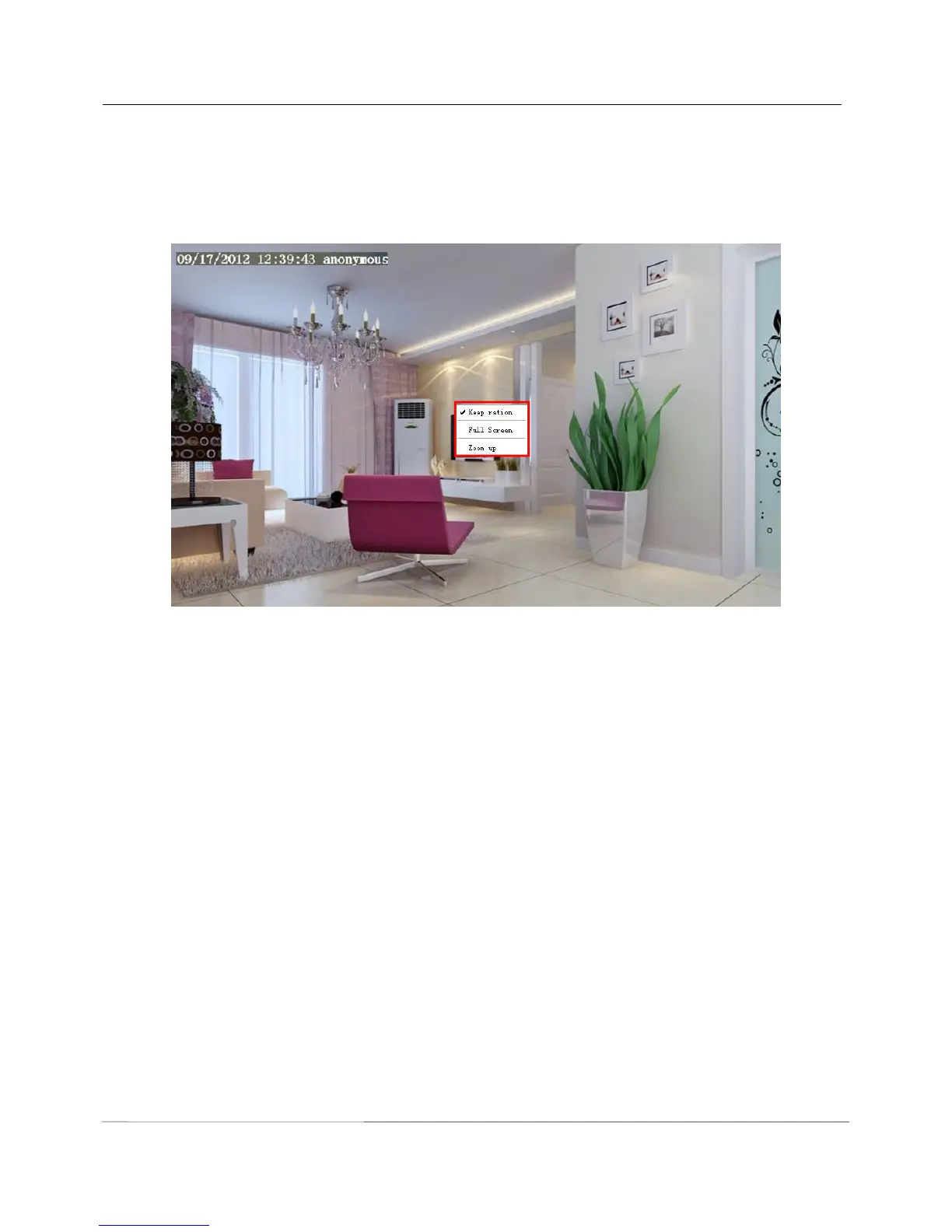
Onscreen Mouse Control
Right click the mouse and you can adjust the screen ration, full screen and Zoom up.
Figure 3.11
Keep ration: Select it and the camera will adjust the size of live window based on the the computer monitor
automatically. Sometimes there is a black border around the video, please select Keep ration to get a better
visual quality .
Full Screen: Select it and Click it to make full-screen, press ESC and exit full-screen.
Zoom up:
First Method: Here is a convenient and fast solution to Zoom up/down screen by Clicking Video Screen and
adjusting Mouse pulley, or by press the CTRL key and click the mouse left button.
Second Method: Click it and the live view will be digital zoomed up, then click Zoom Down and the live view
back to original size.



 To Next Page