EasyManua.ls Logo

Fostex R8 - Recording Techniques; Track Protection, Playback, and Overdubbing Practice; Performing Overdubs

Fostex R8
24 pages
Print Icon
To Next Page IconTo Next Page
To Previous Page IconTo Previous Page
Loading...
Е
[Tre
wack
rumor
&
aspayed
here
]
Atihesametime,
the
SAFEIRDY
LED
@
of
the
selected
track
wil
alernately
flash
green
and
rec,
indicating
that
the
cor-
responding
track
is
ready
to
record.
Of
course,
you
can
select
several
tracks
for
simultaneous
'ecording
by
simply
pressing
the
desrec
numeric
keys
one
after
the
other
8.
Now
adjust
tho
input
levele)
of
the
selected
channel(s}
Press
the
REC
button
(9),
The
INPUT
MON
LED
beginsto
blink
and
the
input
signal
of
the
selected
channels)
can
be
monitored
at
he
ВВ
out-
put
and
on
the
peak
level
meter
Make
the
necessary
level
adjustments
on
the
instruments
and
or
your
mixer
controls
so
thai
the
R8
meter
peaks
опу
occasionally
at
+3
dB
to
+8
dB
(red
LEDs
ight
up)
during
the
loudest
passages,
This
seting
gives
По
best
SIN
ratio
and
least
tape
hiss
4,
Press
RESET
@
before
starting
the
recording
so
that
the
TAPE
TIME
counter
Gi)
јо
reset
to
the
0
position
at
the
beginning
dl
the
take.
This
wil
make
it
esy
to
kater
retum
Јо
the
precise
starting
point
of
your
recording.
5
To
start
recording
on
the
selected
track(s),
smultaneousy
press
REC
and
PLAY
(9:
The
corresponding
SAFEIRDY
indicatores)
wil
light
con-
stay
in
red,
chowing
that
the
RB
B
recording
on
thistthese
track(s).
The
red
НЕС
LED
@
is
also
it
©
To
avoid
"late
stans”,
depress
the
REC
buton
first,
then
press
PLAY
while
stil
holding
down
БЕС.
If
you
do
ќ
the
‘ther
way
round,
you
may
have
a
shot
gap
at
the
begin
ning
of
your
recording,
8.
To
stop
the
recording,
press
STOP
(9.
You
can
also
stop
the
recording
and
automatically
rewind
дар
omis
delis
i
pesi
LCOATE
Additional
SAFE/RDY
functions
A)
When
you
want
to
select
several
adjacent
tracks
for
recording,
press
ЗАРЕЛОУ
to
call
up
the
rack
symbol
"I^
оп
the
MEMORY
display,
input
the
first
track,
then
a
hyphen
[minus
key),
and
finally
the
last
track.
For
example,
say you
want
to
sel
racks
1
through
5
to
ready
conditor.
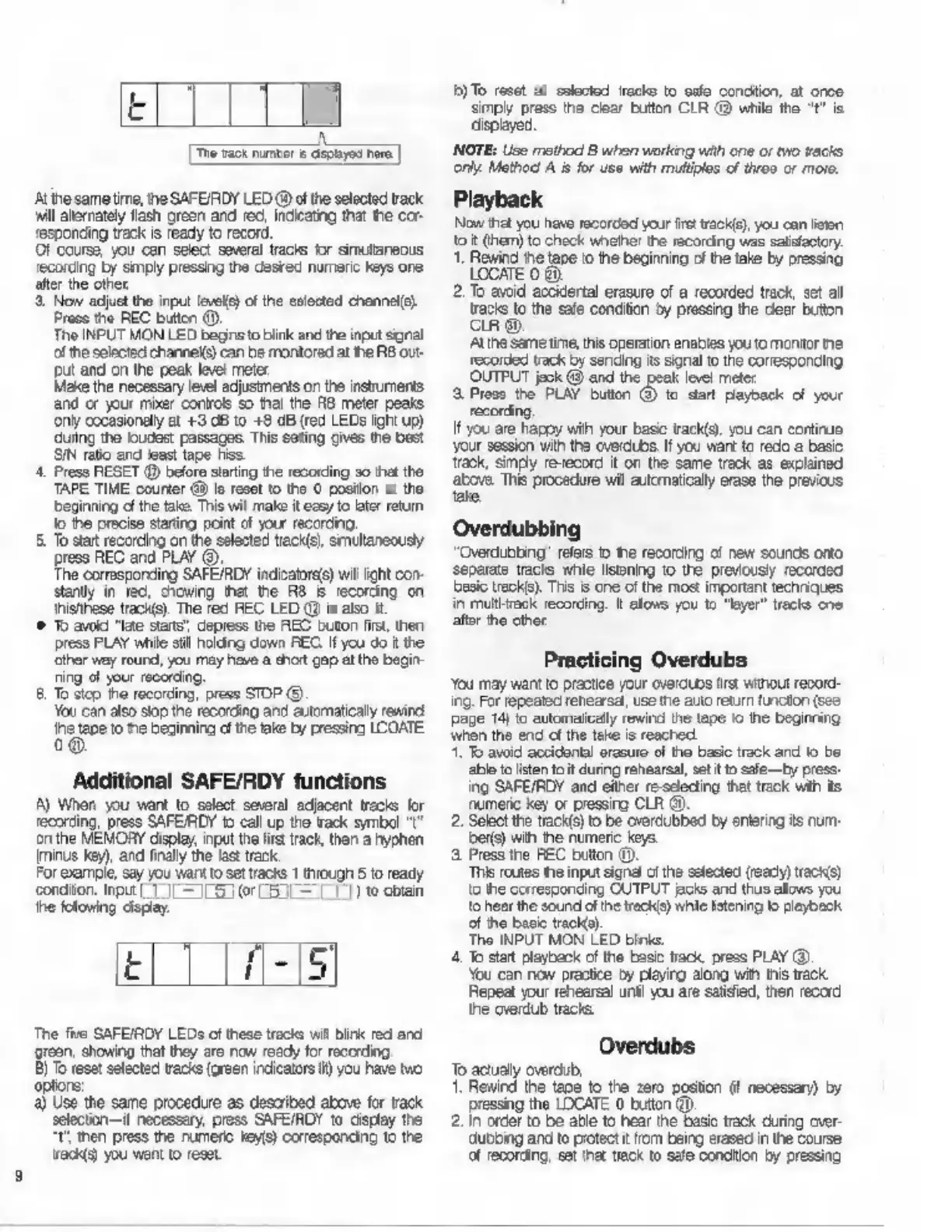
при
1
J|
LG
0r
L5
L—
77)
to
obtain
he
folowing
display.
t
The
five
SAFEIRDY
LEDs
ofthese
trac
vill
Birk
red
and
grean,
showing
that
they
are
now
ready
for
recording.
B)
To
reset
selected
tracks
(green
indicators
Н)
you
have
мо
options:
a)
Use
the
same
procedure
as
described
above
for
track
selection—if
necessary,
press
SAFE/RDY
to
display
the
"t
then
press
the
numeric
кеу)
corresponding
to
the
acis)
you
want
to
reset
Б) To
reset
al
solocted
iracks
to
safe
condition,
at
once
simply
press
the
clear
button
CLR
@
while
the
"t"
is
displayed.
NOTE:
Use
method
B
when
working
with
one
or
two
tacks
only.
Method
А
is
for
use
with
multiples
of
throo
or
moro.
Playback
Now
that
you
have
recorcod
your
fret
track),
you
can
listen
to
it
(hem)
to
check
whehe!
the
recording
was
satisfactory.
1.
Rewind
ће
tape
го
the
beginning
of
the
take
by
pressing
LOCATE
0
8).
2.
То
avoid
accidertal
erasure
of
a
recorded
track,
set
all
tracks
to
the
safe
condition
by
pressing
the
dlear
button
CLR
89.
At
ihe
same
time,
this
operation
enables
you
to
montor
пе
recorded
track
by
sending
its
signal
to
the
corresponding
OUTPUT
jeck
@
and
the
peak
level
mete:
8.
Press
the
PLAY
button
@
to
dar
payback
of
your
recording
If
you
are
happy
wih
your
base
track(s)
you
can
continue
your
session
with
the
overdubs
If
you
want
to
redo
a
basic
Track,
simply
re-record
it
on
the
same
track
as
explained
above.
This
procedure
wil
automaticaly
erase
the
previous
tate,
Overdubbing
“Qverdubbing’
refers
о
те
recording
of
new
sounds
onto
separate
tracks
whle
listening
to
the
previously
recorded
basic
track's).
This
is
one
of
the
most
important
techniques
in
multitrack
recording.
It
allows
you
to
"layer"
tracks
one
after
the
other
You
may
want
to
practice
your
overdubs
tr
wihout
record-
ing.
For
repeated
renearsal,
use
tie
auto
return
funcion
(see
раде
14)
to
eutomafcelly
rewind
the
tape
ю
the
beginning
when
the
end
of
the
teke
is
reached,
1.
To
avoid
accidental
erasure
of
tno
basic
track
and
fo
be
able
to
[sten
to
it
during
rehearsal,
st
t
to
safe
by
press
ing
SAFE/RDY
and
either
re-sdecing
that
track
wih
ils
numeric
key
or
pressing
CLR
9,
2.
Select
the
track(s)
to
be
overdubbed
by
entering
15
num-
ber)
with
the
numeric
keys.
3.
Press
the
НЕС
bution
©.
This
routes
the
input
signa
ofthe
selected
(ready)
racks)
io
the
corresponding
CUTPUT
acs
and
thus
allows
you
to
heer
the
sound
ofthe
tracks)
while
Istening
to
playback
of
ho
basic
track).
The
INPUT
MON
LED
шти.
4.
To
start
playback
of
the
basic
track,
press
PLAY
(3)
You
can
now
practice
by
plajirg
along
with
tis
пск
Repeat
your
rehearsal
unt!
you
are
salised,
then
record
the
сета
tracks
Overdubs
To
actually
overdub,
1.
Rewind
the
tape
to
the
zero
position
(f
necessary)
by
pressing
the
LOCATE
0
button
(0).
2.
in
order
to
be
able
to
hear
ће
basic track
during
over-
dubbing
and
to
protect
it
from
being
erased
in
the
course
of
recording,
set
та!
tack
to
safe
сопацол
by
pressing

Other manuals for Fostex R8

Related product manuals