EasyManua.ls Logo

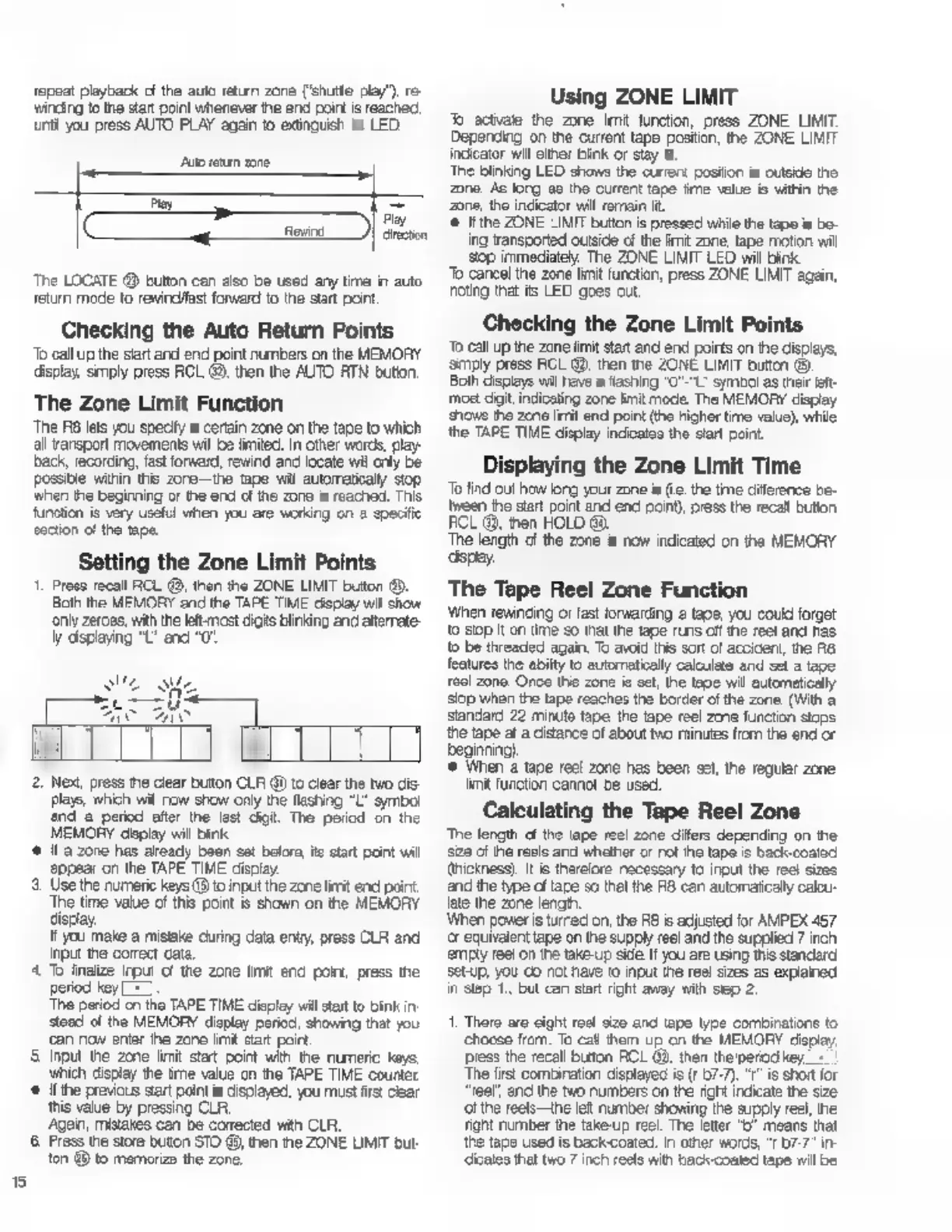
Fostex R8 - Auto Functions and Zone Limits; Auto Play and Auto Return Functions; Setting Auto Return Points

Fostex R8
24 pages
Print Icon
To Next Page IconTo Next Page
To Previous Page IconTo Previous Page
Loading...
5
repeat
playback
of
the
auto
return
zone
('shutte
play")
re-
winding
to
the
зап
point
whenever
the
end
poirt
is
reached,
unti
you
press
AUTO
PLAY
again
to
extinguish
its
LED.
Ato
return
zone
[X
ко
The
LOCATE
@
button
can
also
be
used
any
ште
in
auto
return
mode
to
rewindfast
forward
to
the
start
point
Checking
the
Auto
Return
Points
То
call
up
the
siart
and
end
point
numbers
on
the
MEMORY
display,
smply
press
RCL
49,
then
the
AUTO
RTN
bution,
The
Zone
Limit
Function
The
RB
lets
you
specify
a
certain
zone
on
the
tepe
to
which
all
ransport
movements
wil
be
limited.
In
other
words,
play-
back,
recording,
fast
forward,
rewind
and
locate
wil
only
be
Possible
within
this
zore—the
tape
wil
ашотакају
stop
when
the
beginning
or
the
end
of
the
zone
is
reached.
This
function
is
very
useful
when
you
are
working
on
a
specific
section
c!
the
tape.
Setting
the
Zone
Limit
Points
1.
Press
recall
RCL
®,
then
the
ZONE
LIMIT
button
®.
Both
the
MEMORY
and
the
TAPE
TIME
display
wil
show
only
zeroes,
with
the
let:
most
digits
blinking
and
alterate-
ly
displaying
“L’
and
“0
Play
direction
s
W
SUL
Me
Lc
rU
AC
LM
2.
Next,
press
пе
clear
button
CLR
@
to
clear
the
two
dis-
plays,
which
wil
пом
show
only
the
flashing
"L'
symbol
nd
а
period
after
the
last
digit.
The
period
on
the
MEMORY
deplay
will
bink
є
Н
а
zone
has
aready
been
sat
befor,
ќе
start
paint
wil
appear
on
the
ТАРЕ
TIME
display.
5.
Use
the
numeric
keys
(8 to
input
the
zone
lirit
end
point
The
time
value
of
this
point
is
shown
on
the
MEMORY
display.
It
you
make
a
mistake
during
data
entry
press
CLR
and
input
the
correct
cata.
4
T
finalize
input
of
the
zone
limit
end
point,
press
the
period
key
[=]
The
period
cn
the
TAPE TIME
displey
will
start
to
bink
in
stead
of
the
MEMORY
display
period,
showing
that
you
сап
now
enter
ће
zane
lint
start
poirt.
5
Input
the
zone
limit
stat
point
with
the
numeric
keys
which
display
the
ime
value
cn
the
TAPE
TIME
counter
*
the
previous
вап
point
is
displayed,
you
must
first
clear
this
value
by
pressing
CLR.
Agan,
mistakes
can
be
conected
with
CLA.
6
Press
the
store
buton
STO
@,
then
the
ZONE
UMIT
but
ton
49
to
memorize
the
zone.
Using
ZONE
LIMIT
Jb
activate
the
zone
Imit
function,
press
ZONE
LIMIT.
Depending
on
the
current
tape
postion,
the
ZONE
LIMIT
indicator
wil
either
bink
or
stay
lt
The
blinking
LED
shows
the
current
posiion
is
outside
the
zone
Ac
long
ae
the
current
tape
‘ime
value
is
within
the
Zone,
the
indicator
will
remain
it.
©
ifthe
ZONE
LIMIT
bution
is
pressed
while
the
tape
is
bo-
ing
transported
outside
of
the
imit
zone,
tape
motion
wil
зор
immediately.
The
ZONE
LIMIT
LED
will
bink
То
cancel
the
zone
limit
function,
press
ZONE
LIMIT
again,
noting
that
its
LED
goes
out.
Checking
the
Zone
Limit
Points
То
call
up
the
zone
limit
start
and
end
poirts
on
the
displays,
Simply
press
RCL
@,
then
the
ZONE
LIMIT
button
(9.
Both
displays
wil
have
a
flashing
"O"-"L-
symbol
as
their
left-
moet
dat,
indicating
zone
limit
mode.
The
MEMORY
display
shows
the
zene
limit
end
point
(the
higher
time
value),
while
the
TAPE TIME
display
indicates
the
start
point.
Displaying
the
Zone
Limit
Time
То
find
out
how
larg
your
zone
is
(е.
the
time
diference
be-
tween
the
start
point
and
end
point),
press
the
recall
bution
FCL
@,
then
HOLD
Go.
The
length
cf
the
zone
5
now
indicated
оп
the
MEMORY
‘spay.
The
Tape
Reel
Zone
Function
Winen
rewinding
or
fast
forwarding
г
taoe,
you
could
forget
to
зор
it
on
time
so
that
the
tape
runs
off
те
reel
and
ras
to
be
threaded
again,
To
avoid
this
sort
of
accident,
the
R8
features
the
abilty
to
automatically
calculate
and
set
a
tape
тесі
zone.
Once
this
zone
ia
oct,
the
tae
wil
automatically
stop
when
the
tape
reaches
the
border
of
the
zone.
(With
a
standard
22
minute
tape
the
tape
reel
zme
function
stops
the
tape
at
a
distance
of
about
two
minutes
from
the
end
or
beginning)
5
When
a
tape
reel
zone
has
been
sel,
the
regular
zone
limit
function
cannot
be
used.
Calculating
the
Tape
Reel
Zone
The
length
cf
the
tape
reel
zone
днев
depending
on
he
зае
of
the
reale
and
whether
or
not
ihe
tape
is
back-coated
thickness).
И
is
therelore
necessary
to
input
the
reel
sizes
and
the
type
of
tare
so
thal
the
RB
can
automaticaly
calou-
(ае
the
zone
length.
When
power
is
turned
on,
the
А8
is
adjusted
for
AMPEX
457
ог
equivalent
tape
on
the
supply
reel
and
the
supplied
7
inch
emply
ree!
on
the
take-up
side
И
you
are
using
this
standard
setup,
уби
co
not
have
to
input
the
reel
sizes
as
explained
in
Step
1.
but
can
start
right
away
with
slep
2.
1.
There
aro
cight
roel
size
and
tape
type
combinations
to
choose
from.
To
са!
them
up
on
the
MEMORY
Черау,
press
the
recall
button
ACL
09,
then
the'perod
key,
The
first
combination
displayed
is
(r
57-7).
"г"
is
short
for
reel",
anc
the
two
numbers
on
the
right
indicate
the
size
‘ol
the
reels—the
left
number
showing
the
supply
reel,
the
Tight
number
the
take-up
reel.
The
letter
"D
means
that
the
tape
used
is
backcoated.
In
other
words,
"r
07-7"
in-
diceles
that
two
7
inch
reels
with
back-coated
tape
will
be

Other manuals for Fostex R8

Related product manuals