EasyManua.ls Logo

Fostex X-28 - Overdubbing Tracks to the Live Stereo; Example 2: Ping-Pong Recording - Recording

Fostex X-28
36 pages
Print Icon
To Next Page IconTo Next Page
To Previous Page IconTo Previous Page
Loading...
Next,
starting
again
with
channel
1,
determine
the
stereo
position
of
each
source
by
adjusting
each
channel’s
PAN
control.
Finally,
go
through
each
of
the
channels
and
set
the
amount
of
reverb
that
is
applied
to
each
source.
Follow
the
same
procedure
as
you
did
in
steps
#7
and
#8
in
the
section
Mixdown
and
Effects
Process¬
ing
Adding
Reverb,
page
19.
When
the
AUX
SEND
control
s
for
channels
5
through
8
is
set
to
the
center,
no
signal
is
sent
to
AUX
SEND.
Adjust
the
control
to
the
left
to
send
the
signal
to
the
effects
unit,
(Turning
the
controls
to
the
right
will
have
no
effect
in
this
situation.)
Note:
It
is
a
good
idea
to
rehearse
the
mix
as
much
as
possible,
taking
special
care
to
keep
the
levels
in
the
optimum
range.
Keeping
noise
and
distor¬
tion
at
minimum
levels
is
a
tricky
business.
You'll
no
doubt
need
to
make
further
adjust¬
ments
to
the
levels
and
the
other
controls
as
all
sound
sources
play
together.
4.
Select
the
recording
tracks
with
the
REC
SELECT
switches.
Tracks
1
and
3
are
dedicated
to
recording
the
left
side
of
the
stereo
signal,
and
tracks
2
and
4
are
dedicated
to
the
right
side.
Choose
one
track
for
each
stereo
side
(e.g.,
1
and
2,
or
3
and
4).
To
select
a
track
for
recording,
set
the
appropriate
switch
to
the
L
or
R
position.
(For
this
example,
switch
REC
SELECT
for
track
1
to
L,
and
track
2
to
R.)
5.
Now
you're
ready
to
record.
Press
the
PLAY
and
REC
buttons
simultaneously
to
begin
recording.
The
L
and
R
meters
in
the
display
show
the
output
signal
of
the
stereo
buss
and
the
meters
for
tracks
1
and
2
indicate
the
respective
recording
levels.
Overdubbing
Tracks
to
the
Live
Stereo
Re¬
cording
Since
the
recording
above
is
made
using
just
two
of
the
X-28’s
tracks,
the
remaining
tracks
can
be
used
for
overdubbing
two
additional
sources.
This
procedure
is
the
same
as
that
of
normal
overdub¬
bing,
covered
in
the
Basic
Operation
section,
pages
13-19.
First,
set
the
REC
SELECT
switches
to
off
(center
position),
then
set
the
INPUT
SELECT
for
the
recorded
tracks
(1
and
2,
in
the
above
example)
to
TRK
and
boost
the
faders
so
that
you
can
monitor
the
playback.
Finally,
set
up
track
3
for
recording,
and
overdub
the
new
part.
Follow
the
same
steps
in
record¬
ing
another
part
to
track
4.
Note:
If
you
are
using
the
synthesizer
plugged
into
channel
8
in
the
last
example,
you
can
record
that
instrument
to
track
3
without
having
to
connect
it
to
INPUT
jack
3.
Instead
of
setting
track
3’s
REC
SELECT
switch
to
3,
set
it
to
L.
This
directs
channel
8’s
signal
to
stereo
buss
L,
which
corresponds
to
track
3.
Example
2:
Ping-pong
Recording
Tracks
Ping-pong
recording
is
the
process
of
mixing
two
or
more
recorded
tracks
onto
an
unrecorded
track
so
that
additional
parts
may
be
overdubbed.
“Track
bouncing"
is
another
term
for
this
technique.
With
the
ping-pong
technique,
seven
different
parts
can
be
recorded
to
four
tracks.
You
can
even
add
"live”
parts
while
bounc¬
ing
tracks,
effectively
letting
you
record
ten
(or
even
more)
separate
instrumental
or
vocal
parts
by
yourself.
Ping-pong
recording,
however,
requires
very
careful
planning
as
to
the
sequence
of
the
recording.
It
also
requires
strict
attention
to
the
sonic
quality,
since
this
technique
creates
second
generation
copies
of
the
original
recordings.
In
this
process,
some
of
the
fre¬
quencies,
especially
at
the
upper
end.
tend
to
be
diminished.
There
is
also
a
slight
degradation
of
the
overall
signal
quality.
This
is
a
characteristic
of
all
analog
recorders.
Recording
Seven
Parts
on
Four
The
procedure
is
outlined
with
the
following
instruc¬
tions
and
illustrations:
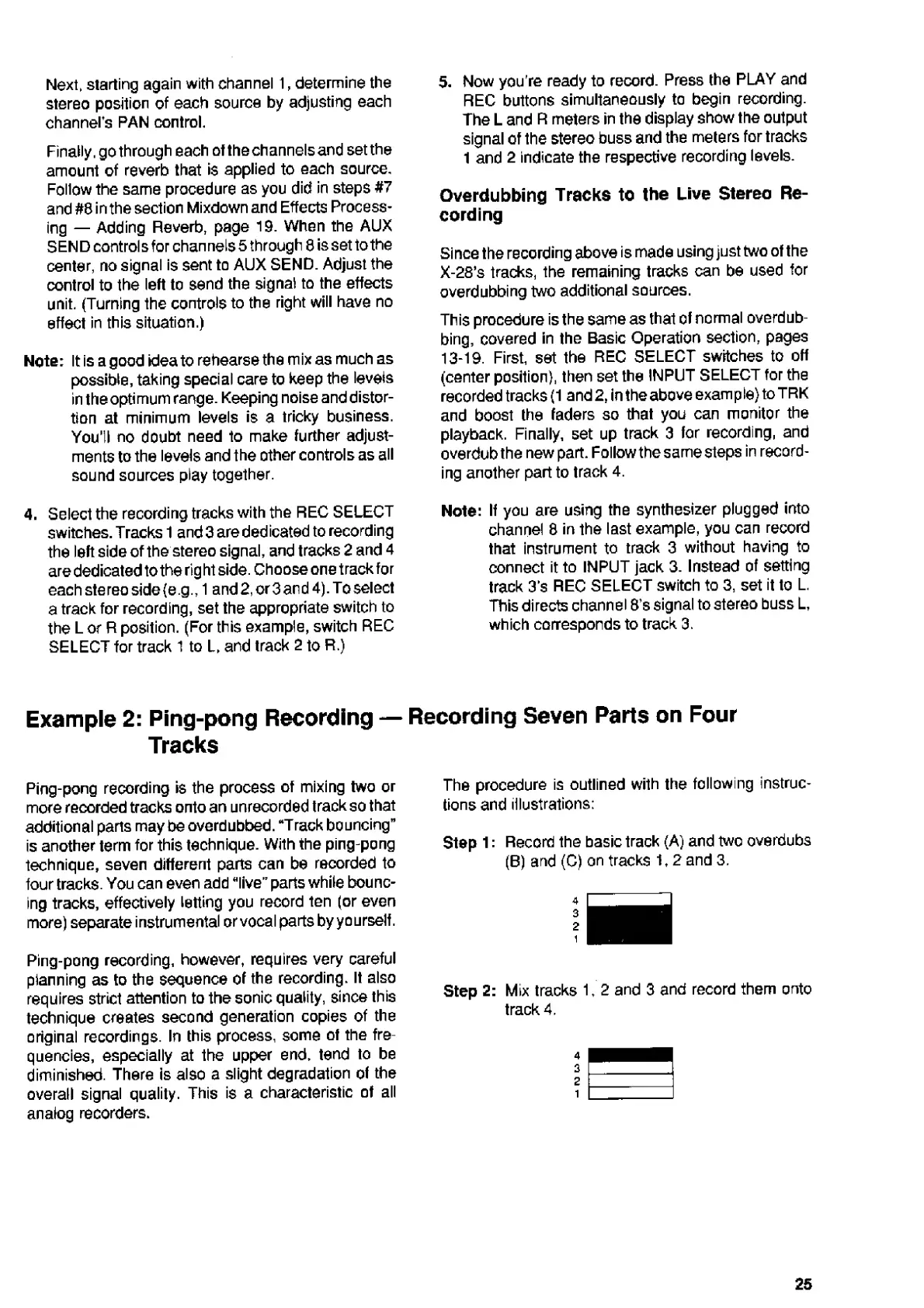
Step
1:
Record
the
basic
track
(A)
and
two
overdubs
(B)
and
(C)
on
tracks
1,2
and
3.
Step
2:
Mix
tracks
1,2
and
3
and
record
them
onto
track
4.
25

Related product manuals