5
83
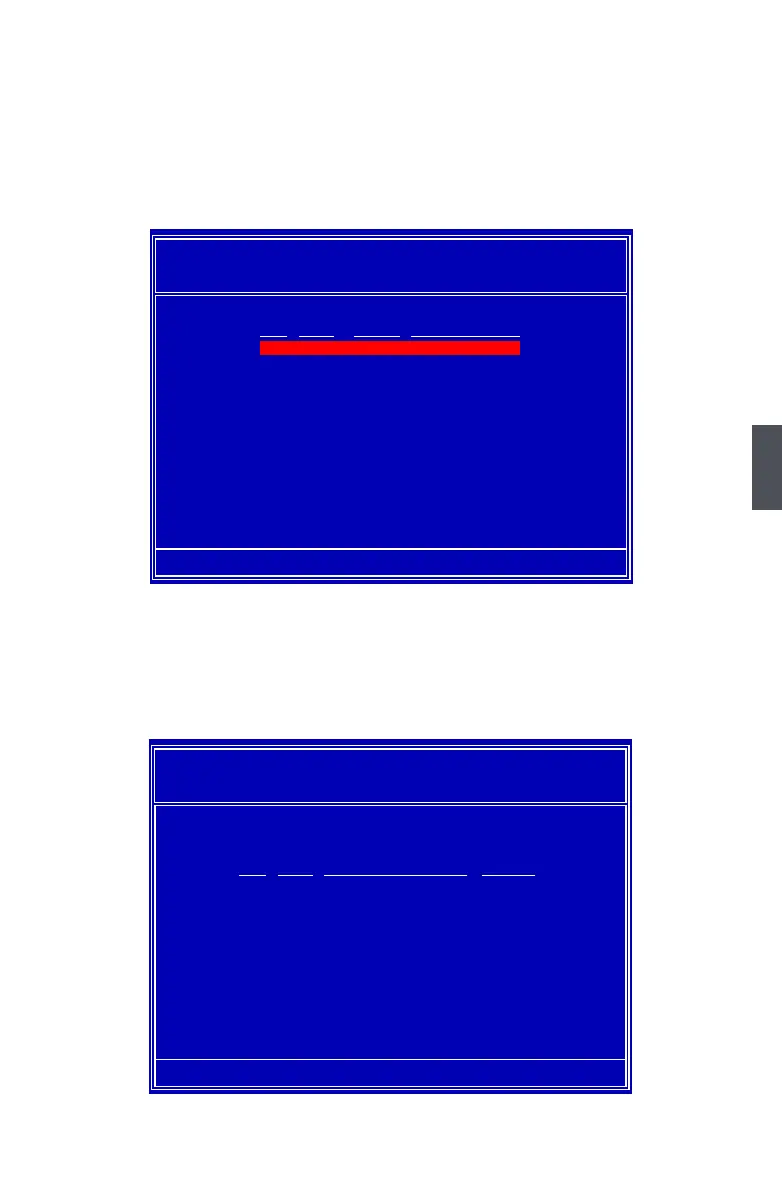
6. The screen displays a RAID 0+1 array of 153.38GB, which is twice the size of the
smallest hard disk. That is, 2*76.69= 153.38GB.
If you want to build a new Operating System (such as Windows XP) in this RAID
system, please press [B] to select it as bootable.
You can then press [Ctrl]+[X] keys to exit the setup program, and restart your PC.
7. In above screen, you also can press <Enter> to know the detailed drive information of
this RAID system. Press [D] here allow you to delete previous settings, and go back
to the rst time when MediaShield was started.
MediaShield BIOS Jul 27 2007
- Array List -
[Ctrl-X] Exit [↑↓] Select [B] Set Bootable [N] New Array [ENTER] Detail
Boot Status Vendor Array Si�e
Healthy NVIDIA RAID 0+1 153.38G
Array 4 : NVIDIA RAID 0+1 153.38G
- Array Detail -
RAID Mode: Striped Mirror
Stripe Width : 2 Stripe Block: 64K
[R] Rebuild [D] Delete [C] Clear MBR [ENTER] Return
Port Index Disk Model Capacity
0.0 0 WDC WD1200JD-98HBB0 111.79G
0.1 1 HDS728080PLA380 76.69GB
0.2 2 Hitachi HDT725025VLA380 232.88G
0.3 3 ST3320620AS 298.09G



 To Next Page
 Loading...










