WATCHING YOUR
RECORDINGS
TECHNICAL HELP
& SPECIFICATIONS
PUTTING THE “HD”
INTO MYSTAR HD
PERSONALISING
YOUR MYSTAR
YOUR PLANNER
WATCHING YOUR
RECORDINGS
RECORDING
WITH MYSTAR
HOW TO FIND
YOUR MYSTAR
REMOTE CONTROL
MYSTAR – WHAT’S
CONTENTS
WATCHING YOUR
RECORDINGS
WATCHING YOUR RECORDINGS
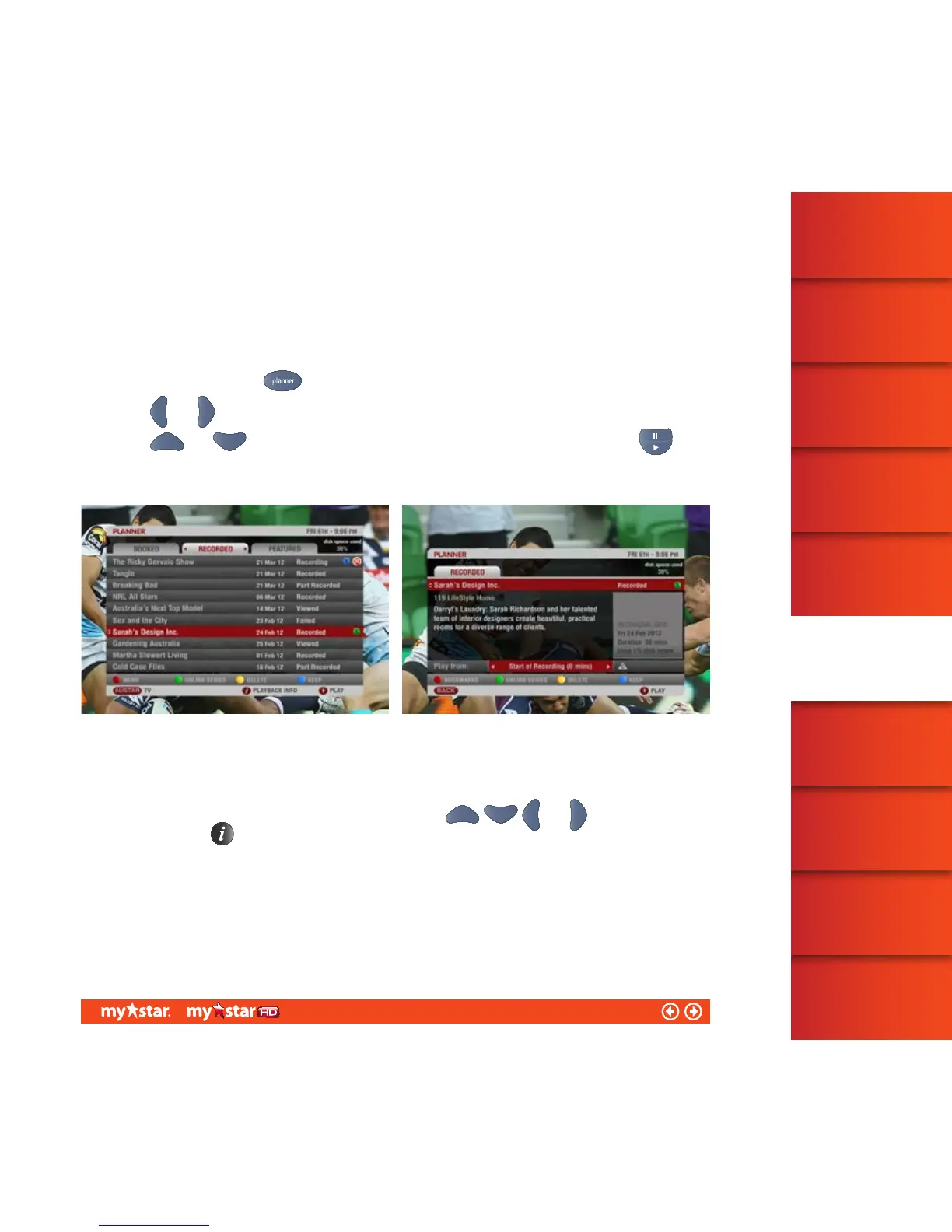
All currently recording and recorded programs are listed in Planner – under the RECORDED Tab.
To access Planner, press the
button on the MyStar remote control
Use the
and arrows to select the RECORDED Tab (see figure 25)
Use the
and arrows to highlight the program you would like to watch and press the
button. The program will play from the start or the ‘last viewed’ position of the program if the recorded
program has already been partially watched
If you would like to select your own start position within a recorded program, simply access the Recorded iBox
(see figure 26).
To access the Recorded iBox, highlight the program using the
and arrows in Planner
and then press the
button on the MyStar remote control
32/81



 To Next Page