PERSONALISING
YOUR MYSTAR
TECHNICAL HELP
& SPECIFICATIONS
PUTTING THE “HD”
INTO MYSTAR HD
PERSONALISING
YOUR MYSTAR
YOUR PLANNER
WATCHING YOUR
RECORDINGS
RECORDING
WITH MYSTAR
HOW TO FIND
YOUR MYSTAR
REMOTE CONTROL
MYSTAR – WHAT’S
CONTENTS
PERSONALISING
YOUR MYSTAR
This service is designed to help the hearing impaired enjoy Foxtel TV, by displaying the audio from the program
ason-screen text.
Closed Captions are available on selected programs and channel, and are denoted by a
symbol in the
on-screen and printed TV Guides.
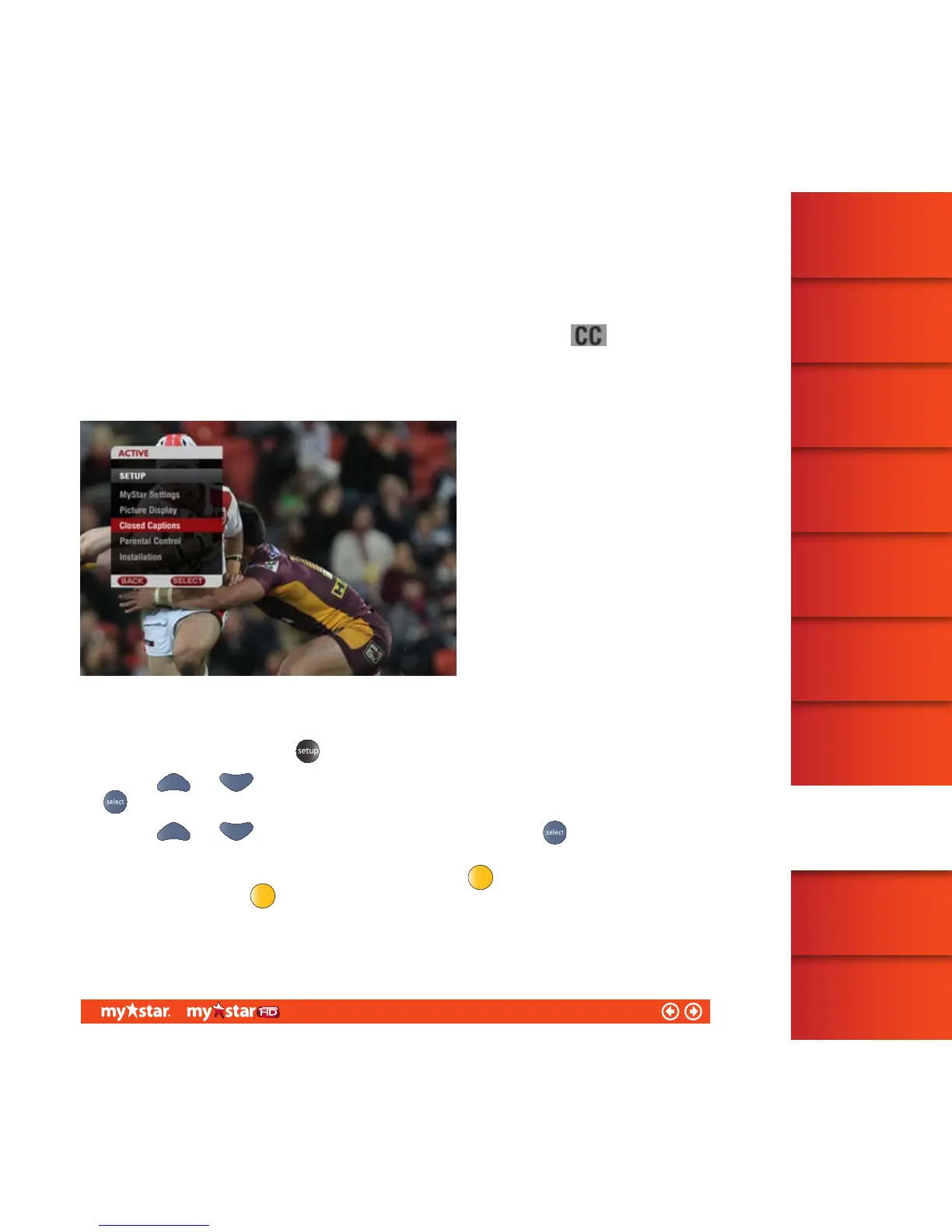
To adjust Closed Captions, first launch the Setup menu which is found within the ACTIVE menu (see figure 40).
To activate/deactivate Closed Captions:
Launch the Setup menu, press the
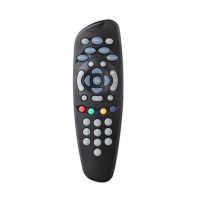
button on the MyStar remote control
Use your
and arrows to move the on-screen highlighter to ‘Closed Captions’ and then press
Use your
and buttons to activate Closed Captions and then press to confirm your selection
(on or off)
Note: Closed Captioning is available to MyStar customers by pressing
while watching TV. The service can be
deactivated by pressing
again.
48/81


 To Next Page