PERSONALISING
YOUR MYSTAR
TECHNICAL HELP
& SPECIFICATIONS
PUTTING THE “HD”
INTO MYSTAR HD
PERSONALISING
YOUR MYSTAR
YOUR PLANNER
WATCHING YOUR
RECORDINGS
RECORDING
WITH MYSTAR
HOW TO FIND
YOUR MYSTAR
REMOTE CONTROL
MYSTAR – WHAT’S
CONTENTS
PERSONALISING
YOUR MYSTAR
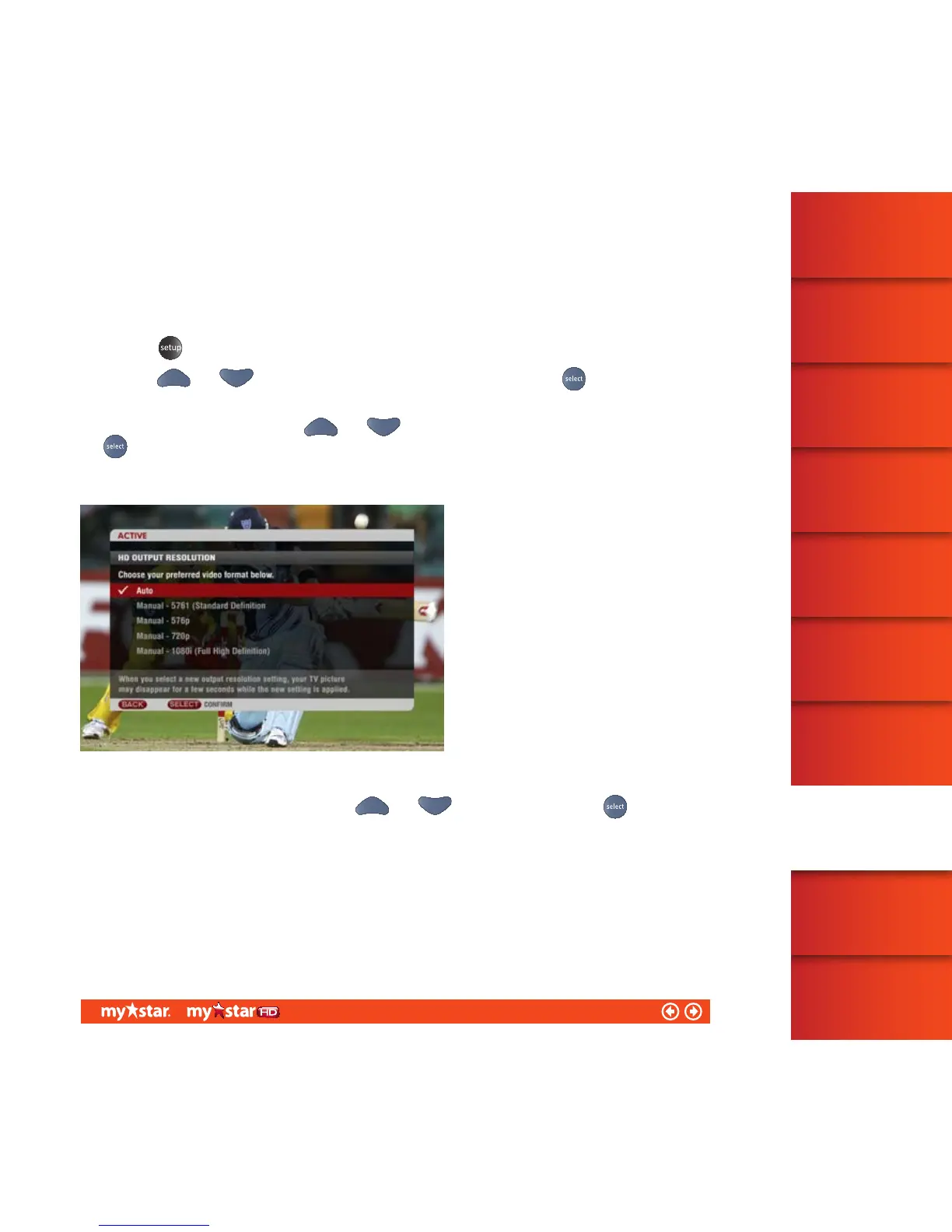
HD resolution
MyStar HD can provide a superior picture and sound quality, particularly when combined with a HD TV.
You can easily change the resolution of the picture you see on-screen.
Press the
button on your remote control
Use your
and arrows to highlight ‘MyStar settings’ and then press the button to confirm
your selection
Select ‘HD resolution’ by using your
and arrows to highlight ‘HD resolution’ and then press the
button
There are four options for you to choose from (see figure 39):
Highlight your preferred format by using your and arrows and then press the button to
confirm your selection
47/81



 To Next Page