WATCHING YOUR
RECORDINGS
TECHNICAL HELP
& SPECIFICATIONS
PUTTING THE “HD”
INTO MYSTAR HD
PERSONALISING
YOUR MYSTAR
YOUR PLANNER
WATCHING YOUR
RECORDINGS
RECORDING
WITH MYSTAR
HOW TO FIND
YOUR MYSTAR
REMOTE CONTROL
MYSTAR – WHAT’S
CONTENTS
WATCHING YOUR
RECORDINGS
Creating a bookmark
Want to mark out your favourite scenes in a recording? Bookmark the spot and go back to it later.
MyStar allows you to set a bookmark within a recorded program so you can instantly return to that point in the
recording later. You can set up to 20 bookmarks in any recorded program.
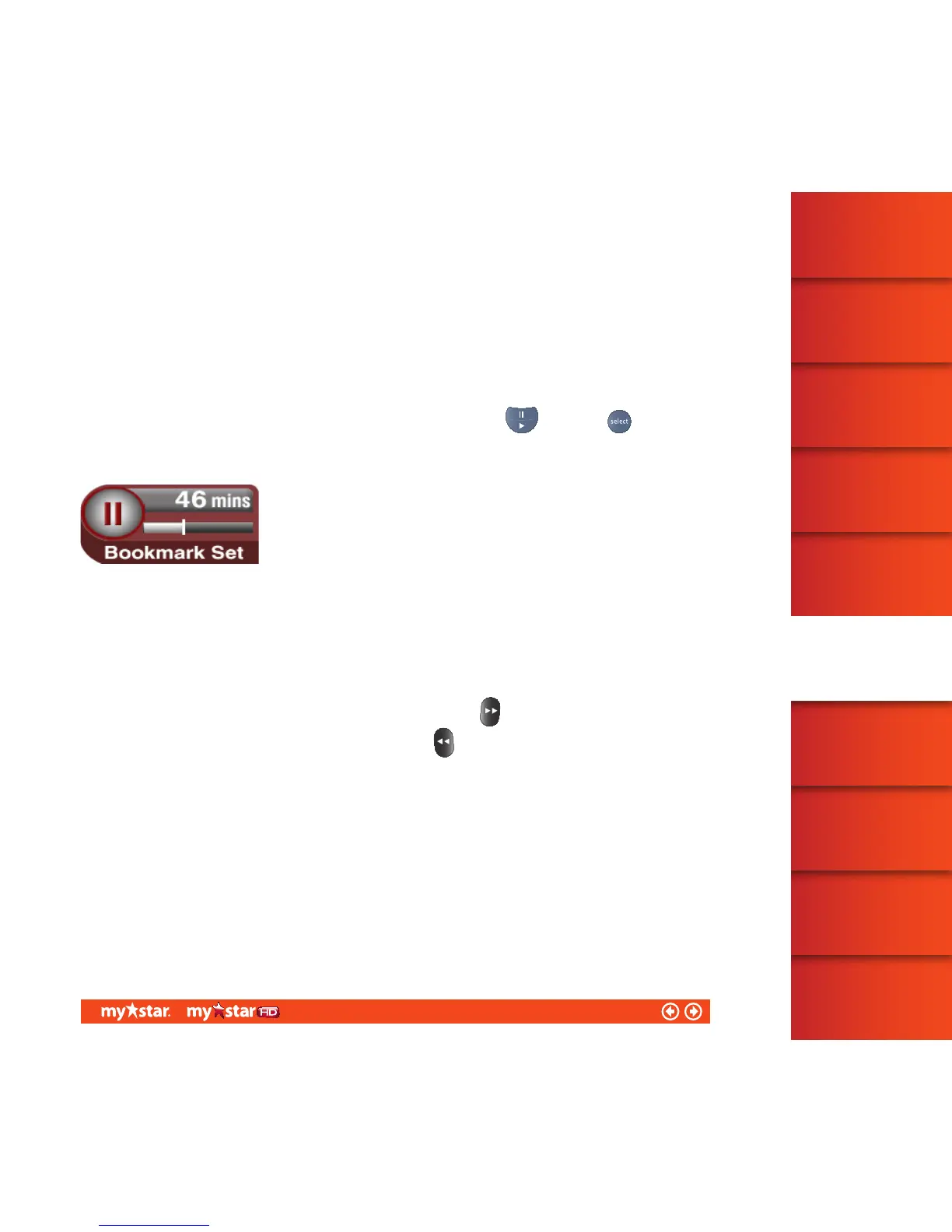
To set up a bookmark while playing back a recorded program, first press
, then press . The Pause
symbol will appear on-screen with the message Bookmarked below it. To add further bookmarks, simply
repeatthis step
This symbol will automatically disappear from your screen after a few seconds.
Find a bookmark
While you are watching a recorded program, you can quickly navigate to the bookmarks you have set up within
the program.
To skip forward to the first/next bookmark, press and hold down the
button for 3seconds
To return to a previous bookmark, press and hold down the
button for 3 seconds
35/81



 To Next Page