YOUR PLANNER
TECHNICAL HELP
& SPECIFICATIONS
PUTTING THE “HD”
INTO MYSTAR HD
PERSONALISING
YOUR MYSTAR
YOUR PLANNER
WATCHING YOUR
RECORDINGS
RECORDING
WITH MYSTAR
HOW TO FIND
YOUR MYSTAR
REMOTE CONTROL
MYSTAR – WHAT’S
CONTENTS
YOUR PLANNER
Icons
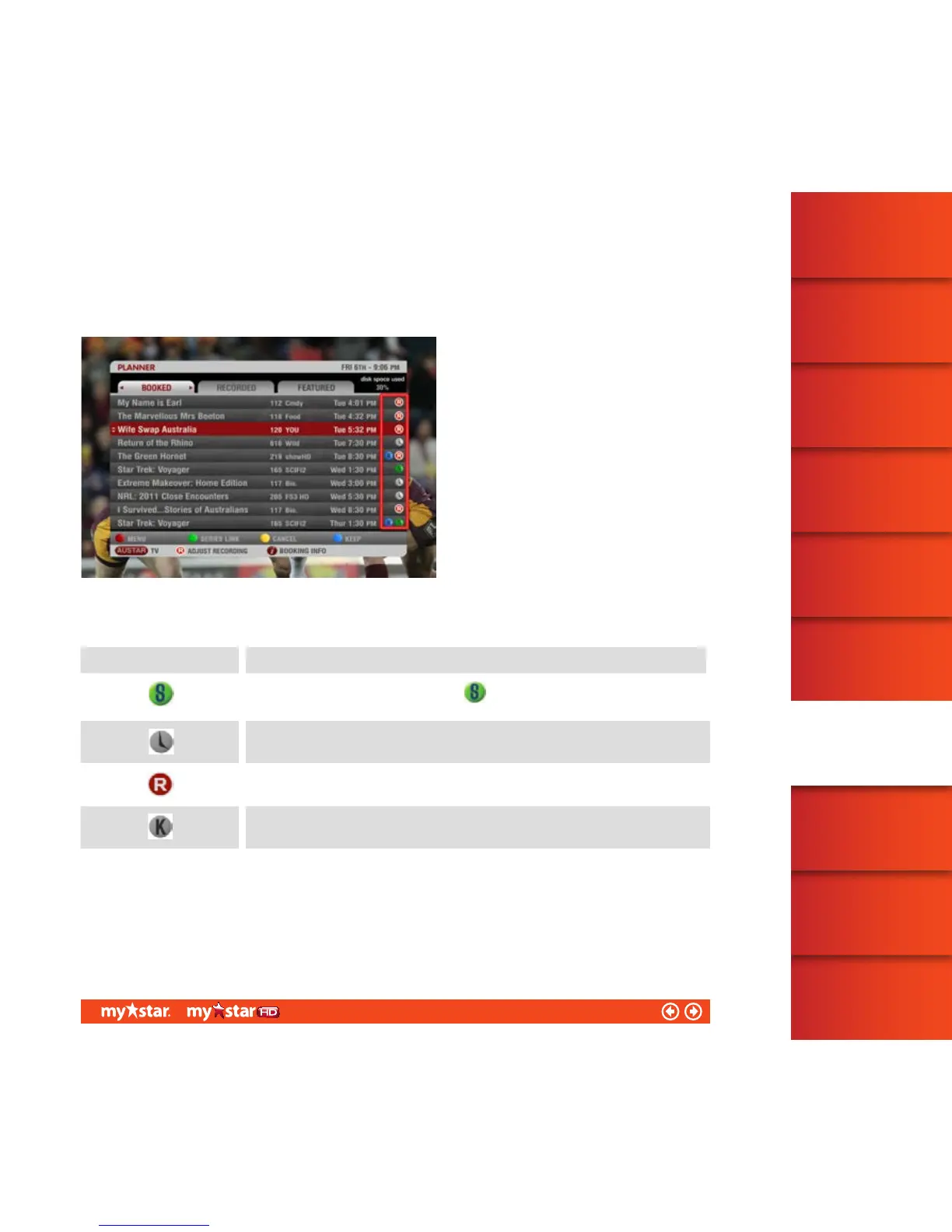
Icons in Planner are used to communicate the services you may have set up for a program, such as Record or
Keep, through other areas of your Foxtel TV service (see figure 33).
Figure 33
The following table identifies icon descriptions:
ICONS
Once a program has been Series Linked, a will appear in Planner and the on-screen
TVGuide.
Reminder Icon – a reminder message will display on-screen just before the program starts.
Record /Recording Icon – MyStar will record, or is currently recording this program.
Keep Icon – once the program has been recorded, or if already recorded, MyStar will not
delete this program when disk space is required.
41/81



 To Next Page