24
T2000 TPMS Service Tool Manual_English_V1.01
Figure 5-26 Sample Activation Screen
6. Press F3 to start the programming when the tool detect the sensor.
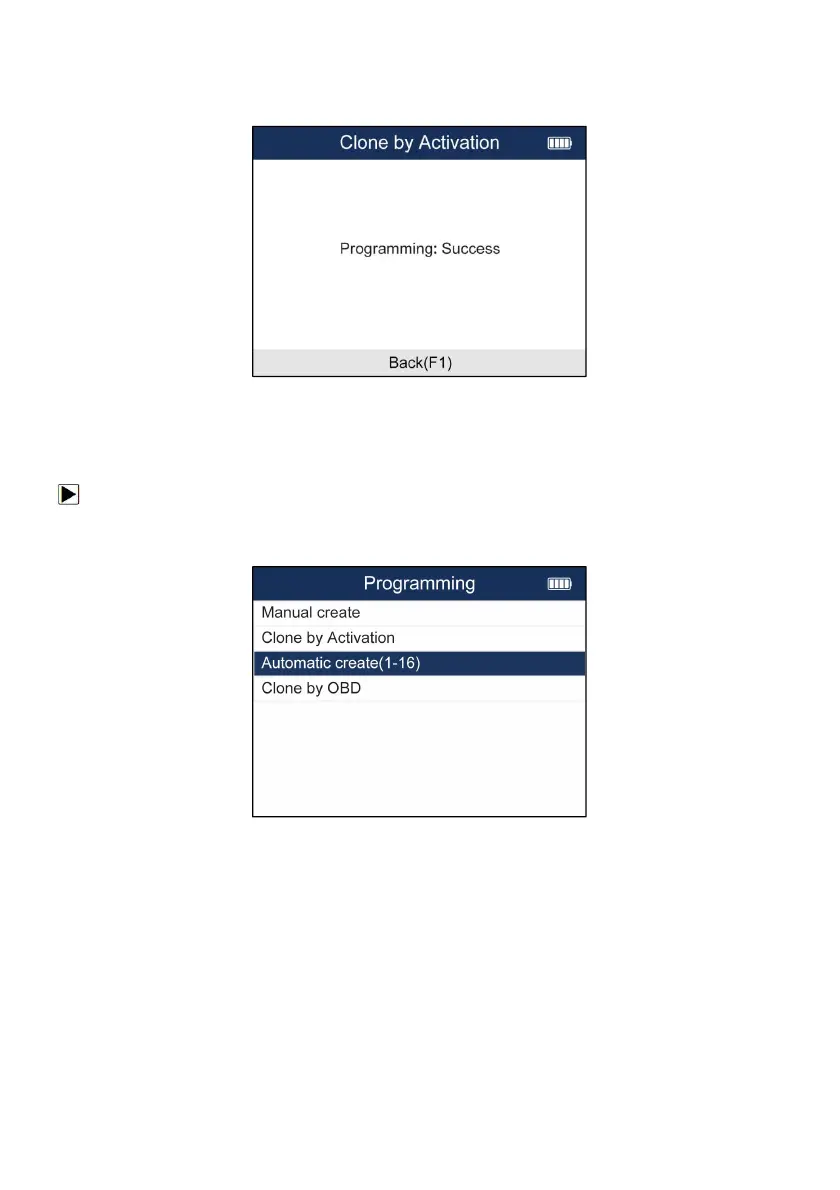
7. Press F1 to exit after the programming successfully.
Figure 5-27 Sample Activation Screen
5.3.3 Automatic Create (1-16 sensors)
The Automatic Create function is to program Foxwell sensors by applying random IDs created
according to the test vehicle when it is unable to obtain the original sensor ID.
To create sensor ID automatically:
1. Highlight TPMS from the Main Menu and select the vehicle model as need.
2. Select Programming--Automatic Create from the available menu.
Figure 5-28 Sample Automatic Create Menu
3. Place new Foxwell sensors(1-16) near the TPMS tool (around 0-20 cm).


 To Next Page