Frama Matrix F22
18
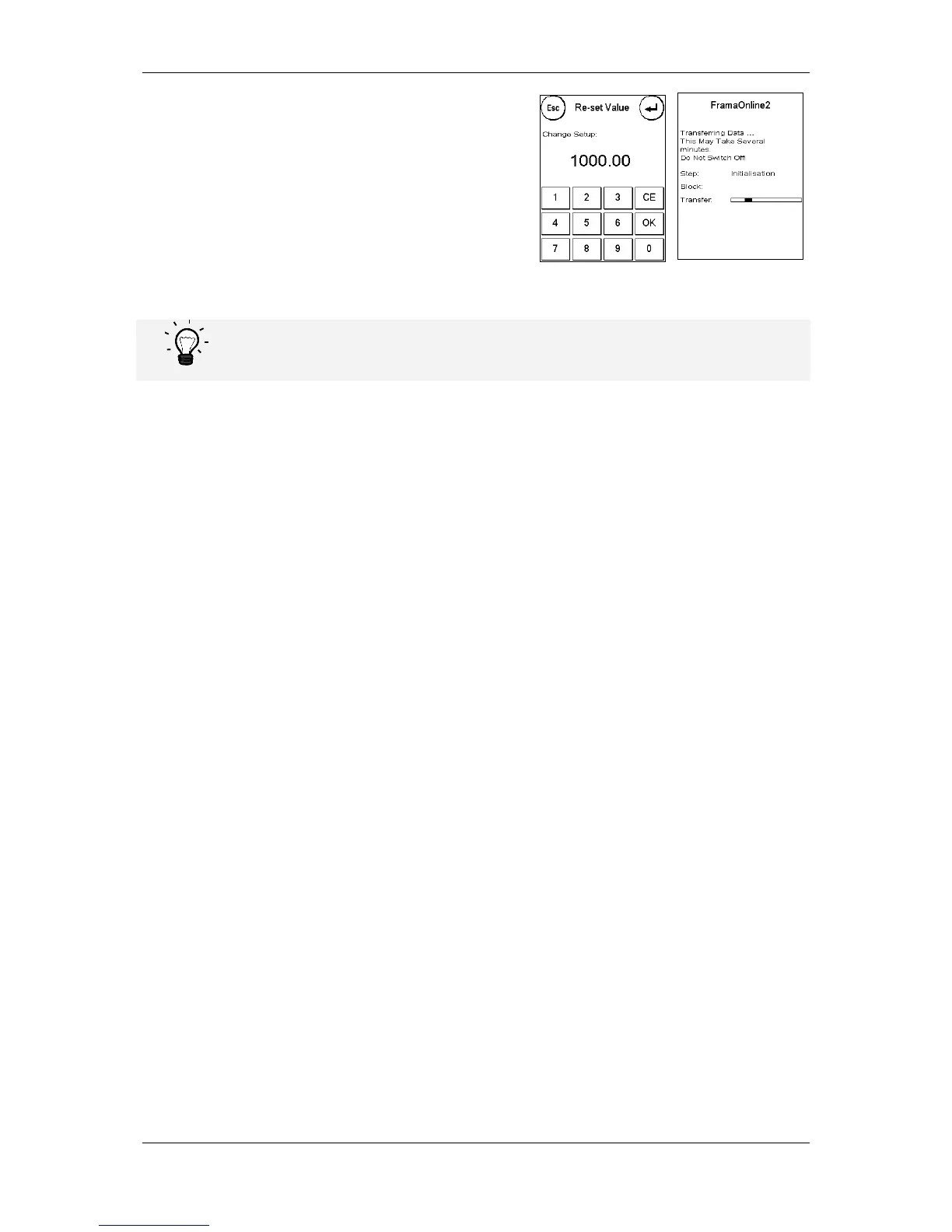
8. Enter the desired credit amount to be loaded in
Taka without using a decimal point. Please
observe any provisions in your contract with the
post office.
9. Confirm the amount by pressing OK.
10. Your Frama franking system establishes a link
with the FramaOnline2 data centre and keeps
you informed as to the progress of the connection.
The connection can last several minutes depending on the amount of data to be transferred
(postage rates update, etc.).
The transaction data is displayed once the connection is completed.



 To Next Page