Frama Matrix F22
33
5.5. Info Print
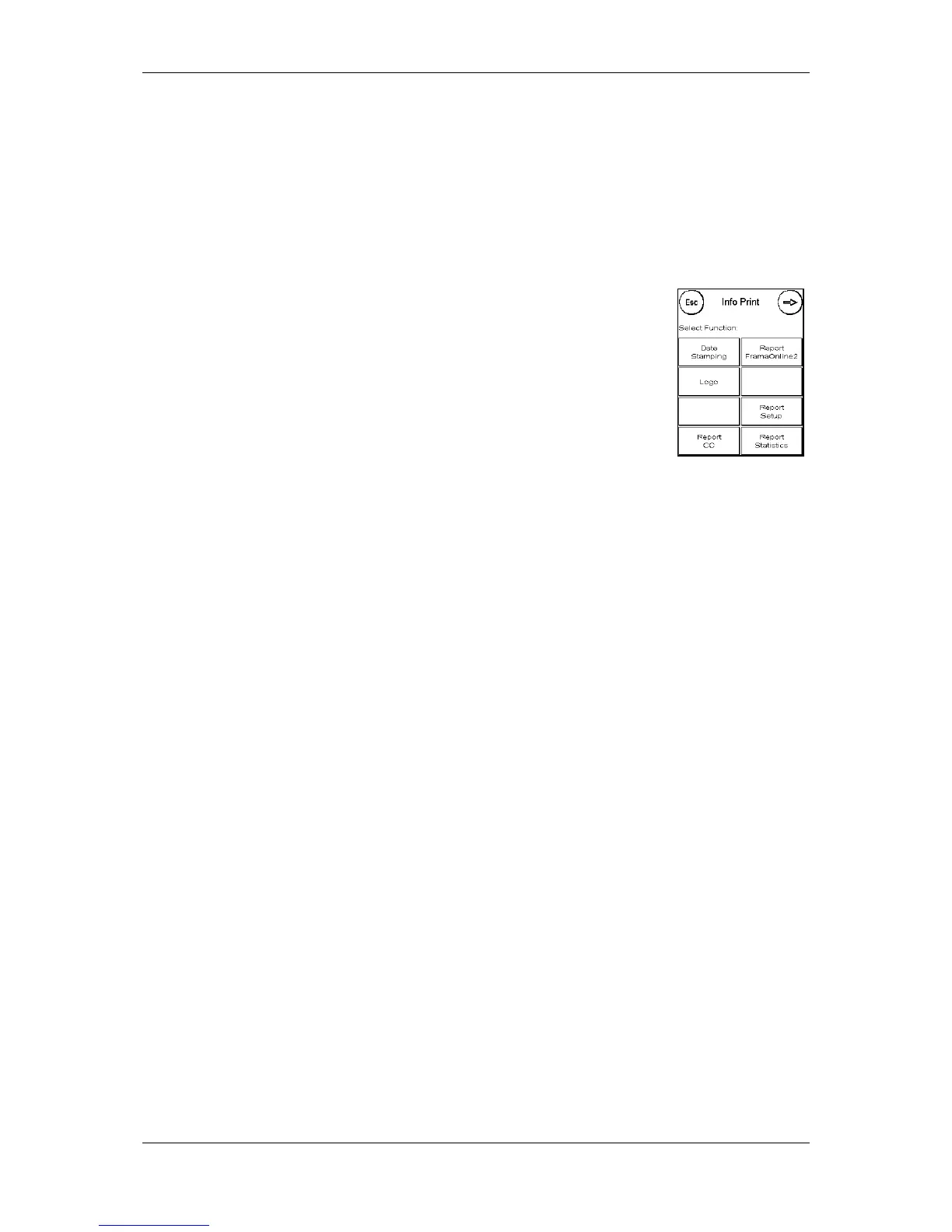
You can set various print modes for your Matrix franking system using the Info prints. The reports
are particularly important. These allow condensed information to be printed out. These reports
help you by providing overviews when you are programming or, for example, they may be used as
receipts after loading postage via the FramaOnline2 data centre.
You can call up further Info Prints by pressing the Next key (right arrow).
5.5.1. Printing out reports
Press the key appropriate to the report you want and feed a C5/6 format
envelope into your Frama Matrix franking system to print the report.
You can quit the Info Print menu by pressing ESC.
5.5.2. Received stamp
You can convert your Matrix franking system into a received stamping
machine. Select the Date Stamping function in the Info Print menu. This mode
changes to a different franking mark. No postage is used.
5.5.3. FramaOnline2 report
The FramaOnline2 report acts as a receipt for the transaction concerned. You receive information
about the sum loaded and the composition of the current credit. The check amount corresponds to
the total of all amounts loaded, and it also helps you when you check your transactions.
5.5.4. Advertising imprint
The Advertising Imprint function in the Info Print menu allows you to print the advertising imprint
only. All relevant postage information is hidden. This mode does not consume postage.
5.5.5. Setup report
The setup report summarizes certain settings of Setup menu 2 (Admin mode) in a clear layout.
5.5.6. CC report
The cost centre report is a clearly laid out report of the data for the current cost centre data or for a
selected cost centre (Admin mode).
5.5.7. Statistics report
The statistics report is used to print out the statistics for the current period. The data collected
correspond to the items you have mailed in the time between two connections with the
FramaOnline2 data centre. The report extends over several pages (depending on the volume of
statistics).
After connecting with the FramaOnline2 data centre, the statistics are automatically deleted and
then recompiled using your consumption data.
5.5.8. Specimen
Use this function to run a postage test print to allow you to assess the print quality, for instance. No
postage is used.
The postage test prints may not be used for franking mail items.



 To Next Page