Frama Matrix F22
39
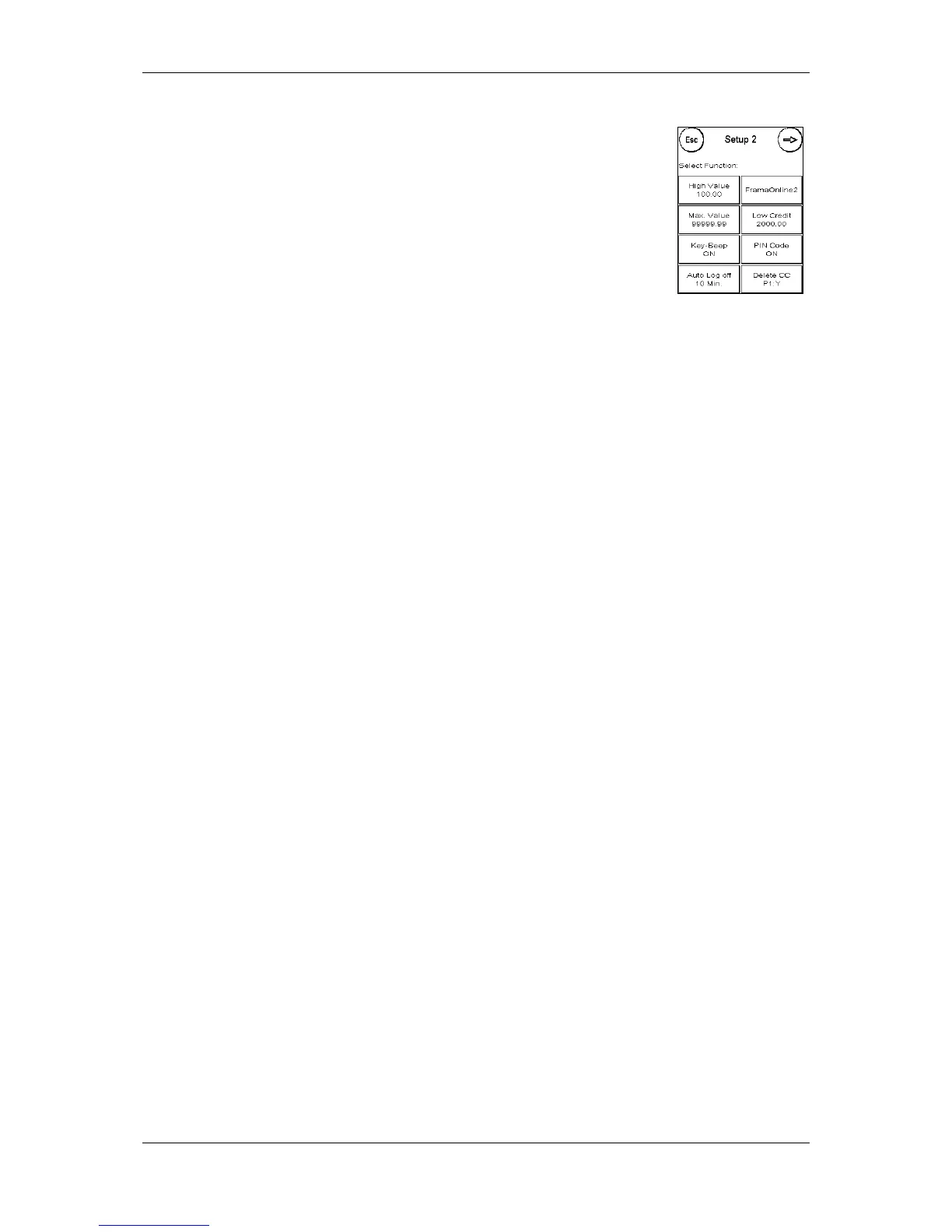
7.2. Setup 2 menu
Setup 2 menu can be only be called up in Admin mode (see page 41).
7.2.1. High Value
This setting determines that amount from which, for security reasons, you
must confirm the postage value before this amount can be franked. The
default setting is 100.00. Enter the new value and confirm your input by
pressing ENTER.
7.2.2. Max. Value
Define the maximum permitted franking value with this setting. Press the key, enter the value and
confirm by pressing OK or ENTER (default = 99999.99).
7.2.3. Key Beep
Use to switch the key beep on and off. Press the key to switch the beep ON or OFF. This setting also
affects the signal in batch weighing (default = ON).
7.2.4. Auto Log off
Use this function to define the time until the current cost centre is closed and the Select Cost Centre
screen is called up. Entering 0 minutes switches this function off (default = 10 minutes).
7.2.5. FramaOnline2
The FramaOnline2 functions are explained in detail from page 44.
7.2.6. Low Credit
This setting checks the amount of postage available and warns you in good time that the level is
getting too low. Press the Low Credit key to change this setting. Enter the new value. Confirm your
change by pressing OK (default = 2000.00).
7.2.7. PIN Code
Use to switch the PIN input on or off. The PIN Code ON setting means that a PIN must be entered in
the Select Cost Centre function. The PIN Code OFF setting switches off the request for PIN Code
input. The Admin mode is not affected by this.
7.2.8. Delete CC
Here you can specify whether the cost centres may be deleted outside Admin mode.



 To Next Page