Frama Matrix F22
43
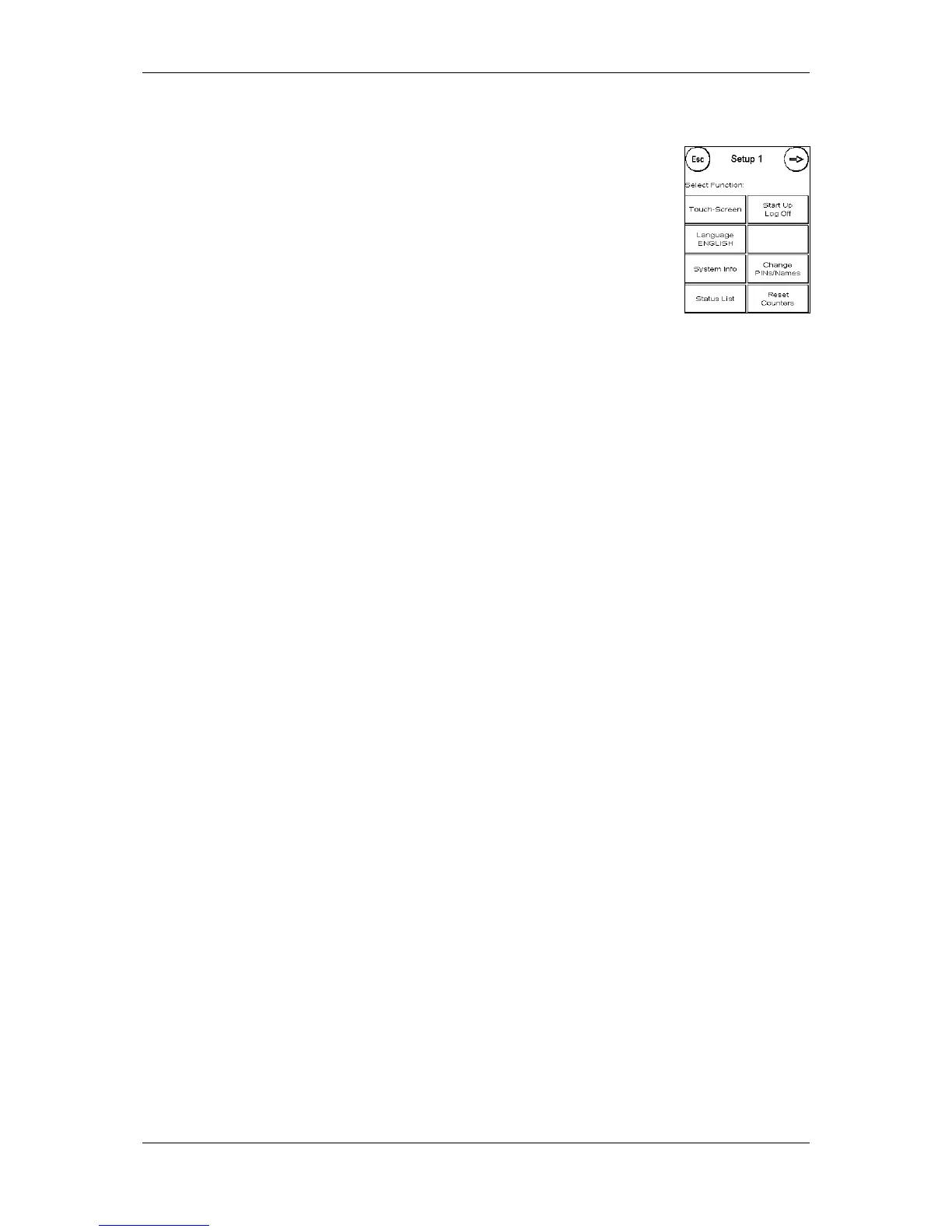
8.4. Setup 1
The Change PINs and Reset Counters functions apply to all cost centres in
Admin mode and therefore offer extended options. The Save Start Menu item
is not available in Admin mode.
8.4.1. Change PINs
Press the Change PINs key to change the PIN for Admin mode (Change PIN) or
to modify the PINs and names for other cost centres (Select CC).
8.4.2. Reset Counters
Press Reset Counters and select the period to be deleted. Deleting period 2 automatically also
deletes period 1.
Select the counters to be reset for a cost centre (Other CC) or a range of cost centres (CC range).
The All CCs key deletes the selected period for all cost centres.
Confirm the security prompts to delete the desired cost centres.
8.4.3. Setup 2/Setup 3
The settings for Setup 2 and 3 have already been described in detail from page 39.



 To Next Page