Frama Matrix F22
21
4.3. Determining postage value
Tip
Your franking system protects you from unintentionally franking with high postage rates (see
Settings section). By default, all franking valued over a specific value must be approved by
touching the postage value displayed (it is initially displayed inverted). This value can be
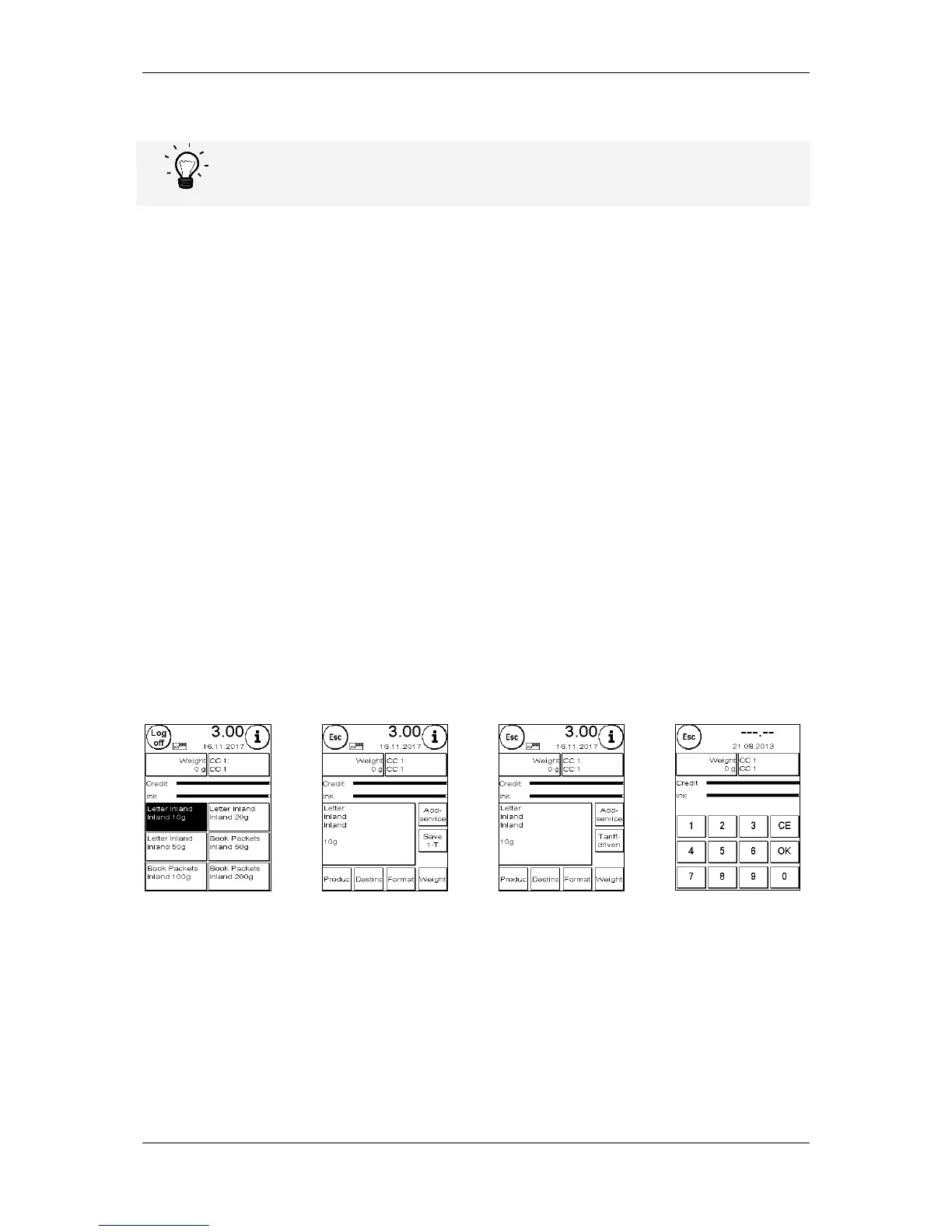
4.3.1. Start menu overview
Four start menus are available to you for efficient franking:
OneTouch
It is not necessary to enter postage values if you use the OneTouch keys. Instead, the mail product
concerned is selected by pressing a key. Your Frama Matrix franking system has already been
preprogrammed with the most important mail products.
Detail-guided
The details overview of a mail product gives you rapid access to all the properties of the mail
product illustrated.
Tariff-guided
Here, you are guided step-by-step through the myriad of postage rates. You can enter the type of
mailing, the destination, the weight and the surcharges one after the other here.
Numeric keypad
Postage rates can be entered independently of the mail products using the integrated numeric keypad.
Start menu overview:



 To Next Page