Frama Matrix F22
45
9.4. Connection
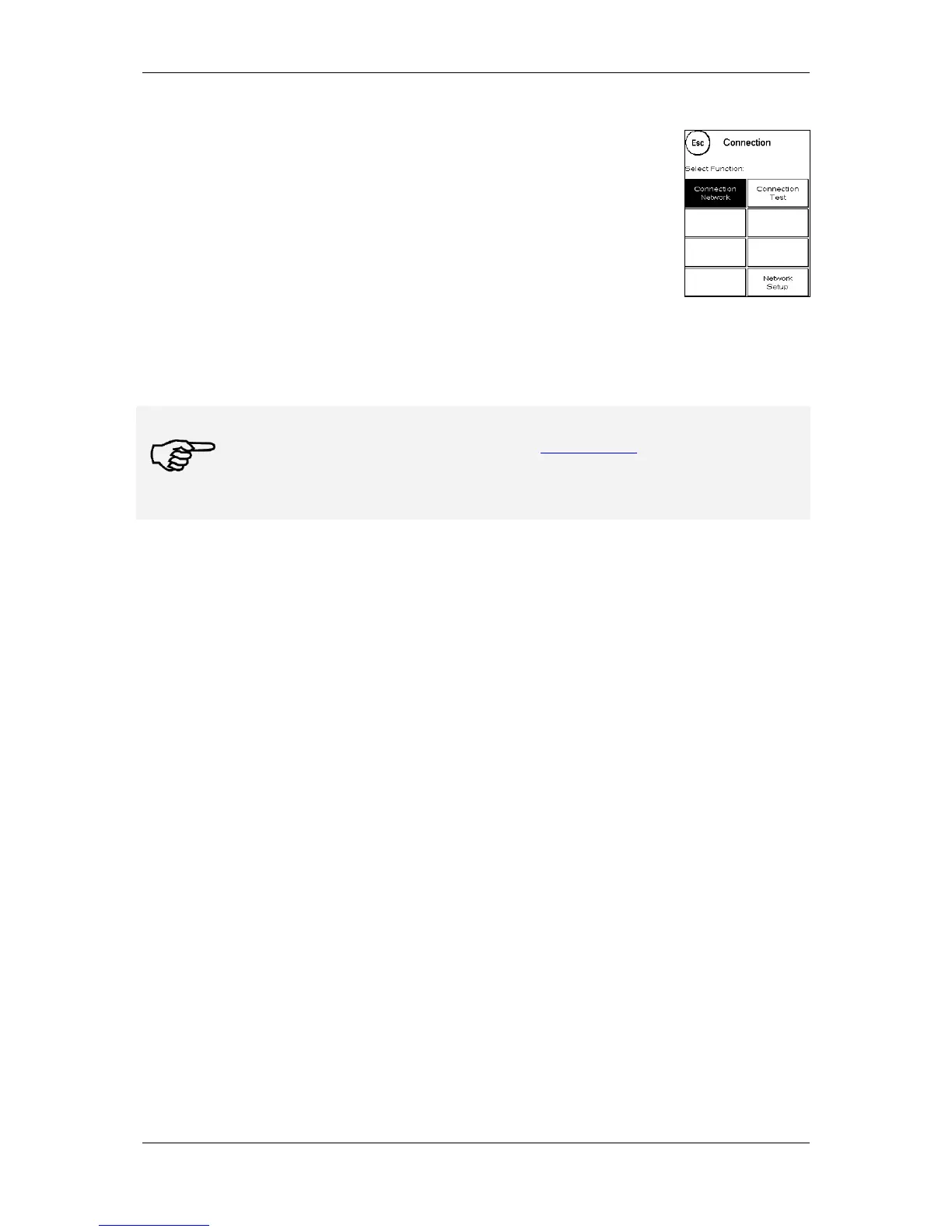
Pressing the Connection key calls up this menu. A key at the top left shows the
communication module currently active. The modules available are listed
beneath this.
9.4.1. Network Setup
The instructions for configuring the network connection are supplied separately and are not the
subject of this operating manual. In the as-delivered condition, dynamic configuration by DHCP is
preset; this provides an automatic connection of your Frama franking system in most cases.
FramaOnline2's address is: fo2.frama.com. Communicate using https via port 443.
Information
Current information and instructions for configuring the network connection on your Frama
franking system can be found under Downloads at www.frama.com.
You will also find here a listing of the error messages associated with the network connection
and FramaOnline2.
9.5. Last Report
Pressing this key displays the last report transmitted from the FramaOnline2 data centre. Touch the
display to return.
9.6. Print Report
Pressing this key prints out the last report transmitted from the FramaOnline2 data centre (see Info
Print FramaOnline2). Insert an envelope or similar in the franking system to print out the report.



 To Next Page