Frama Matrix F22
23
You can also set the Detail-guided start menu to be the permanent default start menu in the Setup
1 menu (see page 37).
4.3.4. Tariff-guided
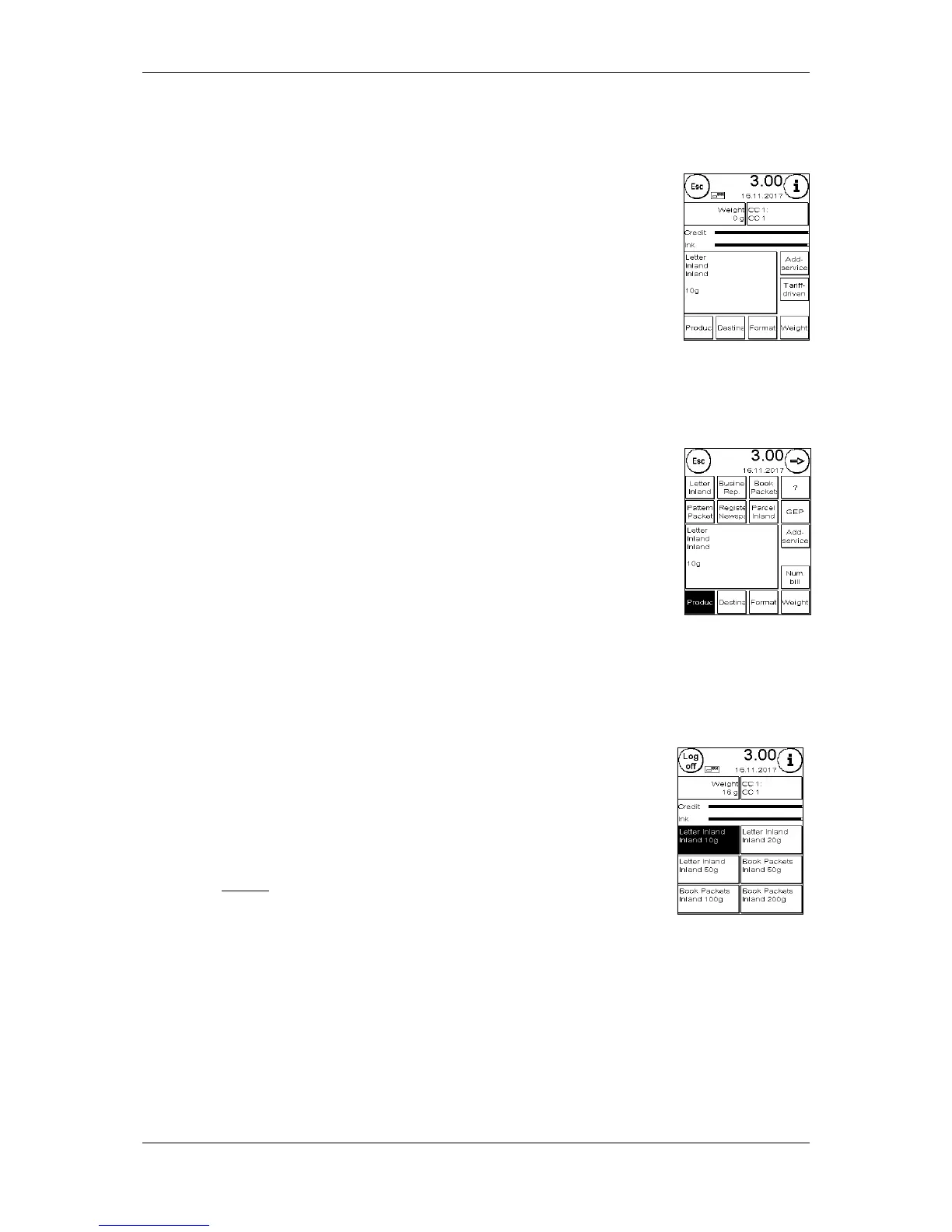
Call up the Tariff-guided start menu by pressing the Weight field in the
OneTouch menu. You will also be taken to this menu when batch weighing is
complete (see paragraph
4.3.6. Postage scales (optional) on page 23).
Then press the Tariff-guided key.
You will be guided through the individual tariff properties one-by-one. The
postage will be calculated once the last item for the tariff has been entered.
You can begin franking once the ready prompt appears.
You can also set the Tariff-guided start menu to be the permanent default start menu in the Setup 1
menu (see page 37).
4.3.5. Numeric keypad
Postage rates can be entered independently of the mail products using the
integrated numeric keypad.
The numeric keypad is included in the Tariff-guided start menu. Press the
numeric keypad key.
Enter the postage value required using the keypad. Confirm the value by
pressing OK. Assign the amount to a category. You can begin franking once
the ready prompt appears.
The numeric keypad cannot be defined as the start menu.
4.3.6. Postage scales (optional)
There are a number of ways of determining the precise weight of the mail item using S2 or S5
scales.
4.3.6.1. Checking the weight of a mail item when franking
Information about the weight is displayed continuously in the top section of
the franking mask (in this case 16 g). In view of this, you can have the weight
of a mail item conveniently displayed to you without having to interrupt the
franking process.
The weight display has no effect on the postage rate calculation.



 To Next Page