Using Reminders
You can use Reminders to help you remember to check your glucose, take
insulin, or as a general alarm.
Step
Action
1
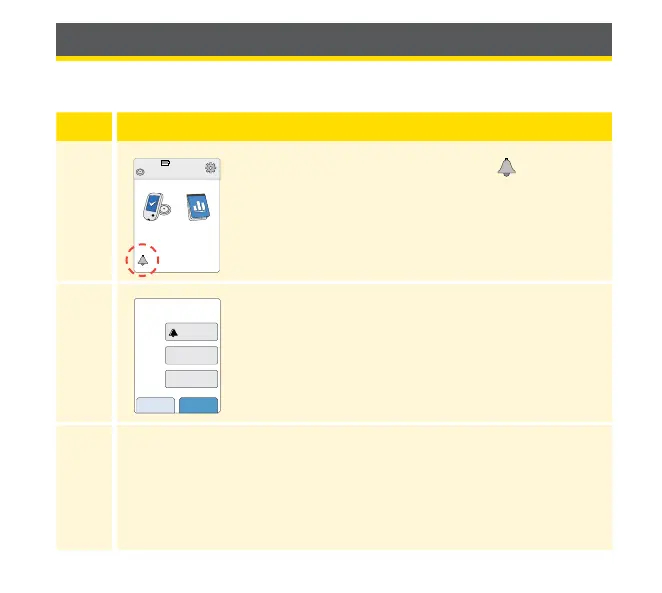
From the Home Screen, touch the symbol.
2
Touch to select which Type of reminder you want
to set: Check Glucose, Take Insulin, or Alarm.
3
Touch to select how often you want the reminder to Repeat:
Once, Daily, or Timer.
Note: You can set the reminders for a specic time (e.g. 8:30 am)
or as a timer (e.g. 3 hours from the current time).
Ends in 10 days
10:23pm
Check
Glucose
Review
History
cancel save
Set Reminder
Alarm
Daily
XX:XX
Type
Repeat
Time
60



 To Next Page