Changing the Reader Settings
You can go to the Settings menu to change many settings on the Reader,
like Time & Date or Sounds. The Settings menu is also where you go to do
a Control Solution Test or to check the System Status.
Step
Action
1
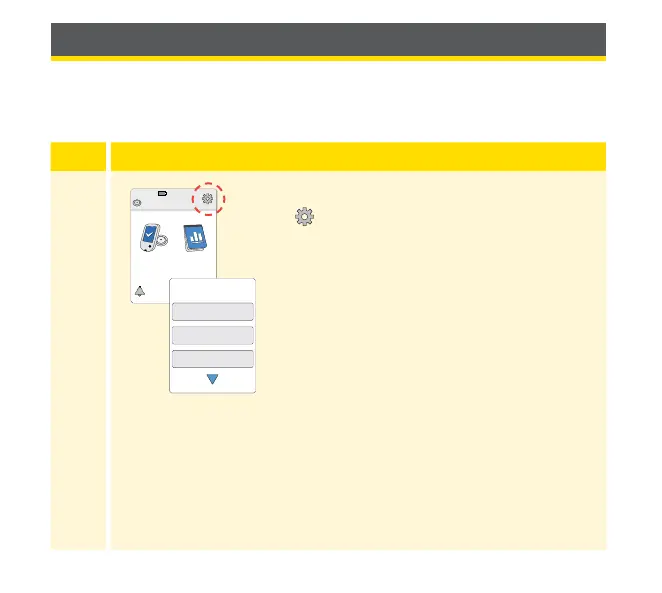
To get to the Settings menu, touch the Settings
symbol
on the Home Screen.
Ends in 10 days
10:23pm
Check
Glucose
Review
History
Sounds
Target Range
Control Solution Test
Settings
1 / 3
77



 To Next Page